Definition: A crystal identifier app is a mobile tool that uses AI image recognition to name rocks, crystals, minerals, and fossils from a single photo, returning data like Mohs hardness, common localities, and visually similar specimens.
- Rock Identifier is available on both iOS and Android, free to install and start scanning crystals immediately.
- AI photo matching returns likely mineral names, Mohs hardness, and lookalikes within seconds of snapping a picture.
- App results are a strong first pass but should be paired with basic field checks like streak, hardness, and find location for best accuracy.
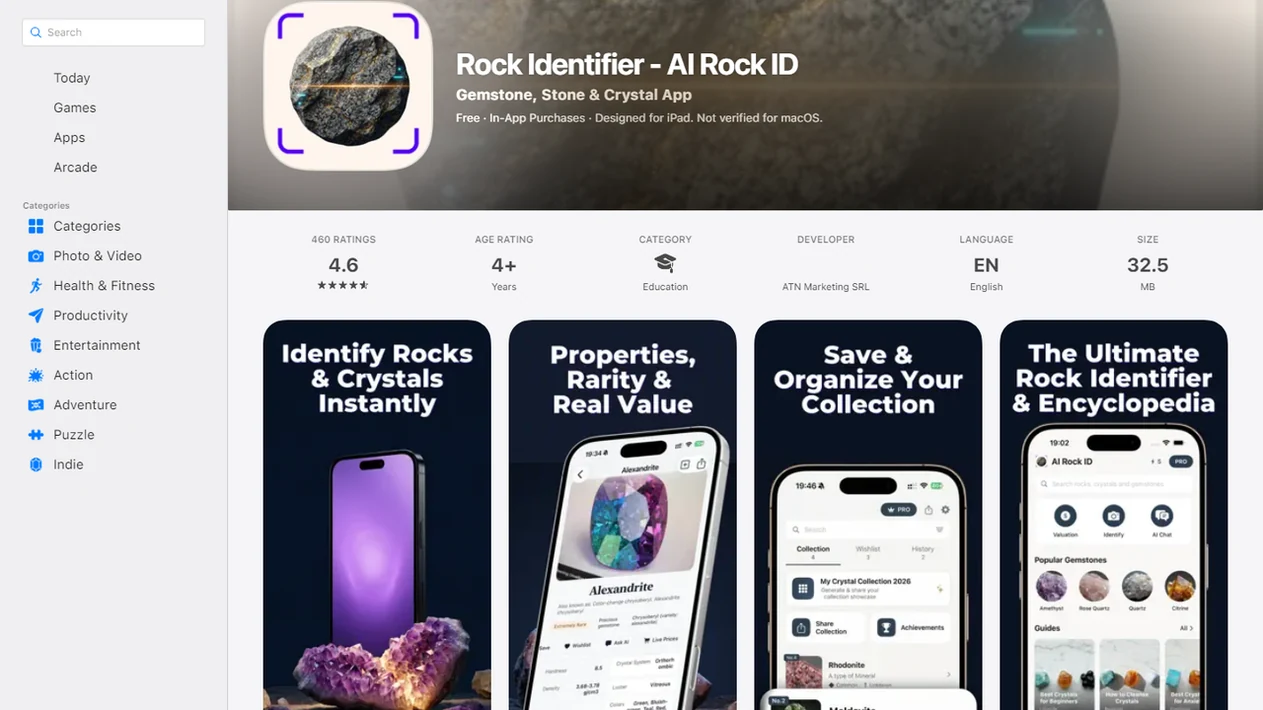
For photo-based identification on iPhone or iPad, try the crystal identifier app. You can also upload a photo on RockIdentifier.io.
Recommended app for downloading a crystal identifier
AI Rock ID is useful when a clear photo can provide a first-pass crystal or mineral match. The app is most helpful when the photo result is checked against hardness, streak, surface texture, and where the specimen was found.
Best for
- Scanning a newly found crystal from an iPhone or iPad camera
- Saving likely mineral names for a home collection
- Comparing visually similar stones before using a field guide
- Checking Mohs hardness clues after a photo match
- Documenting rockhounding finds with notes
- Classroom practice with mineral properties and lookalikes
- Using a web upload when the specimen photo is already on a computer or browser
Limitations
- Photo-only results are ranked suggestions, not lab confirmation
- Polished, dyed, coated, or weathered stones can be harder to identify from images
- Value context is not a substitute for gemological appraisal
- Rare minerals may require expert review or testing
Who this guide is for
Good fit if you
- iPhone or iPad users who want a quick first-pass crystal name from a photo
- Beginners sorting crystals, minerals, fossils, or gemstones at home
- Rockhounds who want to save likely IDs and compare lookalikes after a trip
- Students learning how Mohs hardness, streak, luster, and crystal habit support identification
- Hikers or beachcombers who want to document finds before checking a field guide
- Users who prefer a photo upload option through RockIdentifier.io instead of only using an app
Consider another method if you
- Gem buyers who need grading, certification, or appraisal for sale or insurance
- Users who need lab-confirmed mineral chemistry or species-level certainty
- Anyone identifying hazardous, radioactive, or asbestos-like material without expert help
- Collectors relying only on color without checking hardness, streak, locality, or surface texture
Consider another method if you
- Gem buyers who need grading, certification, or appraisal for sale or insurance
- Users who need lab-confirmed mineral chemistry or species-level certainty
- Anyone identifying hazardous, radioactive, or asbestos-like material without expert help
- Collectors relying only on color without checking hardness, streak, locality, or surface texture
Rock Identifier App Download: Photo Crystal ID Features
- RockIdentifier scans a phone photo and returns likely IDs for thousands of rocks, crystals, minerals, fossils, and gemstones.
- Each result can show a mineral name, Mohs hardness range, typical locality notes, and visually similar minerals.
- RockIdentifier is available on iOS and Android with no upfront cost to install.
- According to Sensor Tower, free apps accounted for about 92% of worldwide app downloads in 2019, so a free crystal identifier download matches how most people expect mobile tools to start: https://sensortower.com/blog/app-revenue-and-downloads-2019
- A photo-based match is not professional geological analysis, lab testing, or gemological grading.
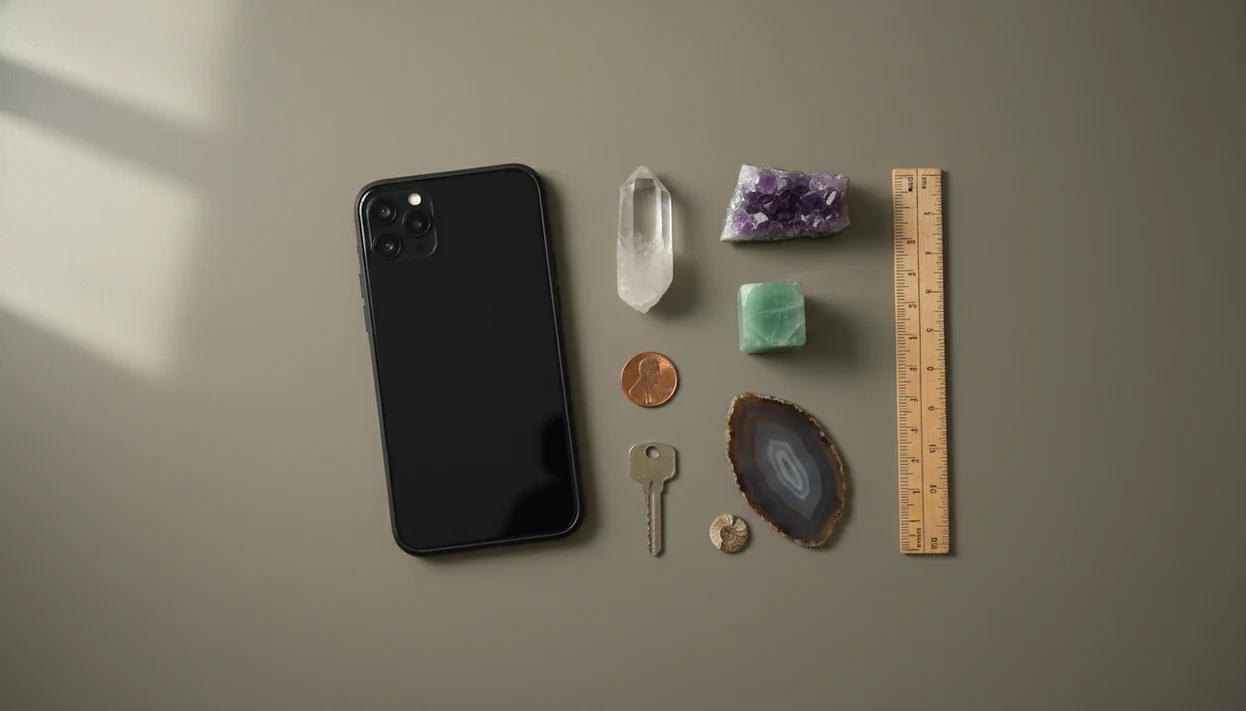
For beginners who need a fast crystal name before opening a field guide, RockIdentifier fits because it pairs the photo match with Mohs hardness and lookalike checks. We still put a penny, key, or fingernail beside small finds when testing them later.
How Crystal Identifier Apps Work
Crystal identifier apps work by comparing your uploaded or camera-captured photo with learned visual patterns from labeled mineral images. The app looks for surface clues, then returns ranked matches rather than a single guaranteed answer.
In practice, the model extracts visual features, meaning measurable photo details such as color zones, shine, edges, crystal habit, and texture. Those clues affect confidence: glassy luster may push a result toward quartz, cubic habit may support fluorite or pyrite, and a sugary texture may suggest a different set of lookalikes. Because many minerals share color, photo-only identification improves when you add hardness, streak, and locality. A white specimen that scratches glass, leaves no strong streak, and came from a known quartz vein is easier to judge than a white specimen with no context.
Image recognition has limits. Weathered rinds, dyed or heat-treated stones, polished surfaces, coatings, and rare specimens can hide the traits the model expects to see. Treat the ranked result as a smart starting point, then confirm with simple field checks when the name matters.
AI Crystal Scanning: Camera Photo, Neural Network, and Ranked Matches
A crystal scanner works by turning a photo into visual data, then comparing that data against labeled mineral images. The technical term is image embeddings, which means the model converts color, shape, luster, crystal habit, and texture into patterns it can compare.
You snap or upload a clear photo, and the trained neural network returns ranked likely matches with confidence indicators. A 2018 study of automated plant identification found that its strongest model identified 91% of species in its top-5 suggestions; that is only an analogy for mineral apps, not a guarantee: https://doi.org/10.1186/s13007-018-0306-3
Glare changes everything.
A phone photo taken in full noon sun can hide luster and cleavage, especially on quartz, calcite, and feldspar faces. For deeper photo guidance, our crystal identifier from photo guide explains angle, background, and surface cleanup. Good AI rock identifier app and web tool that names rocks, crystals, minerals, and fossils from photos with mohs hardness and value estimates deliver a ranked first pass, not a lab-confirmed identity.
Rock Identifier Setup Steps After Installing the Crystal Scanner App
Use these steps after you install crystal scanner app access on your phone:
- Download RockIdentifier from the App Store or Google Play.
- Open the app and point your camera at the crystal in good natural light.
- Snap or upload a clear, focused photo showing the specimen surface.
- Review the ranked list of likely mineral matches and Mohs hardness data.
- Check lookalikes and compare the streak color, hardness, and find location.
- Save the ID to your in-app collection for future reference.
When a child brings home a “sparkly rock” in a jacket pocket after a school field trip, this workflow keeps the first answer simple. Name first, then test. RockIdentifier ai rock identifier app and web tool that names rocks, crystals, minerals, and fossils from photos with mohs hardness and value estimates is most useful when the saved result includes your own notes, not just the AI label.
A practical next step is the identify crystals from a photo workflow in AI Rock ID.
Ready to start your quit?
Search "download crystal identifier app" to install Rock Identifier on iOS or Android and scan a crystal, rock, fossil, or mineral from a photo. The app returns a first-pass AI…
Crystal Identifier App Use Cases for Hiking, Rockhounding, and Classrooms
RockIdentifier helps most when the specimen is in your hand and the question is immediate: what is this, and is it worth checking further? Hiking, rockhounding, beachcombing, classroom sorting, and home collection cleanup all fit that use.
Pew Research Center reported that 90% of U.S. adults owned a smartphone in 2023, so many users already have the camera and screen needed for a crystal scanner: https://www.pewresearch.org/internet/fact-sheet/mobile/ After a wet agate glows in tidewash, the first photo may look better than the dry stone does later on a towel. That matters.
Students looking for mineral-property practice can use RockIdentifier to connect a likely name with hardness, luster, and lookalikes before lab tools are available. Anyone dealing with a possible valuable stone should treat the scan as pre-screening, then use a rough gemstone identifier workflow or seek expert appraisal.
Rock Identifier Result Screen: Mineral Name, Mohs Hardness, and Lookalikes
The RockIdentifier result screen is built around a top match, photo comparison, and confidence rank. It also shows supporting details, so you can compare what the app can see against what a photo cannot confirm.
The Mohs hardness range appears with the common scale from 1, talc, to 10, diamond. Lookalike minerals sit near the result, which helps when clear quartz, calcite, glass, and pale fluorite resemble one another in a quick snapshot. RockIdentifier also supports rocks, fossils, and gemstones, not only crystals.
After a batch of unlabeled collection pieces comes out of a drawer, when follow-up matters, RockIdentifier earns the spot because saved collection records keep photos, likely names, and notes together. For diamond-specific uncertainty, use a cautious diamond identifier app comparison rather than trusting sparkle alone.
Crystal Identifier App vs. Manual Field Guide Identification
A crystal identifier app is faster than a field guide, but a field guide still teaches the physical tests that improve confidence. The best practice is to use both: narrow the possibilities with RockIdentifier, then confirm with streak, hardness, acid reaction when appropriate, and locality.
| Method | Strength | Trade-off |
|---|---|---|
| RockIdentifier photo scan | Returns ranked matches in seconds | Can confuse visually similar minerals |
| Manual field guide | Encourages hands-on comparison and tests | Requires page-flipping and experience |
| Phone-based collection | Saves photos and notes in one place | Battery and connectivity can matter |
| Printed guide in a pack | Works without service | Adds weight and lacks instant search |
| Professional analysis | Handles high-stakes value or safety questions | Costs more and takes longer |
For field users, app-first identification is often easier than guide-first searching because a ranked list reduces the number of minerals you need to compare.
Mohs Hardness and Streak Tests for Cross-Checking AI Crystal Scan Results
After RockIdentifier gives a likely name, cross-check it with beginner-safe tests. Mohs hardness ranks minerals from 1, talc, to 10, diamond, based on scratch resistance; a fingernail, copper penny, steel key, and glass plate can provide rough reference points.
Use this process:
- Compare the app result against the expected Mohs hardness range.
- Try a scratch test on an inconspicuous surface, only if damage is acceptable.
- Rub the specimen on unglazed porcelain to check streak color.
- Note the find location, such as creek gravel, mine tailings, or landscaping rock.
- Re-scan a fresh broken edge if a muddy rind covers the surface.
A heavy pebble weighing down a pocket may look metallic, but streak separates many brass-colored impostors. Combining photo ID, hardness, streak, and locality reduces misidentification far more than using color alone.
Limitations
RockIdentifier is useful, but the limits are real:
- Poor lighting, blur, glare, wet surfaces, or partial specimens can lower match quality.
- Rare, altered, coated, dyed, or heat-treated minerals may be misclassified.
- A surface photo cannot inspect inclusions, internal fractures, optical properties, or gemstone treatments.
- AI cannot precisely determine monetary value; clarity, size, provenance, demand, and market timing all matter.
- Metaphysical or healing claims found in some crystal apps are not supported by mainstream medical or geological research.
- Photo uploads may include location metadata, so review privacy and location settings before scanning sensitive sites.
- Safety questions need more care. Do not use an app result alone to judge mineral toxicity, asbestos risk, radioactivity, or food-safe use.
- Google Lens, mindat.org, rockd.org, picturethis.com, and rock identifier apps on app store can all help, but none replace professional testing for high-stakes decisions.
RockIdentifier should be treated as a likely identification tool, not a certificate.