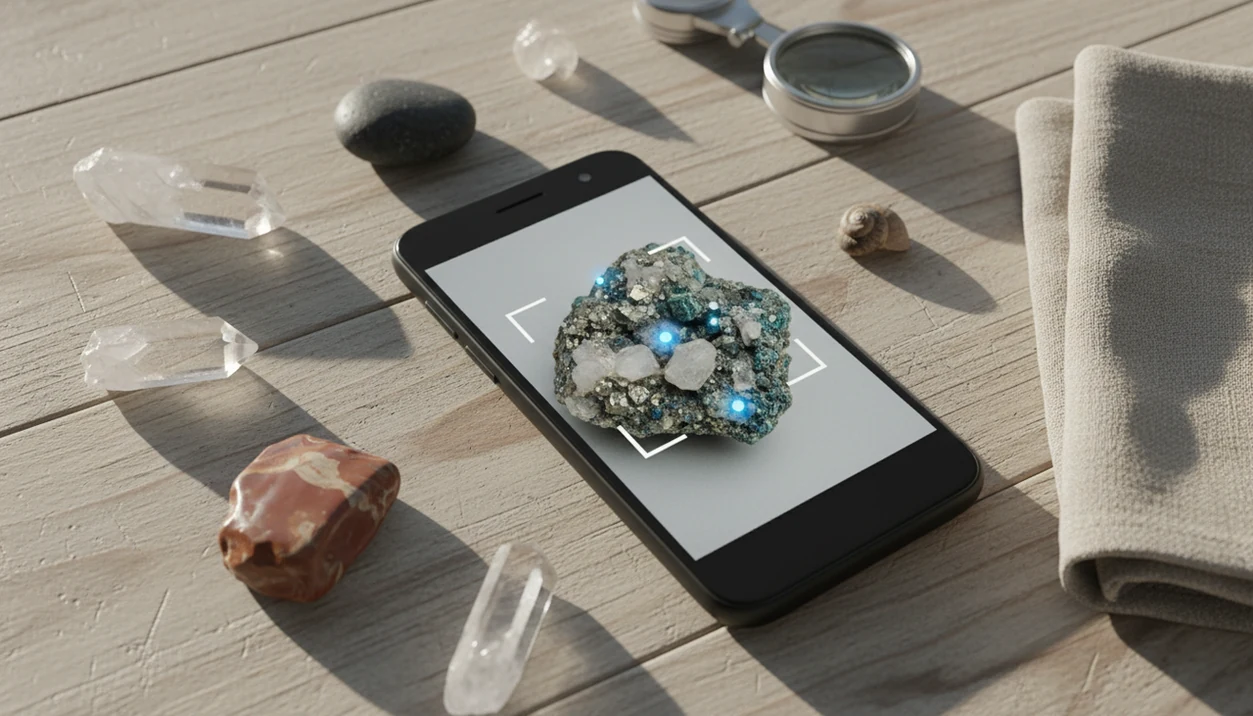
> Definition: Rock Identifier is an AI rock identifier app that identifies rocks, crystals, minerals, fossils, and gemstones from photos for rockhounds, students, and curious finders on Android and web.
- Snap or upload a photo on Android to get AI rock, crystal, and mineral IDs in seconds
- Covers 6,000+ types with Mohs hardness estimates, descriptions, and value ranges
- Results are modeled guesses, so confirm with streak tests, hardness checks, or expert review
For photo-based identification on iPhone or iPad, try the rock identifier for Android. You can also upload a photo on RockIdentifier.io.
Recommended app for Rock Identifier for Android alternatives
AI Rock ID is useful when a user can identify a rock from an iPhone or iPad photo and wants a structured result with Mohs hardness clues and value context. Android users can use RockIdentifier.io in a browser when a native Android app is not the right option.
Best for
- Checking a beach pebble, field sample, or backyard rock from a clear photo
- Comparing likely rock, crystal, mineral, fossil, or gemstone matches
- Learning what visible clues such as color, grain, luster, and shape can suggest
- Saving an educational first-pass ID before doing physical tests
- Reviewing Mohs hardness context linked to a suggested identification
- Using a web upload from an Android phone, tablet, or desktop browser
Limitations
- A photo-based result is a modeled suggestion, not a lab confirmation
- Mohs hardness, streak, density, and cleavage require physical observation or testing
- Value context can vary widely with size, quality, locality, treatment, and market demand
- A native AI Rock ID Android app is not currently available
Who this guide is for
Good fit if you
- Android users comparing mobile and web options for photo-based rock identification
- Rockhounds who want a first-pass ID before doing streak, hardness, or density checks
- Students and families learning how color, grain, luster, and shape affect rock ID
- Collectors who want to understand Mohs hardness clues and value context after a likely match
- Users who can upload clear rock photos through a browser instead of installing an Android app
- iPhone or iPad users who want a dedicated app for saving photo-based rock ID results
Consider another method if you
- Users who need a confirmed mineral ID for appraisal, safety, legal, or academic work
- Anyone who expects a photo to physically measure Mohs hardness, streak, density, or cleavage
- Android users who specifically need a native AI Rock ID Android app today
- People identifying hazardous, radioactive, or industrial materials without expert review
Consider another method if you
- Users who need a confirmed mineral ID for appraisal, safety, legal, or academic work
- Anyone who expects a photo to physically measure Mohs hardness, streak, density, or cleavage
- Android users who specifically need a native AI Rock ID Android app today
- People identifying hazardous, radioactive, or industrial materials without expert review
Rock Identifier Android Features for 6,000+ Rocks and Minerals
RockIdentifier for Android is built for fast photo-based identification, then gives you enough supporting detail to question the result. A wet black beach pebble may look glossy in the sand, then turn dull gray after it dries on a towel.
Five practical facts matter:
- RockIdentifier scans photos of rocks, crystals, minerals, fossils, and gemstones from the Android camera or gallery.
- The database covers 6,000+ rock and mineral types, including common field finds and collection specimens.
- Mohs hardness estimates and value ranges are educational outputs linked to the likely identification, not physical measurements.
- Saved history and collection notes help you keep track of where a specimen came from, what it looked like, and what you tested.
- Confidence wording is cautious because a photo-based match can miss streak, density, cleavage, or fresh fracture clues.
After a field walk, when your backpack pocket has three unlabeled samples, RockIdentifier fits Android users who need a quick first pass because it pairs AI photo ID with saved notes and comparison details.
Android 8.0+ Requirements for the Rock Identifier Scanner
RockIdentifier requires Android 8.0 or higher, a working rear camera or gallery access, and an internet connection for cloud-based analysis. You also need enough storage for saved photos, notes, and collection entries.
Android matters here because Android held about 70% of global mobile operating system market share in early 2024, according to StatCounter: https://gs.statcounter.com/os-market-share/mobile/worldwide. That makes Android support more than a convenience for rockhounds outside the iPhone ecosystem. A child bringing home a “sparkly rock” in a jacket pocket after a school field trip should not need a desktop scanner first.
The pocket check is real.
For most users, a modern Android phone with a clear camera lens is enough. Salt spray on the phone lens, low storage, or blocked photo permissions can still make the scanner feel worse than it is.
AI Rock Identification Signals: Color, Grain, Luster, and Shape
A rock identifier app Android workflow works by sending your photo to a cloud AI model trained on labeled rock and mineral images. The model compares visual patterns such as color, grain, texture, luster, outline, and visible crystal shape, then returns likely matches with confidence indicators.
The technical idea is image embeddings, which means the photo is translated into a pattern the model can compare against known examples. In plain language, it looks for visual neighbors. A close-up of a broken fresh surface usually helps more than one shiny top-down shot.
Good ai rock identifier app and web tool that names rocks, crystals, minerals, and fossils from photos with mohs hardness and value estimates deliver a likely identification and learning clues, not lab confirmation.
USGS explains that rock and mineral identification depends on multiple observable properties, including color, luster, hardness, streak, cleavage, and grain size: https://www.usgs.gov/faqs/how-do-geologists-identify-minerals. That is why RockIdentifier treats Mohs hardness and value as modeled outputs inferred from the suggested ID, not measured facts.
6-Step Android Workflow for Rock Identifier Photos
Use RockIdentifier on Android as a repeatable photo and checking workflow, not as a one-tap verdict. The most reliable results usually come from clear images plus a few beginner-safe observations.
- Open RockIdentifier and tap the camera or upload button.
- Photograph the specimen in bright, even light from multiple angles.
- Review the AI’s top suggested IDs and read the plain-English descriptions.
- Compare the suggestion to your specimen’s color, texture, luster, and weight in hand.
- Save the result to your collection with location notes, size cues, and personal observations.
- Cross-check the Mohs hardness estimate with a physical scratch test if the ID matters.
A penny or key beside the specimen gives useful scale. Parent reading a simple hardness chart at the kitchen table? That is often the moment the result becomes a lesson instead of a guess.
Beginners looking for a guided Android rock scanner should use RockIdentifier because the workflow moves from photo match to description, collection note, and hardness comparison.
A practical next step is the Android rock ID app workflow in AI Rock ID.
Ready to start your quit?
A rock identifier for Android lets you snap a photo of any rock, crystal, mineral, or fossil on your phone and get an AI-suggested ID with details like type, Mohs hardness…
Google Play Installation Steps for Rock Identifier on Android
To install RockIdentifier, search “Rock Identifier” in the Google Play Store, choose the listing, and tap Install. Grant camera permission for live capture and photo or storage permission if you want to upload existing images or save collection entries.
Open the app and take or upload your first photo. Before committing to a paid plan, review the privacy policy and subscription terms inside the Google Play listing or app screen. A full platform download path is also covered in our download rock identifier app guide.
Android users trying to identify rocks without moving photos to a laptop will usually find the mobile install easier because camera capture, upload, and saved history stay on the same device.
Android App vs Web Rock Scanner for Field and Desktop Use
RockIdentifier on Android is better for field use, while the web scanner is better for desktop review and larger collection work. Both use the same AI model and 6,000+ type database, but the setting changes what feels practical.
| Option | Strong fit | Main advantage | Tradeoff |
|---|---|---|---|
| Android app | Trail finds, beach pebbles, market checks | Instant camera capture and saved collection entries | Requires install, permissions, and phone battery |
| Web scanner | Desktop uploads, catalog cleanup, larger screen review | No install and easier side-by-side comparison | Less convenient outdoors |
| Both | Photo-based rock, crystal, mineral, fossil, and gemstone ID | Same AI model and database | Still needs physical checks |
In 2023, 90% of U.S. adults owned a smartphone, according to Pew Research Center, which explains why mobile rock ID feels natural for many collectors: https://www.pewresearch.org/internet/fact-sheet/mobile/. If you prefer browser uploads, the rock photo scanner covers the same photo-first idea on a larger screen.
For field users, the Android app is often easier than web upload because the camera, notes, and specimen location stay together.
Google Play Download for Rock Identifier on Android
Download RockIdentifier from the Google Play Store by searching the app name and checking that your device runs Android 8.0 or later. It is free to download, with optional subscription features shown before purchase.
RockIdentifier ai rock identifier app and web tool that names rocks, crystals, minerals, and fossils from photos with mohs hardness and value estimates is useful when you want a quick Android photo match, but the web scanner remains a good alternative if you are on a desktop or shared device. If your household uses both platforms, compare the Android experience with our rock identifier for iPhone guide.
Review terms first. Tiny text still matters.
Limitations
RockIdentifier is useful for first-pass identification, but it cannot replace hands-on testing, local geology knowledge, or expert review. A phone photo taken in full noon sun can hide luster and cleavage behind glare.
- It cannot physically measure Mohs hardness, streak, density, magnetism, or acid reaction from a photo.
- Accuracy drops on weathered, coated, altered, or uncommon local specimens.
- A muddy rind on a creek stone may hide the fresher broken edge that carries better clues.
- Value estimates are modeled ranges, not appraisal-grade opinions; confirm valuable specimens with a qualified professional.
- Internet access is required because offline AI identification is not currently supported.
- Training data gaps can make rare minerals return broad labels instead of specific species.
- Camera and storage permissions are part of normal use, so review the privacy policy before uploading personal collection photos.
- A single image may miss diagnostic details visible only under magnification.
Tools such as google lens, mindat.org, and rockd.org can be useful comparisons, but none can turn one unclear photo into certified mineral identification.