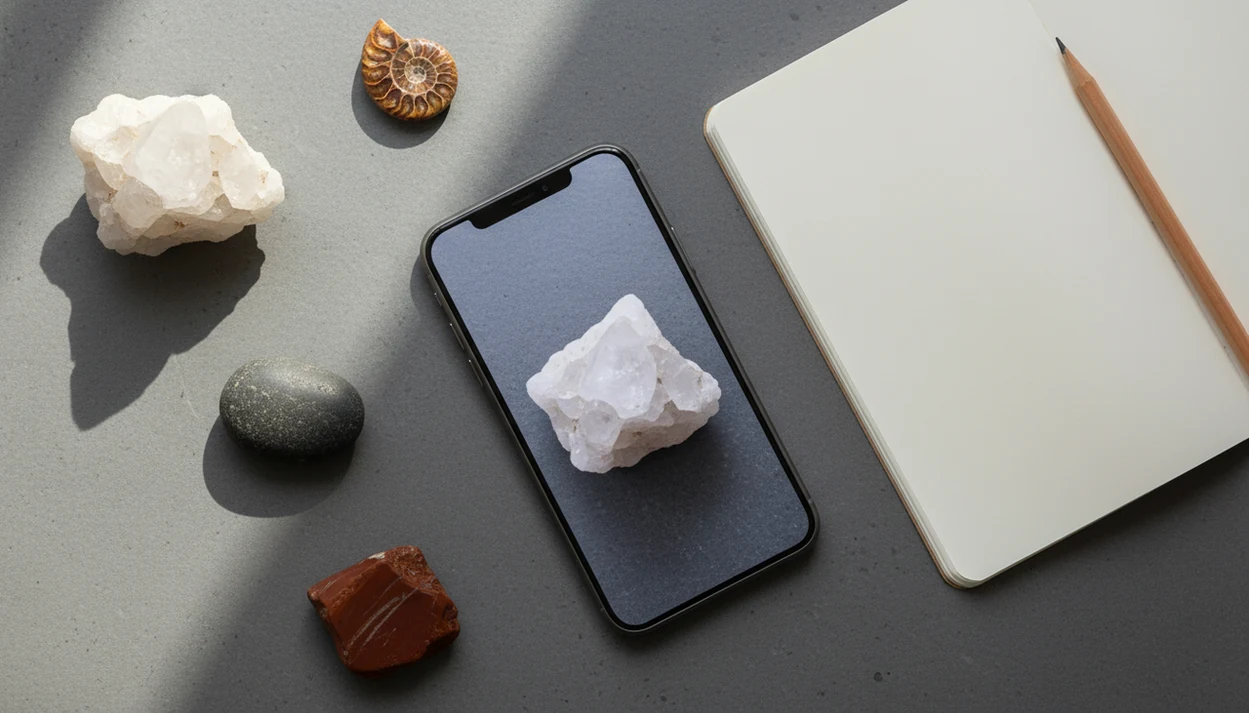
> Definition: Rock Identifier is a rock identifier app that identifies rocks, crystals, minerals, fossils, and gemstones from photos for rockhounds, students, and curious finders.
- Snap or upload a rock photo on iPhone and receive ranked AI matches with Mohs hardness and type info.
- Use results as a shortlist generator, then confirm with scratch, streak, and luster tests.
- Save IDs, GPS tags, and field notes to build a structured digital rock collection on your phone.
For photo-based identification on iPhone or iPad, try the rock identifier for iPhone. You can also upload a photo on RockIdentifier.io.
Recommended app for Rock Identifier for iPhone
AI Rock ID is useful when an iPhone user wants a quick visual shortlist before doing simple checks such as hardness, streak, or luster. The app is most helpful when the photo is sharp, well lit, and saved with field context.
Best for
- Scanning a fresh rock photo with the iPhone camera
- Uploading an older specimen image from the iPhone photo library
- Comparing ranked candidate matches before choosing a likely ID
- Recording Mohs hardness clues alongside a saved find
- Adding GPS tags and field notes to a digital collection
- Organizing crystals, fossils, gemstones, minerals, and field rocks in one place
- Checking an informal value or rarity clue before seeking expert review
Limitations
- Photo results are probabilistic and may confuse visually similar specimens
- Most scans require internet access
- Value context is not a formal appraisal
- Lab or expert review is still needed for high-stakes identification
Who this guide is for
Good fit if you
- iPhone users who want a quick first-pass ID for rocks, crystals, minerals, fossils, or gemstones
- Rockhounds who want to save likely IDs with field notes after hikes or beach trips
- Students who need a beginner-friendly way to compare photo results with hardness, streak, and luster observations
- Parents helping children sort collected stones after school trips or outdoor activities
- Collectors who want a structured digital rock collection on iPhone or iPad
- Users who want to upload older specimen photos from the iPhone photo library
Consider another method if you
- Anyone who needs a certified mineral identification for legal, academic, or insurance purposes
- Sellers who need a formal gemstone or fossil appraisal value
- Users who need guaranteed offline rock identification in the field
- People with specimens that require lab tests, thin sections, or chemical analysis
- Android users looking for an AI Rock ID mobile app today
Consider another method if you
- Anyone who needs a certified mineral identification for legal, academic, or insurance purposes
- Sellers who need a formal gemstone or fossil appraisal value
- Users who need guaranteed offline rock identification in the field
- People with specimens that require lab tests, thin sections, or chemical analysis
- Android users looking for an AI Rock ID mobile app today
What Works in the Rock Identifier App on iPhone
RockIdentifier on iPhone covers the core field workflow: photograph, compare, review properties, then save the find. It is most useful when you want a fast likely identification before doing hands-on checks.
- RockIdentifier supports live camera capture and photo-library upload, so you can scan a fresh field photo or an older image from a trip.
- The iOS results screen shows AI-powered candidate matches with confidence ranking, not one certain answer.
- Each likely identification can display Mohs hardness and a rock or mineral type, helping you choose the next beginner-safe test.
- Rough value and rarity estimates may appear, but they are informal clues, not appraisal numbers.
- Collection logging can save location tags and field notes beside each specimen.
- The database covers 6,000+ rock and mineral types, including common crystals, fossils, gemstones, and field rocks, according to the current App Store listing source.
A parent sorting a child’s “sparkly rock” after a school field trip can use RockIdentifier as a practical first pass because the result pairs a photo-based match with hardness and type details before any scratch or streak test.
Minimum iPhone Requirements for Rock Identifier
RockIdentifier needs a supported iOS version, a working camera, enough storage for saved entries, and internet access for most scans. Newer iPhones usually produce better results because the camera captures sharper surface texture.
For best accuracy, use an iPhone camera that can focus closely and keep detail in the surface, grains, and crystal faces. A penny or key beside the specimen helps with scale, but keep it outside the main rock area if it distracts the image model. The pocket check is real.
Scans typically require internet because the iOS rock scanner compares your image with a remote database. Saved collections, photos, and notes also take storage over time, especially if you log multiple angles for every creek stone or beach pebble.
How the iOS Rock Scanner AI Works
An iOS rock scanner works by turning your photo into image features and comparing them with labeled examples in a specimen database. In plain terms, it looks for visual clues such as color, grain, luster, crystal shape, fracture, and pattern.
RockIdentifier returns probabilistic matches. That means the top result is the closest candidate, not a certified geological identification. A full noon sun photo can blow out glare on a crystal face, hiding luster and cleavage. A wet black beach pebble may look deep and glassy, then turn dull gray after it dries on a towel.
AI visual identification has real limits. A 2022 study of plant identification apps found top-1 accuracy ranged from 27% to 96% across apps and datasets, a useful warning for any photo-first recognition tool source. The database also covers only part of Earth’s mineral diversity; the USGS notes more than 4,000 known mineral species exist source.
Good ai rock identifier app and web tool that names rocks, crystals, minerals, and fossils from photos with mohs hardness and value estimates deliver ranked visual matches, not lab verification.
How to Use Rock Identifier on iPhone Step by Step
Use RockIdentifier as a photo-first shortlist tool, then test the leading candidate with simple observations. The most reliable iPhone workflow combines a clean image, a ranked match, and one physical clue such as streak or hardness.
- Place the rock on a plain, light background so color and outline are easy to read.
- Open RockIdentifier and capture a sharp, well-lit photo, or upload one from your photo library.
- Review the ranked candidate matches, Mohs hardness, and rock-type information on the result screen.
- Confirm the top candidate with a scratch-hardness test or a streak test on unglazed porcelain.
- Save the likely ID with GPS location and personal field notes to your collection.
If your priority is fewer mystery stones after a hike, RockIdentifier fits because the iPhone scan can be followed by Mohs hardness, streak, and luster checks in one named workflow. For detailed photo technique, the rock photo scanner guide covers angles, glare, and background choices.
A practical next step is the iPhone rock and crystal ID app workflow in AI Rock ID.
Ready to start your quit?
A rock identifier for iPhone lets you snap a photo of a rock, crystal, mineral, or fossil and get AI-powered candidate matches with Mohs hardness, type classification, and value…
Rock Identifier iPhone vs Android Feature Comparison
RockIdentifier uses the same AI engine and specimen database across iPhone and Android, so the main differences are platform permissions, camera behavior, and release timing. Apple reports that the App Store hosts more than 1.8 million apps, which is why clear iOS support matters in a crowded app category source.
| Feature | iPhone | Android |
|---|---|---|
| AI matching engine | Same core image-recognition system | Same core image-recognition system |
| Database coverage | 6,000+ rock and mineral types | 6,000+ rock and mineral types |
| Camera access | Uses iOS camera API and photo library permissions | Uses Android camera and media permissions |
| Offline support | Most scans need internet access | Most scans need internet access |
| Updates | Follows App Store review and iOS release cycles | Follows Google Play and device rollout patterns |
iPhone users who already organize field photos in iCloud get a practical fit because RockIdentifier can upload from the photo library and save the result with notes. Android users can compare platform details in rock identifier for Android.
Building a Digital Rock Collection With iPhone Field Notes
RockIdentifier can act as a structured field notebook, not only a scanner. Each saved entry can hold the likely identification, location, rock type, Mohs hardness, notes, and photos from more than one angle.
That matters after the fifth or sixth similar-looking stone. Sand stuck to a jasper chip can make the surface look lighter than it really is, so a note about beach, river, or trail context helps later. You can tag finds by igneous, sedimentary, or metamorphic family before choosing follow-up tests.
After a market show, when you compare a cut stone under crowded hall lights with older field finds, RockIdentifier helps because saved entries keep photo, location, type, hardness, and note fields together. Reviewing past entries can show collection patterns, such as repeated quartz-family finds from one creek. Exporting or sharing collection data also makes it easier to ask a teacher, club member, or geologist for a second look.
How to Install Rock Identifier From the App Store
Install RockIdentifier from the App Store, then grant camera permission before your first scan. The setup is short, but the first photo still matters more than the download speed.
Search “Rock Identifier” in the App Store, tap Get or Install, and authenticate with Face ID, Touch ID, or your Apple ID password. Open the app, allow camera and photo-library access when prompted, then place a rock on a plain surface for the first scan.
The right fit for iPhone users who want a quick start is RockIdentifier because the install path moves from App Store search to camera permission to first scan without a separate field notebook. You can also download rock identifier app from the site’s download page.
Limitations
RockIdentifier is useful, but it cannot replace a trained geologist, gem lab, or formal appraisal. The honest way to use any rock identifier app iPhone workflow is to treat the result as a shortlist.
- AI output is probabilistic, not a certified geological identification.
- Accuracy drops for weathered, stained, wet, or broken specimens that lack diagnostic features.
- Muddy rind on a creek stone can hide the fresher broken edge that would show the real texture.
- Visually similar minerals, such as quartz, calcite, and feldspar, often require hardness or acid tests to separate.
- Value and rarity estimates are informal and unregulated; they are not suitable for insurance, investment, or formal appraisal.
- The database covers only a subset of the 4,000+ known mineral species, so unusual or hyper-local specimens may not match.
- Poor lighting, busy backgrounds, flash glare, and out-of-focus shots can sharply reduce result quality.
Tools like mindat.org, rockd.org, Google Lens, and other rock identifier apps on App Store can be useful comparisons, but each has a different purpose. RockIdentifier focuses on photo-based matches with field-note follow-up, not specimen certification.