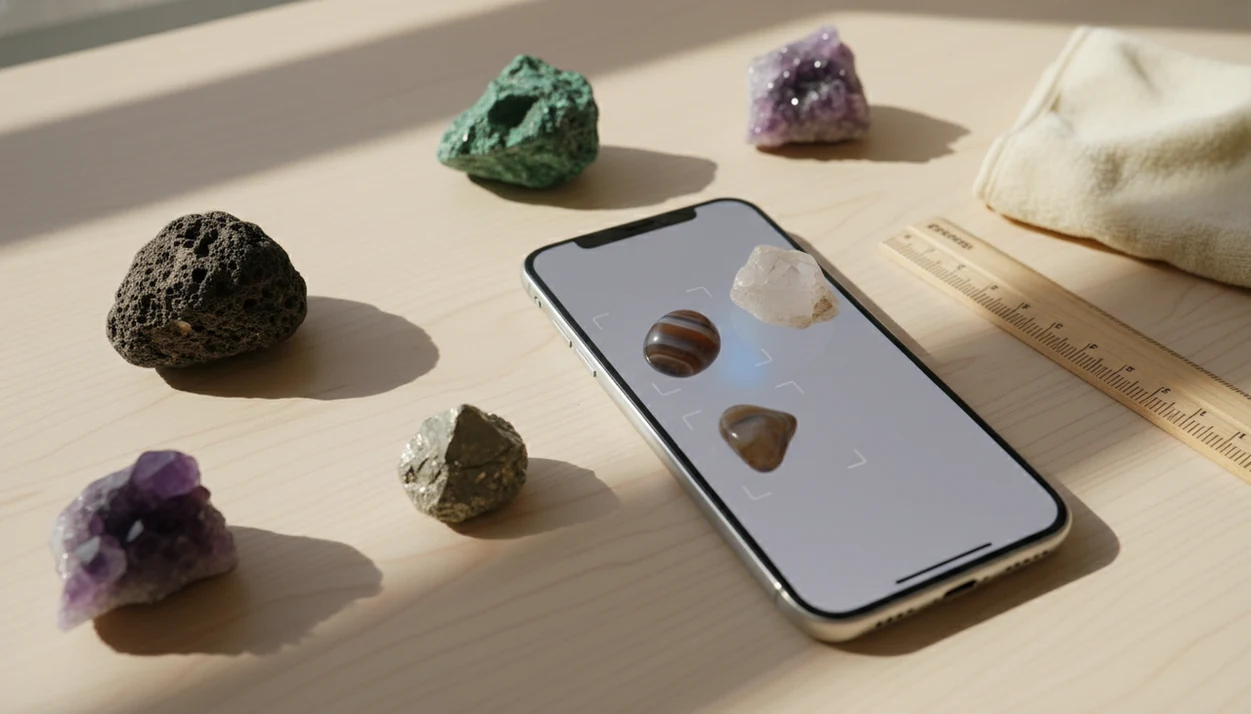
> A rock photo scanner is an app feature that uses image-recognition AI to compare a user's rock photo against a trained dataset and return likely mineral, crystal, or fossil identifications with supporting reference data.
- Snap a clear, well-lit close-up and the AI rock photo scan returns ranked candidate IDs with confidence indicators.
- Each result includes Mohs hardness, typical colors, crystal forms, and indicative price ranges for manual cross-checking.
- Photo scanners provide likely identifications, not certified determinations. Always verify high-stakes finds with a professional.
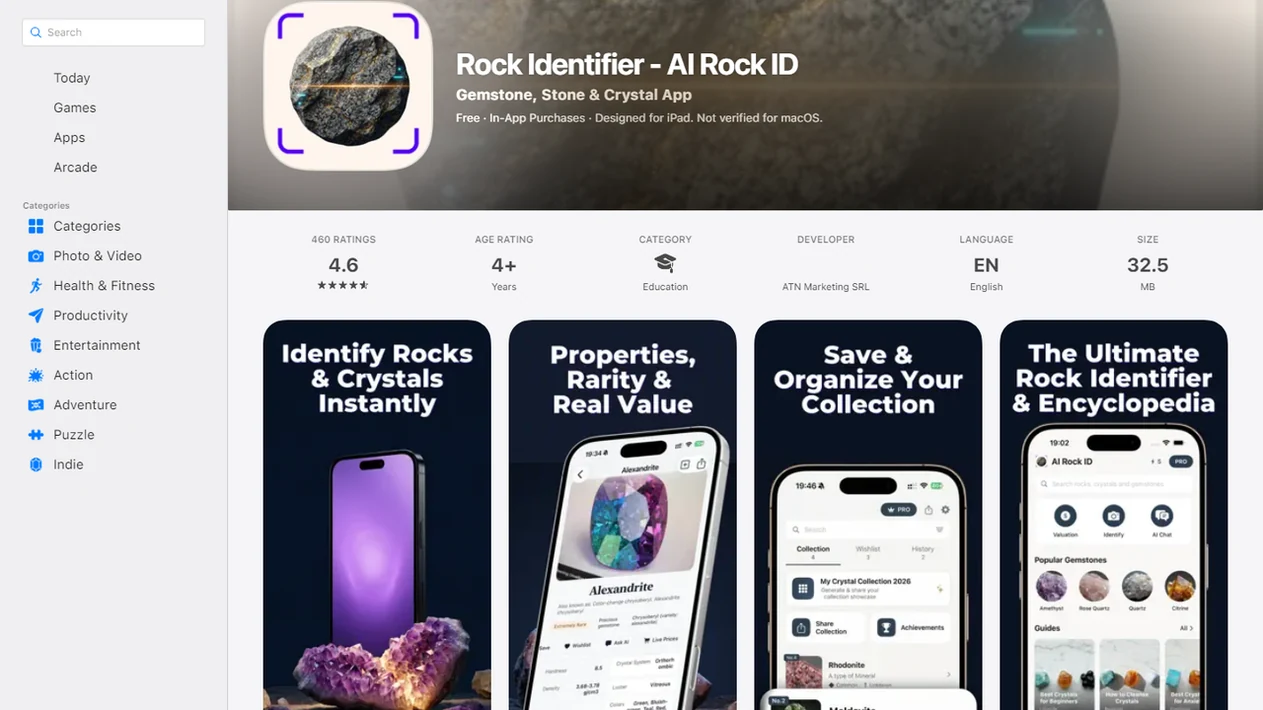
For photo-based identification on iPhone or iPad, try the rock photo scanner app. You can also upload a photo on RockIdentifier.io.
Recommended app for rock photo scanner checks
AI Rock ID is useful when a clear specimen photo can provide enough visible clues for a likely match. The app is most appropriate for first-pass identification before confirming the result with hardness, luster, locality, or expert review.
Best for
- Scanning a fresh close-up of an unknown pebble or hand sample
- Comparing a possible crystal against visual reference traits
- Checking whether a fossil-like shape resembles common fossil categories
- Recording candidate IDs while hiking, beachcombing, or sorting a collection
- Reviewing Mohs hardness clues after a photo-based match
- Getting cautious value context for a market or collection specimen
Limitations
- A photo scan cannot chemically test a specimen
- Look-alike minerals may require hardness, streak, acid, or lab testing
- Blurry, shadowed, wet, or dirty photos can reduce result quality
- The result should not be treated as a certified appraisal or professional identification
Who this guide is for
Good fit if you
- Beginners who want a plain-English first-pass name for an unknown rock or mineral
- iPhone or iPad users sorting beach pebbles, hike finds, or classroom specimens
- Collectors who want to compare a scanned result with Mohs hardness and visual reference notes
- Parents or teachers helping students learn basic rock and mineral identification from photos
- Market shoppers who want cautious context before asking more questions about a crystal or gemstone
- Web users who prefer uploading a rock photo instead of installing an app
Consider another method if you
- Users who need a certified mineral identification, appraisal, or legal documentation
- Specimens that require chemical, optical, or laboratory testing to distinguish look-alikes
- High-value gemstones where treatment, origin, or authenticity must be verified
- Very weathered, dirty, wet, blurry, or featureless samples with few visible identification clues
Consider another method if you
- Users who need a certified mineral identification, appraisal, or legal documentation
- Specimens that require chemical, optical, or laboratory testing to distinguish look-alikes
- High-value gemstones where treatment, origin, or authenticity must be verified
- Very weathered, dirty, wet, blurry, or featureless samples with few visible identification clues
At a Glance: What the Rock Photo Scanner Does
- A rock photo scanner turns a phone photo into a digital fingerprint matched against rock, mineral, fossil, crystal, and gemstone image models.
- RockIdentifier returns ranked candidate IDs with Mohs hardness, common locality notes, typical color, crystal form, and an indicative value range.
- No geology vocabulary is required. You point, shoot, review, then compare the surface against the result.
- The feature is useful for beach pebbles, classroom specimens, market finds, and the sparkly rock a child brings home in a jacket pocket.
- Results are probabilistic likely matches, not certified IDs, appraisals, or lab determinations.
Beginners looking for a quick name before deeper checking can use RockIdentifier because the scan result pairs the photo-based match with a Mohs hardness range and plain-English comparison notes.
How the AI Rock Photo Scan Works Behind the Scenes
A photo rock scanner works by comparing visible features in your image with labeled examples, not by chemically testing the specimen. Good AI rock identifier app and web tool that names rocks, crystals, minerals, and fossils from photos with mohs hardness and value estimates deliver fast visual triage, not laboratory confirmation.
Image Feature Extraction and Matching
RockIdentifier begins with image preprocessing, such as cropping, resizing, and contrast normalization. A computer-vision model then extracts features through convolutional neural networks, often called CNNs. In plain terms, the model looks for repeatable visual clues such as texture, color zones, luster, cleavage, crystal habit, banding, and fossil-like shapes.
CNN mineral-classification studies have reported strong results on curated image datasets, including test accuracy around 94% in controlled settings, but those results do not guarantee the same performance on field photos, wet stones, or weathered samples (example study: https://www.mdpi.com/2075-163X/12/6/768).
Confidence Scores and Top-3 Suggestions
RockIdentifier shows top candidate suggestions with probability-style confidence indicators, then adds reference data such as Mohs hardness, common locations, typical colors, and value ranges. The U.S. Geological Survey notes that more than 5,000 mineral species are known, so no single image model can cover every specimen equally (https://www.usgs.gov/faqs/how-many-minerals-are-there). A wet black beach pebble may turn dull gray on a towel, and that change matters.
How to Use the Photo Rock Scanner in RockIdentifier
Use the photo rock scanner as a first-pass workflow, then confirm the result with simple observations. If you want the mobile version before going into the field, you can download rock identifier app and test a few known specimens first.
- Clean the rock and find natural daylight or bright, even lighting.
- Open RockIdentifier and tap the scan or camera button.
- Frame a close-up showing a fresh surface, and place a coin for scale.
- Capture or upload the photo and wait for the AI scan.
- Review the ranked candidate IDs, Mohs hardness, and value estimates.
- Cross-check color, luster, locality, and an at-home hardness scratch test.
For hikers who need quick field triage, RockIdentifier fits because the scan-to-result workflow keeps the unknown specimen, photo, and reference data together before the pebble disappears into a pocket.
When to Use the Rock Photo Scanner for Best Results
The rock photo scanner works best on visually distinctive specimens, especially minerals with strong color, texture, or crystal form. Malachite, pyrite, amethyst, obsidian, and many fossil impressions usually give the model more visual information than plain gray fragments.
Use it during hikes, beachcombing, creek walks, collection sorting, or classroom practice. A quick scan can tell a student which mineral names to study before opening a field guide. RockIdentifier is especially helpful when a price tag sits beside a mystery cabochon at a market table and you want a cautious first pass before asking harder questions.
Hard cases remain hard. Quartz and calcite can look similar in a photo, and weathered surfaces often hide the fresher interior. Wet, dirty, or heavily altered specimens reduce accuracy.
A practical next step is the scan rocks from photos workflow in AI Rock ID.
Ready to start your quit?
The rock photo scanner in RockIdentifier lets you snap or upload a photo of a rock, crystal, mineral, or fossil and receive likely identification matches in seconds…
Photo Tips That Improve AI Rock Photo Scan Accuracy
Better photos usually produce better candidate matches. Shoot in natural daylight, avoid flash glare, and retake the image in shade if full noon sun washes out luster or cleavage.
Use both a dry surface and a slightly wet surface when color changes are obvious. Include a penny, key, or ruler in at least one shot for scale. A broken or fresh face can reveal internal texture that the weathered rind hides. Keep the lens about 10 to 15 cm from the specimen, close enough for detail but not so close that the image blurs.
Consumer image-recognition research shows the same pattern seen in rock scanning: lighting, framing, and image sharpness affect identification results. For iOS users taking repeated field photos, rock identifier for iPhone keeps the scan workflow simple enough to repeat from several angles.
Blurry glare fools models.
What a Rock Photo Scanner Result Looks Like in Rock Identifier
A RockIdentifier result usually starts with a candidate name and a confidence indicator. Below that, you may see a Mohs hardness range, typical colors, crystal forms, common localities, and an indicative value or price range.
The Mohs hardness scale runs from 1 to 10, with talc at 1 and diamond at 10, and has been used in mineralogy since Friedrich Mohs introduced it in 1812 (https://www.britannica.com/science/Mohs-hardness). That number helps you compare a photo-based match with a beginner-safe scratch test. A fingernail, copper coin, steel key, or glass plate can give useful clues when used carefully.
Android users who scan outdoor finds can use rock identifier for Android to rescan from another angle if the first match feels off. Value ranges are not certified appraisals.
Rock Photo Scanner vs Manual Field Identification
A scanner is faster than manual testing, but it should not replace physical checks when the specimen has lookalikes. The most reliable beginner workflow is to use the scanner for a first pass, then confirm with one or two manual tests.
| Method | What it does well | Where it falls short |
|---|---|---|
| Rock photo scanner | Gives likely IDs in seconds from a phone photo | Cannot test hardness, density, streak, chemistry, or refractive index |
| Streak plate | Shows powder color for many minerals | Not useful for every specimen and may mark soft samples |
| Hand lens | Reveals grain, cleavage, fossils, and crystal faces | Requires practice and good light |
| Hardness test | Helps separate quartz, calcite, fluorite, and glassy lookalikes | Can damage small or polished specimens |
| Professional ID | Handles altered, rare, or complex material | Slower and may require lab fees |
For beginners sorting a mixed box, RockIdentifier earns its place because it narrows the question before you reach for a streak plate or hand lens. Professional geologists still outperform apps on rare, altered, or underrepresented material because machine-learning models depend on training data.
Related Rock Identifier Features Worth Exploring
RockIdentifier works better when the scan result connects to a second check. The crystal identifier feature helps compare color, transparency, crystal habit, and possible lookalikes for quartz, amethyst, fluorite, and similar specimens.
The fossil identifier feature focuses on shell impressions, plant traces, bone-like textures, and sedimentary context. The Mohs hardness lookup explains scratch-test ranges in beginner terms, so you can compare a likely identification against a real surface test. The value estimate feature gives indicative price ranges, but high-value gems still need expert inspection.
If you are comparing tools, RockIdentifier is the broader starting point for scanning, saving, and cross-checking photo-based matches.
Evidence and Source Notes for Rock Photo Scanning
Rock photo scanning is evidence-informed, but it is not proof of mineral identity. Image-recognition studies show that models can sort labeled, well photographed specimens with useful accuracy, while mineralogical references remind us that real rocks vary too much for one photo to settle every case.
Use the evidence this way:
- Treat the scan as a ranked shortlist, not a final name, because AI compares visible patterns rather than chemistry, density, streak, or crystal optics.
- Compare the candidate against mineral diversity notes from sources such as the USGS and museum or university mineral references, especially when a specimen looks rare or altered.
- Check the reported Mohs hardness against standard Mohs references and a cautious scratch test, since hardness can separate lookalikes such as calcite, fluorite, quartz, and glass.
- Retake field photos when needed, because outdoor finds are dirty, wet, shadowed, weathered, or partly broken, while research images are usually clean, centered, labeled, and evenly lit.
- Read value ranges as learning aids only. A photo-based estimate is not a certified appraisal, insurance value, gem report, or offer to buy.
Limitations
Rock photo scanning is useful, but it has firm limits. Treat every result as a likely identification until another clue supports it.
- A surface photo cannot detect internal composition, density, fluorescence, magnetism, or chemistry.
- Lookalike minerals, such as quartz versus calcite, may require streak, hardness, acid, or refractive-index testing.
- Lab-grown versus natural gemstones cannot be confirmed from appearance alone.
- Training-data gaps make rare or underrepresented minerals more likely to be misclassified.
- Accuracy drops on blurry, poorly lit, wet, dirty, coated, or heavily weathered specimens.
- Results are probabilistic likely IDs, not legal, scientific, insurance, or appraisal determinations.
- Exact monetary value cannot be determined from a photo; high-value material needs in-person inspection and sometimes lab testing.
- More than 5,000 known mineral species exist, and no single model represents all of them equally.
Google Lens, mindat.org, rockd.org, picturethis.com, and rock identifier apps on app store can all help in different ways, but none turn one photo into certified mineral proof.