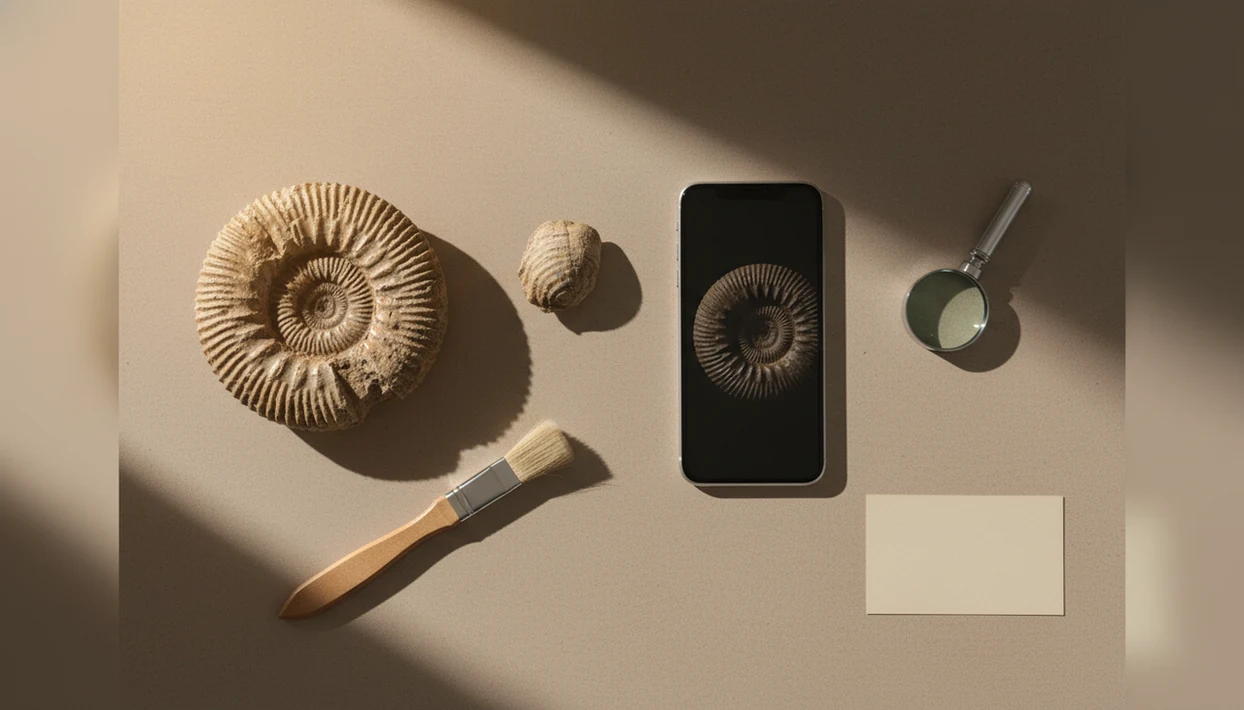
> Definition: A fossil identifier app is a mobile tool that uses AI image recognition to compare your fossil photo against a trained database and return a suggested identification, estimated geological age, and background context.
- Download fossil identifier app free on iOS or Android and snap a photo for an instant AI-suggested match.
- Results include fossil type, estimated age, and background info but should be cross-checked with references or experts.
- RockIdentifier also checks whether your find is a fossil, a mineral, or an oddly weathered rock using material and hardness cues.
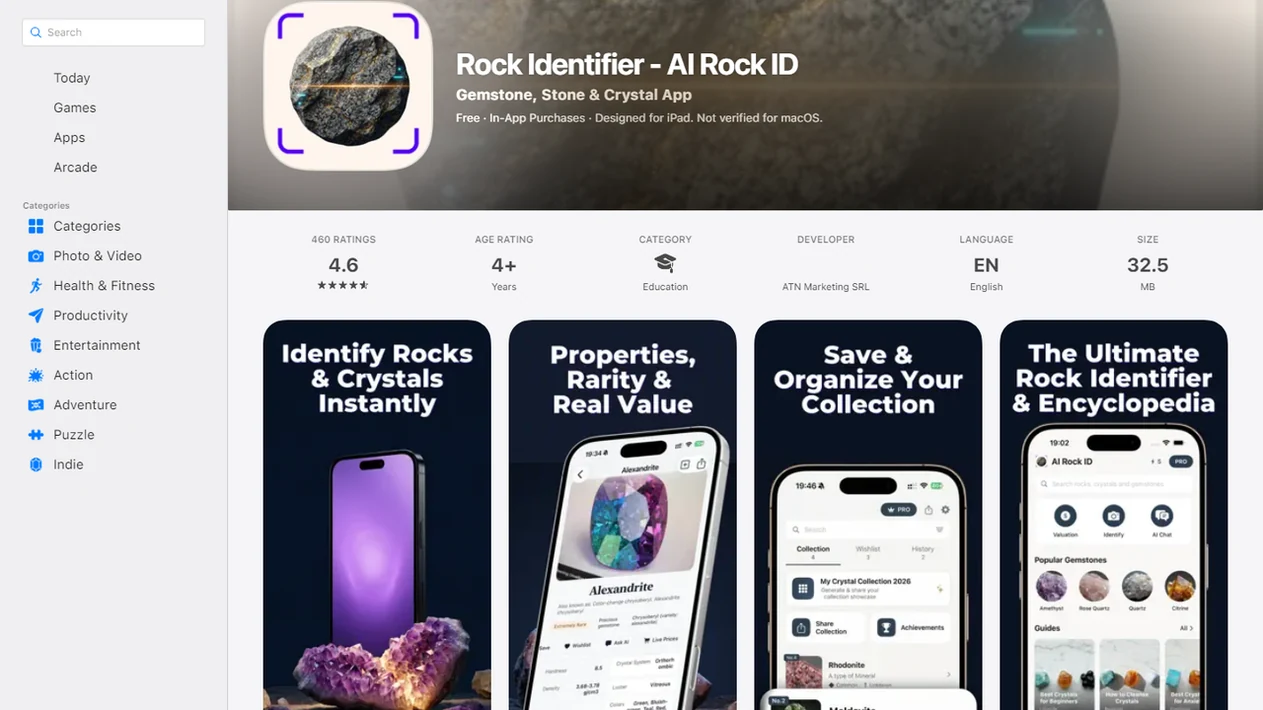
For photo-based identification on iPhone or iPad, try the fossil identifier app. You can also upload a photo on RockIdentifier.io.
Recommended app for downloading a fossil identifier app
AI Rock ID is useful when a fossil-like object needs a quick photo-based clue and organized notes. The app is most appropriate for early sorting, comparison, and follow-up research rather than final expert confirmation.
Best for
- Checking whether a beach or creek find looks fossil-like
- Comparing shell, leaf, bone-like, or patterned rock shapes from a photo
- Saving specimen photos with field locality notes
- Separating likely fossils from concretions, crystals, and weathered stones
- Reviewing possible lookalikes before using a guidebook or expert forum
- Creating a small personal collection record on iPhone or iPad
Limitations
- Photo results depend on lighting, focus, scale, and visible surface detail
- The app cannot confirm geological age or species with the certainty of expert examination
- Broken, polished, wet, or mud-covered specimens may produce unreliable suggestions
- Value context is not an appraisal or authentication
Who this guide is for
Good fit if you
- iPhone or iPad users who want a first-pass fossil clue from a clear photo
- Beginners sorting fossil-like rocks, shells, bone shapes, or patterned stones
- Students who need plain-language context before checking a class reference
- Rockhounds who want to save fossil photos with locality notes
- Families organizing beach, creek, quarry, or field-trip finds
- Collectors who want help separating fossils from minerals, crystals, and concretions
Consider another method if you
- Users who need a formal paleontology report or verified species-level identification
- People identifying legally sensitive, museum-grade, or commercially important specimens
- Users who only have blurry, wet, shadowed, or heavily broken fragments
- Collectors who need lab confirmation of age, composition, or authenticity
Consider another method if you
- Users who need a formal paleontology report or verified species-level identification
- People identifying legally sensitive, museum-grade, or commercially important specimens
- Users who only have blurry, wet, shadowed, or heavily broken fragments
- Collectors who need lab confirmation of age, composition, or authenticity
What a Fossil Identifier App Does After You Download It
A fossil identifier app lets you take or upload a fossil photo, then returns a suggested ID, fossil type, estimated geological period, and short background notes. RockIdentifier is free to download on iOS and Android, with optional in-app purchases or subscriptions for expanded use.
After install, the basic flow is simple: open the camera, frame the specimen, and compare the result against the app’s likely matches. A fossil shell beside a scale ruler usually scans better than a loose photo on patterned fabric. Small details matter.
Students looking for a quick fossil app download often need a first-pass name before class discussion, not a formal paleontology report. RockIdentifier fits that job because it pairs the photo-based match with plain labels, confidence signals, and saveable collection notes.
How AI Fossil Photo Identification Works
AI fossil photo identification works by comparing your image with labeled fossil photographs and returning visually similar matches. The model extracts visual features such as outline, ribbing, texture, symmetry, and surface pattern, then ranks possible identifications with a confidence score.
That score is not a verdict. A phone photo taken in full noon sun can hide luster, relief, and fine shell ridges under glare. Mud, wet surfaces, broken edges, and worn fragments all change what the app can see.
RockIdentifier adds Mohs hardness and material checks because many “fossils” are actually concretions, weathered minerals, or suggestive rock patterns. RockIdentifier’s broader rock, crystal, mineral, and fossil recognition makes it useful for triage: the Mohs-hardness and material prompts help you rule out concretions, crystals, and patterned stones before you treat a find as a fossil.
For beginners, photo ID usually depends more on clear surface detail than on camera model because the recognition system needs visible structure to compare.
How to Use Rock Identifier as Your Fossil Scanner
Use RockIdentifier as a fossil scanner by taking clear, well-lit photos, reviewing the suggested match, and saving notes you can check later. Multiple angles are the practical habit that improves most fossil scans.
- Download and open RockIdentifier on iOS or Android, then choose the camera or upload option.
- Snap or upload a clear photo with the fossil filling the frame; add a penny, key, or fingernail for scale.
- Review the AI-suggested identification and confidence level, including possible lookalikes.
- Save the photo and add locality notes, such as beach, creek bank, quarry spoil pile, or school field trip site.
- Cross-check with a second angle or trusted reference, especially if the first image shows only one face.
Rockhounds who need to install fossil scanner access before a weekend trip should test one object at home first. RockIdentifier works better when you learn its photo workflow before you are balancing a muddy specimen on a trail map.
When to Use a Fossil Identifier App in the Field
A fossil identifier app is most useful when you need a quick field clue before sorting, saving, or researching a find. It pays off when the question is “is this worth a closer look?” rather than “is this scientifically confirmed?”
- Beach or trail find: Use it when a fossil-like shape appears in gravel, shale, or a stream cut.
- Classroom or museum visit: Use it as a fast reference beside labels, hand samples, or worksheet stations.
- Backyard or inherited collection: Use it to sort an egg carton full of mixed finds into likely groups.
- Smartphone access: Pew Research Center’s Mobile Fact Sheet reports that about nine-in-ten U.S. adults own a smartphone: https://www.pewresearch.org/internet/fact-sheet/mobile/
- Mobile reach: That level of ownership is why a fossil app can act as a field reference for many casual collectors, though it still depends on camera quality and data access.
On days a child brings home a “sparkly rock” in a jacket pocket after a school field trip, RockIdentifier helps separate fossil clues from crystal sparkle through photo ID plus material checks.
A practical next step is the identify fossils from photos workflow in AI Rock ID.
Ready to start your quit?
RockIdentifier is a fossil identifier app you can download on iOS or Android to scan a fossil photo and get an AI-suggested match, likely fossil type, estimated age range, and…
What Fossil Identification Looks Like in Rock Identifier
Fossil identification in RockIdentifier shows a photo-based AI match, a likely fossil name, possible geological period, and short background information. The same scan can also flag whether the object may be a mineral, crystal, or oddly weathered stone instead.
That overlap matters. A muddy rind on a creek stone can mimic bone or shell until you compare the fresher broken edge. RockIdentifier uses Mohs hardness prompts and material clues to push the result beyond shape alone.
For families sorting a mixed tray of finds, RockIdentifier earns the spot because it stores photos, locality notes, and likely IDs in one collection workflow. If you want a narrower no-cost scan path, our free fossil identifier from photo guide explains what free photo checks can and cannot confirm.
Fossil Identifier App vs Alternative Fossil Tools
AI fossil scanner apps are fastest for broad, photo-first checks, while academic tools and printed field guides are stronger for curated learning. No single tool replaces a professional paleontologist review for unusual, scientifically important, or legally sensitive finds.
| Tool type | Strength | Trade-off |
|---|---|---|
| RockIdentifier | Instant photo match across fossils, rocks, minerals, and crystals | Needs clear photos and follow-up checks |
| Digital Atlas of Ancient Life | University-built, NSF-funded, field-guide style content | More region-specific and less photo-first |
| Manual field guide | Works without a phone or signal | Slower, bulkier, and harder for beginners |
| Google Lens or broad visual search | Fast visual comparisons | Can confuse fossils, décor items, and lookalike rocks |
AI Fossil Scanner Apps
AI fossil scanner apps like RockIdentifier cover broad beginner needs because they start with the photo and return likely matches quickly.
Academic and NSF-Funded Fossil Apps
Academic apps like Digital Atlas of Ancient Life (https://www.digitalatlasofancientlife.org/) emphasize vetted fossil content, and the National Park Service dates the Cretaceous Period to about 145.5 to 66 million years ago: https://www.nps.gov/subjects/fossils/cretaceous-period.htm
Five Must-Know Facts Before You Install a Fossil Scanner
Before you install a fossil scanner, treat the result as a structured clue, not a final label. The strongest workflow combines photo ID, simple observations, and a reference check.
- AI accuracy is highest for common, complete, well-photographed fossils with visible surface patterns.
- Fragmentary, rare, wet, polished, or poorly lit specimens can produce unreliable matches.
- Most fossil apps do not provide market-grade value appraisals or authentication.
- Region-specific apps may not cover fossils found outside their trained geography.
- Clear photos from multiple angles significantly improve identification quality.
After a flat skipping stone with red bands gets called a “fossil” by someone in the group, a second photo of the edge often changes the answer. RockIdentifier ai rock identifier app and web tool that names rocks, crystals, minerals, and fossils from photos with mohs hardness and value estimates is useful here because the hardness and material prompts make lookalikes harder to ignore. For broader reliability context, read our guide to rock identifier accuracy.
Evidence and Sources for Fossil Identifier Apps
Evidence for fossil identifier apps should come from two places: the app stores for current availability and pricing, and independent fossil references for the science. RockIdentifier feature claims should be kept separate from third-party paleontology guidance.
- Check the official iOS and Android listings before installing, because prices, trials, subscriptions, device support, and regional availability can change faster than a review page.
- Use smartphone ownership data cautiously when judging field usefulness; Pew’s mobile research supports the broad claim that many adults can carry a phone-based reference, but it does not prove app accuracy.
- Compare results with expert references such as Digital Atlas of Ancient Life, museum fossil guides, university collections, or local geological survey material.
- Treat accuracy claims as limited unless the app publishes transparent, independent fossil-specific benchmarks across common, fragmentary, and lookalike specimens.
- Separate product behavior from science advice: RockIdentifier can describe its scan workflow, material prompts, and saved notes, while age ranges, taxonomy, and collecting context should be checked against paleontology sources.
That split keeps a quick scan useful without pretending it is a peer-reviewed identification.
Limitations
RockIdentifier and other fossil apps are educational starting points, not substitutes for expert paleontology, lab preparation, or legal collecting advice. The limits are real, especially with rare finds.
- AI models are biased toward common fossils that appear often in training images.
- Poor lighting, blur, wet surfaces, or an odd angle can produce a completely wrong ID.
- Many apps have incomplete taxonomic coverage and cannot act as universal fossil encyclopedias.
- No fossil app reliably estimates monetary value at market-grade accuracy.
- Results should not replace professional paleontologist analysis for significant finds.
- Academic tools such as Digital Atlas Identify may become unavailable, discontinued, or limited by platform support.
- Region-specific tools do not work equally well for fossils found worldwide.
- Broad tools such as google lens, picturethis.com, mindat.org, and rockd.org can help with comparison, but each has different coverage and assumptions.
A heavy pebble weighing down a pocket may be a fossil, a concretion, or something else entirely. For metallic-looking finds, the meteorite identifier app guide and the meteorite vs ordinary rock debate explain another common lookalike problem.