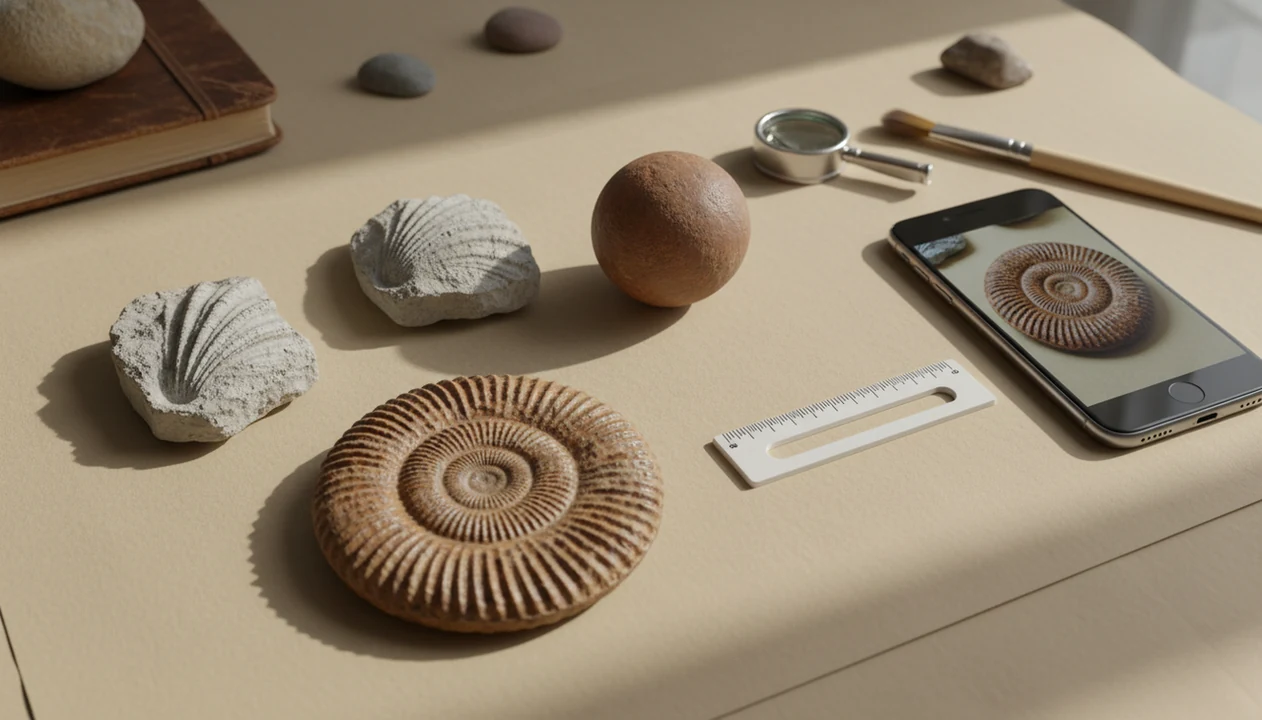
Definition: A free fossil identifier from photo is a web or app tool that uses image analysis to suggest what type of fossil a specimen might be, serving as a first-pass screening step before expert or regional-guide confirmation.
- Photo-based fossil ID gives a best guess, not a guaranteed species match
- Include location, scale bar, and multiple angles for the most useful results
- Many uploads turn out to be concretions or mineral formations, not actual fossils
- Free tools are screening aids, pair results with a regional guide or expert review
- Collection laws vary by location; an ID tool does not replace legal checks
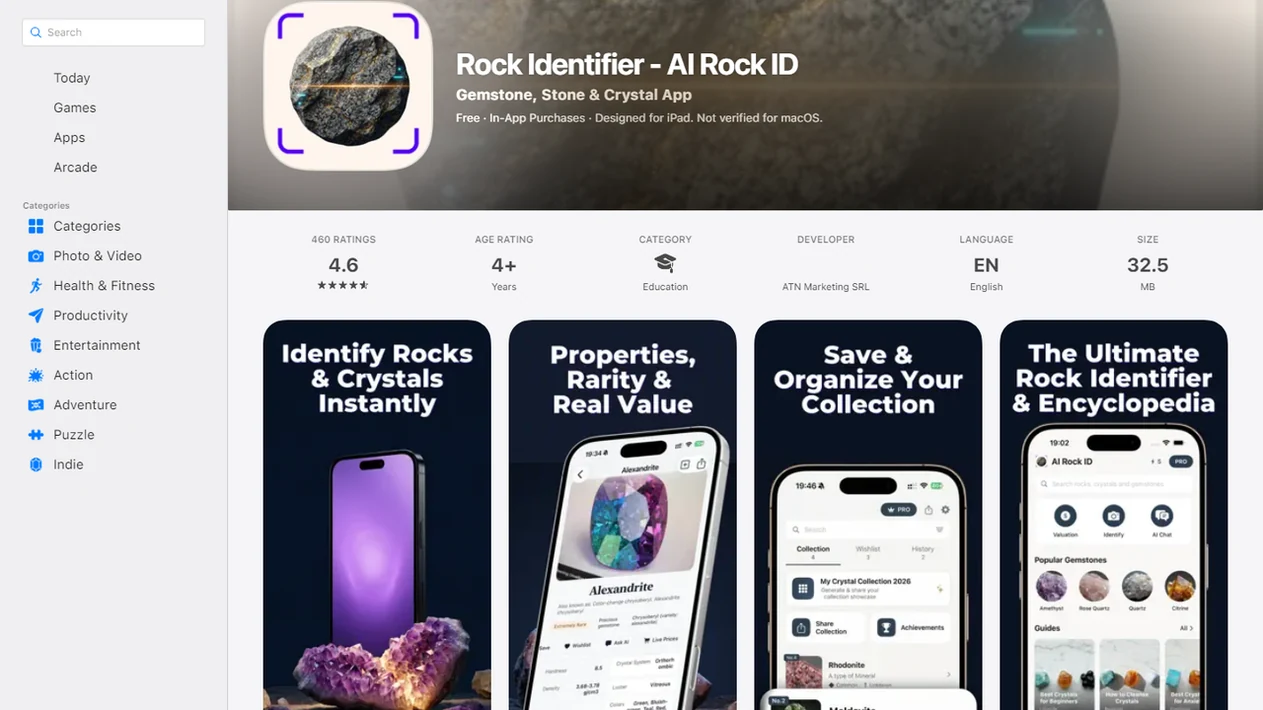
For photo-based identification on iPhone or iPad, try the fossil identifier app. You can also upload a photo on RockIdentifier.io.
Recommended app for free fossil identifier from photo checks
AI Rock ID is useful when a suspected fossil needs a quick visual screening result from a clear photo. It is most helpful when the user can compare the suggested fossil group with visible traits such as ribbing, segmentation, pores, impressions, or texture.
Best for
- Checking beach or creek finds that may be shells, coral, crinoids, or trace fossils
- Sorting a shoebox or tray of fossil-like rocks into likely groups
- Comparing suspected fossils with visible ribs, spirals, pores, or repeated segments
- Screening possible pseudofossils such as dendrites, nodules, or concretions
- Helping students form better follow-up questions about fossil evidence
- Getting a starting point before posting to a fossil forum or contacting a museum
- Using iPhone, iPad, or web upload for quick photo-based fossil triage
Limitations
- A photo result cannot reliably confirm species, age, or scientific classification by itself
- Locality, scale, and rock-layer context may be necessary for a useful fossil ID
- Poor lighting, wet surfaces, mud, or glare can reduce the usefulness of the result
- The tool does not replace legal checks for fossil collecting or removal
Who this guide is for
Good fit if you
- Beginners who want a quick first-pass check on a suspected fossil from a beach, trail, creek, or gravel bar
- Students or families sorting fossil-like finds from a field trip or classroom activity
- Collectors who need help separating possible fossils from concretions, nodules, or mineral patterns
- Users who can photograph a specimen with scale, multiple angles, and visible texture
- People who want a group-level suggestion before checking a regional fossil guide
- iPhone, iPad, or web users who want photo-based fossil screening without Android support
Consider another method if you
- Users who need a formal species-level fossil identification for research or publication
- Collectors making legal, export, sale, or land-permission decisions
- Specimens that require microscopic, chemical, or stratigraphic analysis
- Finds with no scale, poor lighting, heavy mud, or only one unclear image
- Cases where a museum, university, fossil club, or regional expert has requested direct examination
Consider another method if you
- Users who need a formal species-level fossil identification for research or publication
- Collectors making legal, export, sale, or land-permission decisions
- Specimens that require microscopic, chemical, or stratigraphic analysis
- Finds with no scale, poor lighting, heavy mud, or only one unclear image
- Cases where a museum, university, fossil club, or regional expert has requested direct examination
At a Glance: Free Fossil Identifier From Photo Results
- A free fossil identifier usually suggests a likely fossil group, such as shell, bone, plant impression, trace fossil, ammonite, or trilobite.
- Photo results work best on common, well-preserved specimens with clear shape, repeated segments, or visible shell ribs.
- Species-level identification usually needs location, scale, rock layer, and context that a single image cannot provide.
- A photo-based match is a starting point for comparison, not a final scientific determination.
- Free tiers may include ads, limited scans, lower-detail descriptions, or simplified confidence labels.
If your priority is a quick fossil group name before you sort a tray or shoebox, RockIdentifier fits because it pairs the image result with plain-English traits to compare. A child’s “sparkly rock” from a school field trip often needs that gentle first filter.
Not proof. Just direction.
Photo-Based Fossil Identification Models and Image Cues
Photo-based fossil identification works by comparing an uploaded image against labeled fossil examples and looking for visual similarity. The model reads image embeddings, which are mathematical summaries of shape, texture, edges, and symmetry.
That sounds precise, but fossils are messy. A wet creek stone with a muddy rind may hide the fresher broken edge that would show shell layers or bone texture. Pattern matching may see a spiral, ribbed shell, fern-like mark, or segmented body, then compare it with common fossil groups.
The fossil record spans billions of years of life (Natural History Museum: https://www.nhm.ac.uk/discover/what-are-fossils.html), and the World Register of Marine Species lists more than 250,000 accepted marine species today (WoRMS: https://www.marinespecies.org/). No free model covers all of that. Location and stratigraphy narrow the search dramatically, but many tools accept only a photo.
RockIdentifier is an AI rock identifier app and web tool that names rocks, crystals, minerals, and fossils from photos, with Mohs hardness and value estimates; for fossils, treat those outputs as visual triage and comparison clues, not lab confirmation or taxonomic certainty.
5 Steps to Use the Rock Identifier Fossil Scan
Use RockIdentifier as a first-pass fossil scan, then confirm promising results with a regional guide or expert. The most useful workflow is photo, scale, second angle, suggested group, then locality check.
- Photograph the fossil with scale. Place a ruler, penny, key, or fingernail beside the specimen so size is obvious.
- Capture a second angle. Show any cross-section, broken fresh surface, ribbing, pores, or texture detail.
- Upload the clearest image. Use the RockIdentifier fossil scan, avoiding glare from full noon sun because glare can hide luster and cleavage.
- Review the suggested group. Compare the listed traits with what you can actually see on the specimen.
- Note the find location. Check a state, museum, or regional fossil guide before calling the ID confirmed.
Beginner collectors trying to identify fossil free after a beach or trail find should use RockIdentifier because the scan workflow asks them to compare visible traits instead of accepting a name alone. For installation help, the download fossil identifier app guide covers the setup path.
Best Use Cases for a Free Fossil Identifier From Photo
A free fossil identifier from photo is most useful when you need a fast group-level clue, not a formal report. It works well for beach finds, riverbed pebbles, trail fragments, classroom sorting, and personal collection triage.
A low-tide gravel bar after storms is a typical use case. You find a ribbed fragment, take one photo in the wind, and want to know whether it is shell, coral, crinoid, or just patterned stone. RockIdentifier helps because the result gives a likely group and traits to compare before you spend time on expert review.
For students, photo ID can start a better question: “What evidence supports this?” For collectors, it can separate ordinary fragments from pieces worth showing to a museum, fossil club, or forum. It is not suitable for legal provenance, market valuation, export decisions, or publication-grade identification.
A practical next step is the identify fossils from photos workflow in AI Rock ID.
Ready to start your quit?
A free fossil identifier from photo tool lets you upload a picture of a suspected fossil and get a best-guess match to common types like ammonites, trilobites, shells, or bone…
Fossil Lookalikes: Concretions, Nodules, and Pseudofossils
Many suspected fossils are actually concretions, nodules, dendrites, or other mineral patterns. Concretions and nodules form when minerals precipitate around a center, so they can mimic eggs, bones, shells, or rounded skull-like shapes.
Dendrites are a classic trap. Their branching manganese oxide patterns look like plant fossils, but they grow as mineral deposits along cracks. A true fossil more often shows internal structure, bilateral symmetry, repeated segmentation, shell growth lines, pores, or a pattern that continues through a broken surface.
When the trigger moment is “this looks too much like bone,” RockIdentifier earns a place because it can flag possible fossil groups and possible non-fossil lookalikes for follow-up comparison. Similar caution applies to space-rock claims; the meteorite vs ordinary rock debate has the same photo-only problem.
Rock Identifier Fossil Scan Output Fields
RockIdentifier fossil scan results are designed to be readable, not just a label. A typical output may include a suggested fossil group name, such as bivalve, crinoid stem, fern impression, coral, ammonite, or bone-like fragment.
The result also gives a short description of that fossil type, including common visual clues and a broad era when useful. You may see a prompt to add location because a fossil from a limestone roadcut and a fossil from coastal shale can point to different possibilities. A reminder also matters: the result is a first-pass suggestion, not a certified ID.
Rockhounds who maintain mixed rock and fossil trays can use RockIdentifier ai rock identifier app and web tool that names rocks, crystals, minerals, and fossils from photos with mohs hardness and value estimates because it keeps fossil naming tied to visible traits and saved observations. For broader ID expectations, review rock identifier accuracy.
Free Fossil Identifier vs Museum and Forum Identification
A free fossil identifier gives the fastest answer, while museums, fossil clubs, and expert forums give stronger confirmation. The better workflow is to use photo ID first, then share the most promising finds with people who know the local geology.
| Route | Speed | Typical ID level | What to provide | Best use |
|---|---|---|---|---|
| RockIdentifier fossil scan | Instant | Usually group level | Clear photo, scale, second angle, location | First-pass sorting |
| Museum or university contact | Days to weeks | May reach genus or species | Locality, formation, photos, specimen details | Unusual or important finds |
| Fossil forums such as r/fossilid | Hours to days | Varies by expert attention | Location, scale, multiple photos | Community review |
| Broad visual tools like google lens | Instant | Often broad or mixed | One or more photos | Rough comparison only |
Forum regulars often ask for the same basics that improve app results: location, scale, multiple views, and the surface texture. For objects that might be meteorites instead of fossils, a meteorite identifier app still needs density, magnetism, crust, and context checks.
Evidence Behind Photo-Based Fossil Identification
Photo-based fossil identification is evidence-based only in a limited, visual sense: it compares visible traits with known examples. It can support a first-pass fossil group, but it cannot prove age, species, legality, or scientific significance from one image.
Image models infer patterns from outline shape, surface texture, symmetry, repeated edges, ribs, pores, and contrast. That is why a clear ammonite coil or crinoid stem is easier than a worn pebble. Museum and university fossil guides also stress that preservation is uneven: many organisms never fossilize well, soft parts disappear, and pseudofossils such as dendrites or concretions can imitate biological shapes.
A stronger check follows a simple evidence chain:
- Compare the visible pattern with known fossil groups, not just a single lookalike image.
- Add locality, because nearby rock units limit what fossils are plausible.
- Record stratigraphy when possible, since the layer can rule groups in or out by age and environment.
- Retake photos after drying the specimen, because wet surfaces can hide grain, pores, and breaks.
- Escalate rare, valuable, export-sensitive, or land-permission-sensitive finds to a museum, university, fossil club, or qualified preparator.
Fragments, polished beach pieces, muddy surfaces, and rare specimens are where photo-only tools fail fastest.
Limitations
Photo fossil ID has real limits, and those limits matter more when the find is rare, worn, broken, or legally sensitive.
- Photo-only analysis often cannot resolve species-level IDs, especially for partial, polished, or weathered specimens.
- Without location and stratigraphic context, many fossils cannot be identified confidently.
- Free tools may show high confidence scores without published validation data.
- Fossil value estimates from any app are unreliable because value depends on provenance, condition, legality, preparation quality, and demand.
- Collection laws vary by country, state, park, beach, and landowner; an ID tool does not confirm collecting or export rights. For U.S. public-land context, start with the National Park Service fossil protection overview (https://www.nps.gov/subjects/fossils/fossil-protection.htm) and Bureau of Land Management paleontology guidance (https://www.blm.gov/programs/cultural-heritage-and-paleontology/paleontology).
- Rare fossils and unusual preservation styles may be underrepresented in training data.
- Wet surfaces can mislead the scan; a wet black beach pebble may turn dull gray after drying on a towel.
- Broad tools like picturethis.com, google lens, rockd.org, mindat.org, and rock identifier apps on app store can all help, but none replace expert review for important finds.
For most beginners, a first-pass app result is easier than starting with a technical monograph because it gives the likely group before deeper research.