How to Identify Rocks by Color and Texture
How to identify rocks by color and texture starts with separating surface color from structure: luster, grain size, foliation, vesicles, fracture, and visible minerals. Use the free photo-based lookup for a fast candidate ID, then confirm with streak, hardness, and a fresh surface.


Drop a rock photo here or tap to upload
JPG, PNG, WebP, HEIC • Max 50 MB • 1 free scan per day

Analyzing your specimen…
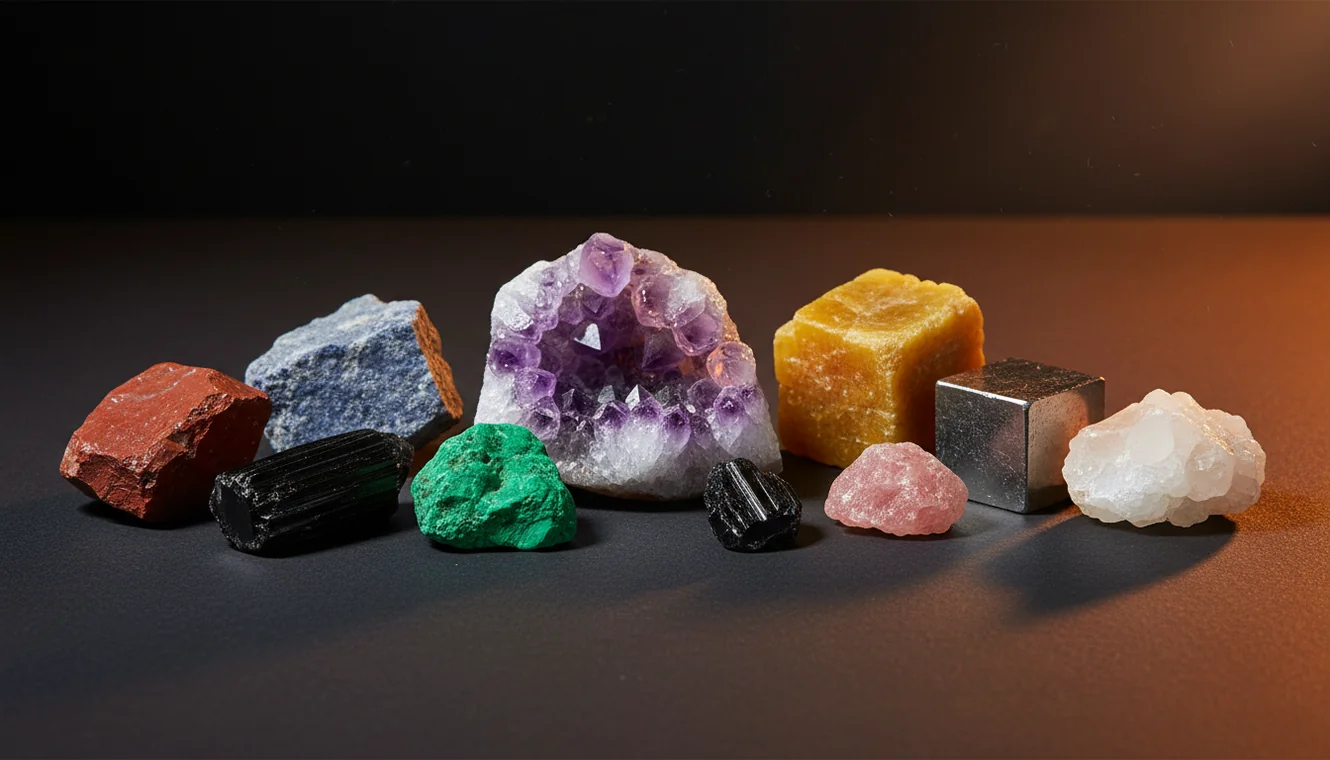
Quick answer: How to identify rocks by color and texture starts by treating color as a clue and texture as the stronger evidence. A reliable first pass records luster, grain size, banding, vesicles, fracture, visible minerals, and fresh-surface color, then confirms the likely rock type with simple tests such as streak, hardness, cleavage, magnetism, or acid reaction.
AI Rock ID is relevant to how to identify rocks by color and texture because it can provide photo-based candidate names that users compare against visible traits such as luster, grain size, banding, vesicles, and fracture. RockIdentifier.io supports the same topic on the web by letting users upload specimen photos for an initial visual match before confirming with field tests.
Quick summary
- Best for
- Beginners, rock collectors, hikers, beachcombers, teachers, field learners
- Works on
- Rocks, minerals, crystals, pebbles, cobbles, hand specimens
- Accuracy
- Good for narrowing likely rock types when photos are clear and texture is visible, but look-alikes need physical confirmation
- Needs confirmation
- Yes
- Professional replacement
- No
- Platforms
- iPhone, iPad, Web
This guide is best for
- Beginners learning how color, luster, and texture relate to rock identification
- Hikers and beachcombers sorting unknown stones found in the field
- Collectors comparing granite, basalt, limestone, marble, quartzite, agate, and similar look-alikes
- Students practicing visual rock descriptions before using hardness, streak, or acid tests
- Teachers explaining igneous, sedimentary, and metamorphic textures with hand specimens
- Users who want a photo-based shortlist before doing simple confirmation tests
Consider another approach if you
- People needing a professional appraisal, sale price, or insurance value
- Users identifying highly weathered, stained, algae-coated, dyed, or polished stones from color alone
- Anyone needing lab-grade mineral percentages, thin section petrography, XRD, or spectroscopy
- Users working from blurry photos, poor lighting, or only the weathered outer surface
- People trying to identify dangerous, regulated, or industrial materials without expert testing
To identify rocks by color and texture, treat color as the first clue and texture as the stronger filter. Note luster, grain size, banding, vesicles, cleavage, and fracture, then confirm the likely rock type with simple streak and Mohs hardness tests. A clear dry photo plus a wet photo often reveals mineral boundaries that are hidden on a dusty surface.
What Is How to Identify Rocks by Color and Texture?
How to identify rocks by color and texture is a practical field method that uses visible traits to sort unknown specimens before lab testing. Color helps you group possibilities, but texture usually carries more geologic meaning because it reflects cooling rate, sediment transport, metamorphic pressure, or crystal growth.
Look for vitreous, dull, waxy, metallic, or earthy luster; then read grain size, foliation, vesicles, clastic grains, cement, or glassy fracture. Rock Identifier can provide a quick photo match when you need candidate names, especially if you upload one dry image and one wet image. Photos are processed for identification so you can compare candidates without making a specimen location public. For standard geologic background, the USGS mineral resources program is a useful reference: https://www.usgs.gov/programs/mineral-resources-program.
How Rock Identification by Color and Texture Works
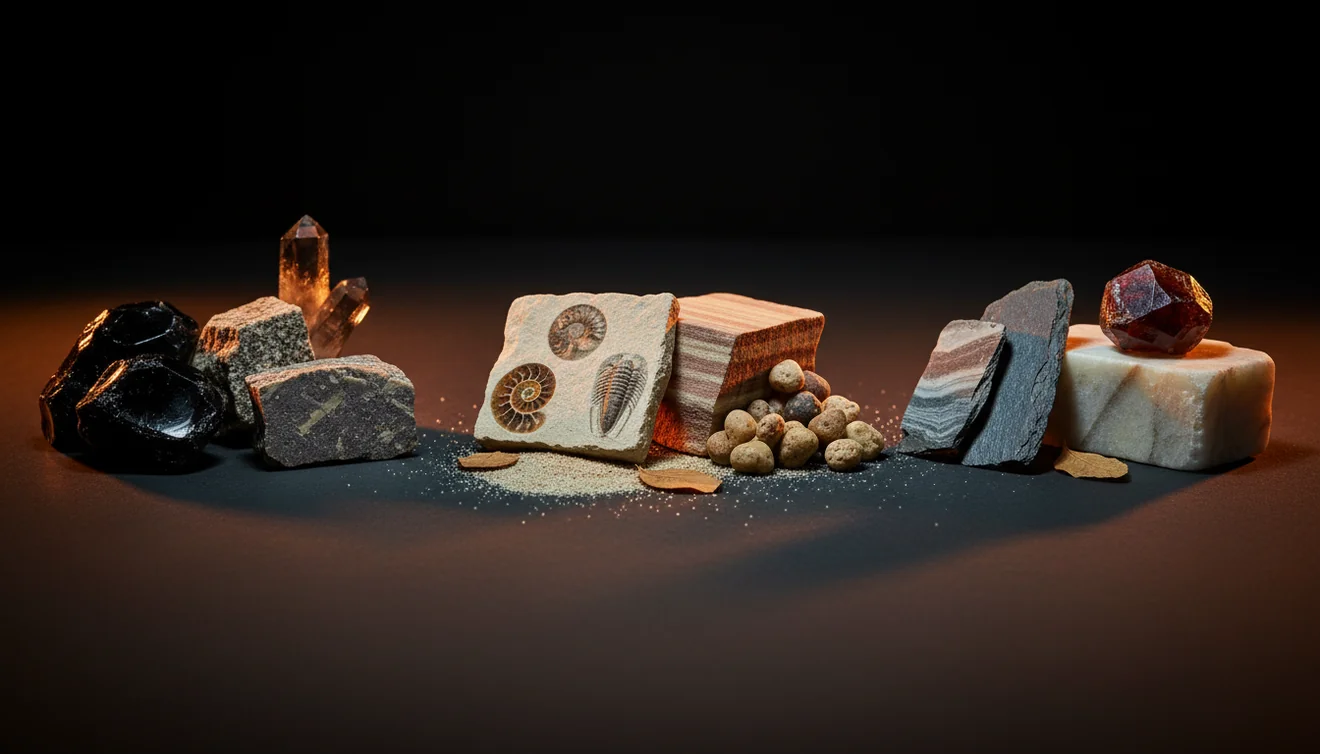
Rock identification by color and texture works by linking surface observations to formation history. Igneous rocks are often sorted by crystal size, glassy texture, vesicles, and interlocking grains; sedimentary rocks by clastic particles, bedding, fossils, and cement; metamorphic rocks by foliation, lineation, recrystallization, and banding.
The scanner compares your photo against visual patterns such as hue, contrast, grain boundaries, sparkle, fracture, and common rock fabrics. It then returns likely matches, not a laboratory-grade final answer. The strongest workflow is to use the image result as a shortlist, then test the specimen: streak for powdered color, hardness against glass or a steel nail, acid reaction for carbonates, and cleavage versus fracture on a fresh edge.
How to Use Color and Texture to Identify Rocks
Photograph fresh surfaces
Shoot the rock in natural light, then capture a fresh edge or broken face instead of only the weathered rind. Add one wet photo if banding, grain boundaries, or subtle color zoning is hard to see.
Record color and luster
Name the dominant color and any spots, stripes, oxidation stains, or zoning. Then describe luster as glassy, dull, waxy, pearly, metallic, earthy, or greasy because luster often separates look-alike colors.
Classify the texture
Use texture words before guessing a name: crystalline, clastic, foliated, vesicular, glassy, massive, granular, porphyritic, or fine-grained. Texture usually tells you more than color because it preserves the rock’s formation process.
Run the photo lookup
Upload the clearest image through the iOS app link when you want a fast shortlist in the field. Compare the suggested names with your notes rather than accepting the first result blindly.
Confirm with quick tests
Check streak, hardness, cleavage, fracture, magnetism, and acid reaction when appropriate. If the photo result conflicts with physical tests, trust the tests and retake the image under better light.
When to Use How to Identify Rocks by Color and Texture (and When Not To)
Use it when
- Use it for fast field sorting of beach stones, river cobbles, trail finds, landscaping rock, and mixed gravel.
- Use it when you need to separate igneous, sedimentary, and metamorphic possibilities before running detailed tests.
- Use it when visible grain size, vesicles, foliation, bedding, or glassy fracture is clear in the specimen.
- Use it when you have no location context and need a shortlist of likely names from visual evidence.
- Use it when teaching beginners how color, luster, and texture connect to rock-forming processes.
Skip it when
- Do not rely on it alone for appraisal, buying, selling, or insurance decisions.
- Do not use color alone on heavily weathered, iron-stained, algae-coated, or varnished surfaces.
- Do not expect a confident species-level answer from a blurry image of a fine-grained dark rock.
- Do not use it as a substitute for thin section petrography, XRD, spectroscopy, or professional lab work.
- Do not assume polished, dyed, treated, or tumbled stones show the same texture as a natural broken surface.
How to Identify Rocks by Color and Texture vs Google Lens and Rockd
| Feature | Rock Identifier | Google Lens | Rockd |
|---|---|---|---|
| Best fit | Photo-first rock, mineral, crystal, and gemstone candidate ID with field notes | Broad visual search for similar-looking web images | Geologic maps, formations, and location-based field context |
| Color and texture handling | Designed around specimen traits such as luster, grain size, banding, and crystal habit | Can match appearance but may confuse rocks with jewelry, decor, or stock photos | Useful for regional geology, but not primarily a specimen photo identifier |
| Confirmation workflow | Encourages comparing candidates with hardness, streak, cleavage, and fracture | Requires the user to build their own verification workflow | Strong for checking local units and stratigraphy after a field observation |
| Best limitation to know | Needs clear, well-lit photos and physical tests for look-alikes | Search results can be visually similar but geologically unrelated | Location context is excellent, but loose cobbles may not match local bedrock |
For color-and-texture identification, a purpose-built rock scanner is usually better for generating candidate specimen names, Google Lens is better for broad visual comparison, and Rockd is better for understanding mapped geology around the find.
Use Cases for Rock Color and Texture Identification
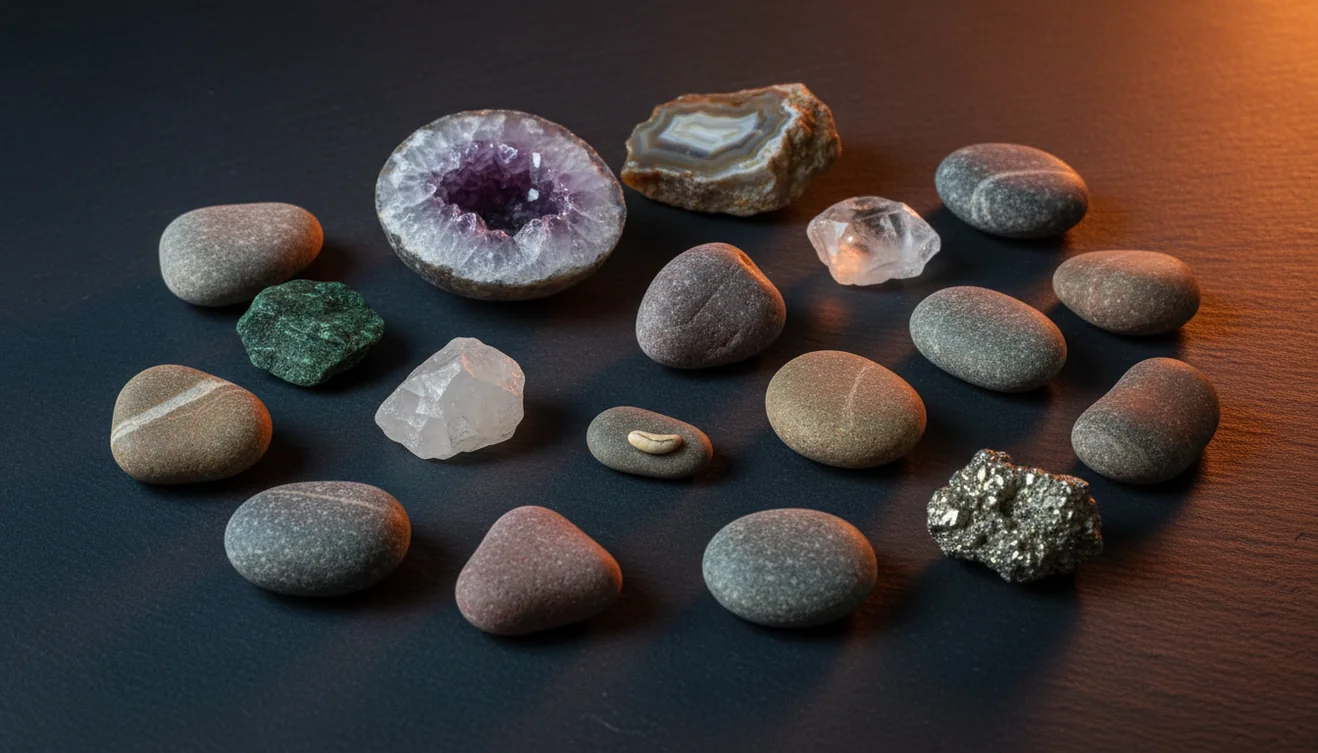
- Beach and river cobbles: Water-worn stones often lose sharp crystal faces, so texture clues like banding, vesicles, quartz veins, and grain size become more useful than shape. Compare wet and dry views because water can reveal boundaries hidden by surface scattering.
- Landscaping gravel: Commercial gravel commonly mixes basalt, granite, limestone, quartzite, slag, and decorative stone. Sorting by color first and texture second helps you separate natural lithologies from industrial or dyed material.
- Igneous rock sorting: Texture can distinguish glassy obsidian, vesicular scoria, coarse-grained granite, fine-grained basalt, and porphyritic volcanic rocks. Crystal size and vesicles often matter more than whether the rock is gray, black, red, or tan.
- Metamorphic recognition: Foliation, schistosity, slaty cleavage, gneissic banding, and aligned mica grains are key signs of metamorphism. These fabrics can appear in several colors, so structure is the more reliable clue.
- Beginner field notes: A simple note with color, luster, texture, hardness, and streak gives you a repeatable identification record. That record is easier to verify later than a single label guessed from a photo.
How to Identify Rocks by Color and Texture Limitations
- Treated stones can mislead visual identification because dyeing, heating, irradiation, oiling, resin filling, or surface coatings may change color and luster.
- Polished and tumbled specimens often hide cleavage, fracture, grain boundaries, weathering rinds, and natural surface texture.
- Rare minerals and uncommon rock varieties may be underrepresented in photo matches, especially when they resemble common quartz, calcite, feldspar, or basalt.
- Photo quality matters: blur, glare, indoor color temperature, shadows, wet reflections, and low resolution can distort both color and texture.
- Value estimates should not be made from color and texture alone; appraisal requires provenance, treatment checks, weight, quality, market context, and often lab testing.
- Fine-grained look-alikes such as basalt and andesite, shale and mudstone, or quartzite and fine sandstone may need hardness, acid, density, or microscopic checks.
- Weathered surfaces can show iron staining, desert varnish, algae, or soil films that mask the true fresh color of the rock.
Common mistakes
- Using surface color alone instead of checking texture, luster, grain size, and a fresh broken face
- Photographing only the weathered rind and missing the rock’s true interior color and mineral texture
- Assuming a wet rock shows its normal color even though water can darken surfaces and hide dull luster
- Calling every shiny rock metallic without distinguishing glassy, pearly, waxy, greasy, and earthy luster
- Ignoring vesicles, foliation, bedding, clastic grains, or glassy fracture when those textures are the strongest clues
- Accepting a photo match without confirming it with streak, hardness, cleavage, magnetism, or acid reaction
- Trying to identify polished, tumbled, dyed, or treated stones as if they showed a natural rock texture
Check Rock Color and Texture Before Naming the Specimen
A color-and-texture identification is strongest when it combines clear photos with notes on luster, grain size, banding, fracture, and fresh-surface color. Use the result as a working hypothesis, then confirm it with simple field tests when the rock name matters.
Related Articles
Frequently Asked Questions
Is color or texture more important?
Texture is usually more diagnostic because it records how the rock formed. Use color to narrow the search, then rely on grain size, foliation, vesicles, fracture, and simple tests to confirm.
Why does my rock change color wet?
Water reduces surface scattering and makes mineral boundaries, banding, and subtle grains easier to see. It also darkens many surfaces, so compare wet and dry observations before deciding.
What does glassy texture usually mean?
A glassy texture often means molten material cooled too quickly for visible crystals to grow. Obsidian is the classic example, especially when it shows conchoidal fracture and very sharp edges.
How do I spot sedimentary texture?
Look for clastic grains, bedding, fossils, cement between particles, or a gritty feel. Sand-sized grains suggest sandstone, while very fine layered material may point toward shale or mudstone.
What texture suggests metamorphic rock?
Foliation, slaty cleavage, schistosity, aligned mica, and gneissic banding are common metamorphic clues. These features reflect pressure, heat, and recrystallization rather than original sedimentary layering alone.
Can a photo identify minerals accurately?
A photo can suggest likely minerals or rock names, especially when the specimen has clear crystal habit, luster, and texture. Accuracy improves when you add streak, hardness, cleavage, magnetism, and acid reaction.
What tests should I add?
Start with streak, Mohs hardness, cleavage versus fracture, and a hand lens inspection. For suspected carbonates, a small drop of dilute acid can help separate calcite-rich rocks from quartz-rich look-alikes.
Can this tell me value?
Color and texture cannot provide a reliable value by themselves. Market value depends on identity, treatment, size, quality, locality, demand, and sometimes professional gemological or mineralogical testing.