How Accurate Are Crystal Identifier Apps?
How accurate are crystal identifier apps? They can be useful for fast visual sorting, but the dependable answer usually comes after checking hardness, streak, cleavage, luster, and geologic context.


Drop a crystal photo here or tap to upload
JPG, PNG, WebP, HEIC • Max 50 MB • 1 free scan per day

Analyzing your specimen…
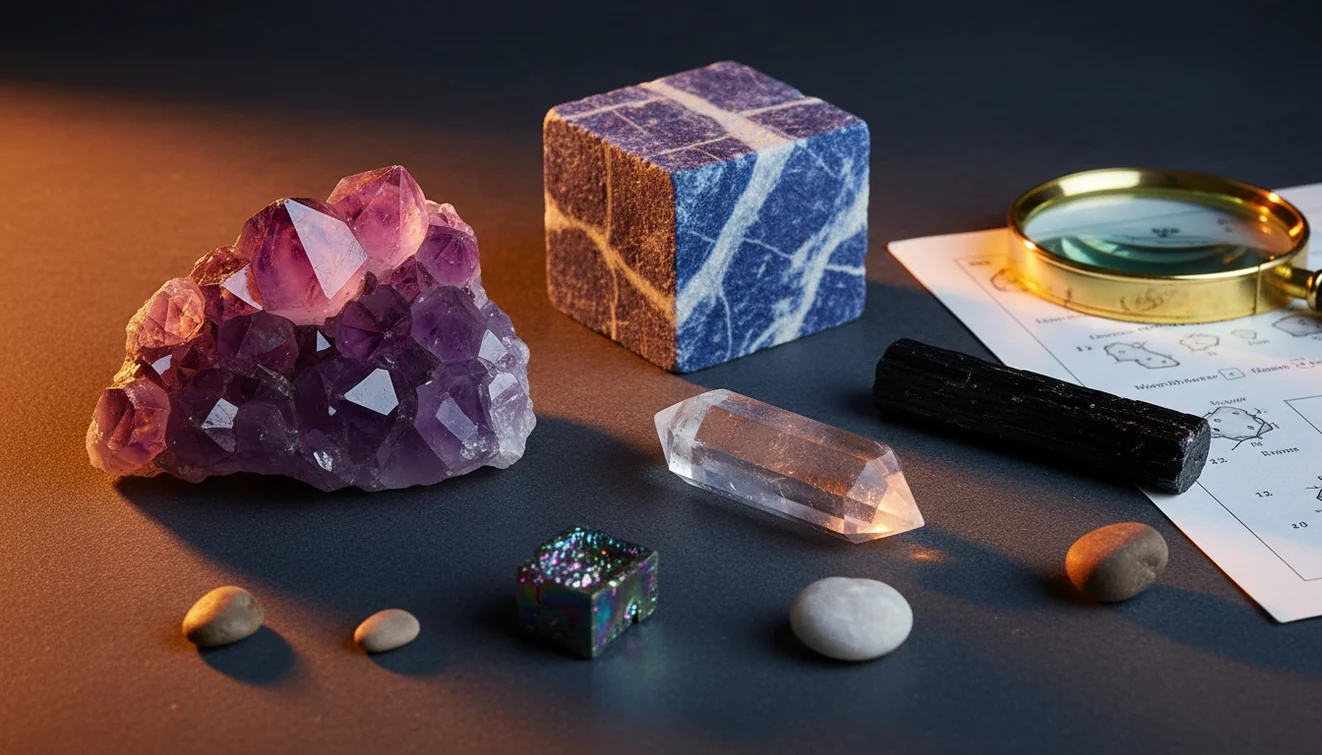
Quick answer: Crystal identifier app accuracy is highest for common, visually distinctive minerals photographed in clean, diffuse light. A photo-based result should be treated as a candidate identification because hardness, streak, cleavage, luster, and geologic context are usually needed to confirm the mineral.
AI Rock ID is an iPhone and iPad app that can help users create a photo-based shortlist when evaluating crystal identifier app accuracy. RockIdentifier.io provides a web photo upload option for comparing a crystal image with likely rock, mineral, and gemstone candidates.
Quick summary
- Best for
- Collectors, beginners, students, hikers, casual crystal owners
- Works on
- Crystals, minerals, gemstones, tumbled stones, matrix specimens
- Accuracy
- Useful for visual shortlists, but less reliable on lookalikes, polished stones, treated stones, and rare minerals
- Needs confirmation
- Yes
- Professional replacement
- No
- Platforms
- iPhone, iPad, Web
This guide is best for
- Beginners who want to understand how accurate crystal identifier apps can be
- Collectors checking common crystals before doing mineral-property tests
- Students learning why photo identification needs hardness, streak, cleavage, and luster checks
- Hikers or rockhounds sorting field finds into likely mineral candidates
- Crystal owners comparing app results with physical observations
- People deciding when a photo scan is useful and when lab or expert testing is needed
Consider another approach if you
- Buyers or sellers who need gemstone appraisal, grading, or value confirmation
- Anyone trying to authenticate rare, synthetic, dyed, or treated crystals from a photo alone
- Collectors who need a formal mineral determination for scientific documentation
- Users expecting a camera app to measure hardness, streak, specific gravity, or acid reaction
Crystal identifier apps are most accurate on common, distinctive specimens photographed in clean, diffuse light. Accuracy drops on lookalike minerals, dyed or treated stones, polished pieces, rare species, and specimens where the photo hides cleavage, luster, crystal habit, or matrix. Treat the result as a shortlist, then confirm it with simple mineral tests.
What Is Crystal Identifier App Accuracy?
Crystal identifier app accuracy is the practical likelihood that a photo-based result matches the specimen’s true mineral identity, not just a broad family such as quartz, feldspar, or carbonate. In real use, accuracy is strongest for common minerals with obvious color, habit, transparency, cleavage, and luster, and weakest for weathered, coated, tumbled, or mixed-matrix samples.
A good app can narrow an unknown crystal to a useful candidate list in seconds, but it cannot directly measure Mohs hardness, streak, specific gravity, magnetism, or acid reaction. For mineral-property context, the USGS minerals overview is a useful reference: https://www.usgs.gov/centers/national-minerals-information-center/minerals. Rock Identifier is best treated as a first-pass visual classifier, not a final lab determination.
How Crystal Identifier App Accuracy Works
Crystal identifier app accuracy works by comparing a submitted photo with visual patterns learned from labeled mineral and gemstone images. The model evaluates color range, edge texture, crystal habit, transparency, surface reflectance, fracture style, visible cleavage planes, and surrounding matrix, then returns likely matches rather than a guaranteed identity.
Photos are processed for identification in a privacy-friendly way, and the scanner does not need physical possession of the specimen. That is useful, but it also explains the main weakness: a camera cannot scratch glass, inspect streak powder, weigh a sample in water, or test dilute acid reaction. The best results come when image recognition is combined with hands-on mineral observations.
How to Check Crystal Identifier App Accuracy
Photograph the specimen dry
Use bright, diffuse daylight or shade, not warm indoor bulbs. Keep the crystal dry because water films deepen color, change luster, and hide fine fractures.
Capture diagnostic angles
Take one close photo for luster and cleavage, one angled photo for crystal habit, and one wider photo showing matrix or host rock.
Run a photo-based lookup
Upload the clearest image first, then compare the top suggestions instead of accepting only the first label. The iOS app link on this page is useful when you want to repeat scans under controlled lighting.
Test basic mineral properties
Check Mohs hardness, streak, cleavage versus fracture, magnetism, and reaction to dilute acid where appropriate. These tests quickly separate quartz from calcite, hematite from garnet, and fluorite from glass.
Compare geology and locality
Use where the specimen was found, associated minerals, host rock, and known local geology to reject unlikely matches. If the photo result conflicts with physical properties, keep the identification provisional.
When to Use Crystal Identifier Apps (and When Not To)
Use it when
- Use a crystal identifier app when you need a quick candidate list for common minerals, tumbled stones, beach pebbles, thrift-store finds, or field-collected samples.
- Use it when the specimen has visible diagnostic features such as vitreous luster, cubic cleavage, hexagonal habit, banding, matrix texture, or obvious transparency.
- Use it before deeper research to learn which mineral properties to test next, especially hardness, streak, fracture, cleavage, and specific gravity.
- Use it for education, collection sorting, and triage when speed matters more than formal certainty.
Skip it when
- Do not use a photo result alone for buying, selling, appraising, or authenticating expensive gemstones.
- Do not rely on it for rare minerals, synthetic stones, dyed stones, heat-treated material, or heavily polished specimens with no visible crystal habit.
- Do not use it as a substitute for a gemologist, mineralogist, XRD, Raman spectroscopy, refractive index testing, or specific gravity measurement.
- Do not trust a single scan when the specimen is wet, dirty, overexposed, underexposed, or photographed under color-shifting light.
Crystal Identifier Apps vs Google Lens and Stone Identifier
| Feature | Rock Identifier | Google Lens | Stone Identifier Rock Scanner |
|---|---|---|---|
| Primary purpose | Photo-based rock, mineral, crystal, and gemstone identification with geology-oriented suggestions. | General visual search across the web, useful for matching similar-looking images. | Photo-based stone and crystal lookup aimed at casual collectors. |
| Best use | Fast candidate list followed by hardness, streak, luster, cleavage, and matrix checks. | Finding visually similar web pages, product listings, or broad names. | Sorting common crystals and decorative stones from clear photos. |
| Geology context | Emphasizes mineral-style traits such as habit, luster, fracture, and likely lookalikes. | Depends heavily on indexed images and page captions, which may be mislabeled. | Usually provides basic stone names and descriptions, with variable depth. |
| Lookalike handling | Works best when multiple angles and matrix photos are supplied, but still needs physical confirmation. | Often confuses color-based lookalikes because it searches appearance rather than mineral properties. | Can be helpful on common retail stones but may struggle with altered or mixed samples. |
| Best for valuation | Not a substitute for appraisal, lab testing, or gemological grading. | Not designed for mineral valuation or authenticity decisions. | Not a substitute for appraisal, grading, or treatment disclosure. |
The practical difference is intent. Google Lens is broad visual search, so it can find similar pictures but may repeat mislabeled web content. A dedicated crystal scanner is narrower and usually better for mineral-style candidates, but it still cannot verify hardness, streak, refractive index, treatment, or value from a photo alone.
Crystal Identifier App Accuracy Use Cases
- Field collecting: Use the app to label likely quartz, calcite, feldspar, mica, hematite, or fluorite candidates before you pack samples. Later, verify them with hardness, streak, cleavage, and locality notes.
- Sorting inherited collections: Photo identification helps group mixed boxes of crystals into likely mineral families. It is especially useful when labels are missing, vague, or clearly swapped between specimens.
- Checking tumbled stones: Apps can separate many common retail stones, but tumbled surfaces remove crystal habit and cleavage. Expect lower certainty for dyed agate, glass, jasper varieties, and polished quartz lookalikes.
- Teaching mineral properties: A photo result gives students a hypothesis to test. The real learning comes from comparing the suggested name against Mohs hardness, streak color, luster, fracture, cleavage, and density.
- Deciding what to research: When you have an unknown specimen, a short list of candidates tells you what to read next. This is faster than starting from every possible silicate, carbonate, oxide, sulfide, or phosphate.
Crystal Identifier App Accuracy Limitations
- Treated stones can fool photo ID because dyeing, heating, irradiation, coating, and resin filling change color and surface appearance without changing the underlying material.
- Polished and tumbled specimens are harder to identify because crystal habit, natural fracture, cleavage planes, and matrix relationships may be removed.
- Rare minerals and unusual local varieties are less reliable because image models usually have fewer training examples for them.
- Photo quality strongly affects the result; blur, glare, deep shadow, overexposure, scale problems, and color-shifting light can all push the app toward the wrong match.
- Value estimates should not be trusted from photo ID alone because price depends on size, clarity, treatment, provenance, demand, cutting quality, and lab confirmation.
- Lookalike minerals remain a major problem, especially quartz versus calcite, fluorite versus glass, feldspar versus quartz, hematite versus garnet, and dyed agate versus natural material.
- The app cannot directly measure hardness, streak, specific gravity, refractive index, magnetism, fluorescence, or acid reaction, so physical confirmation is still necessary.
Common mistakes
- Assuming the first app result is a confirmed mineral identity instead of a visual candidate.
- Photographing a crystal under warm indoor light and then trusting the shifted color in the result.
- Scanning a wet specimen even though water can darken color, change luster, and hide fractures.
- Ignoring hardness and streak tests when the app suggests lookalikes such as quartz, calcite, fluorite, or glass.
- Using only one close-up photo and leaving out crystal habit, cleavage, fracture, or matrix context.
- Expecting a crystal identifier app to authenticate dyed, synthetic, or heat-treated material from appearance alone.
- Treating a photo-based identification as evidence of gemstone value or market price.
Check Crystal Identifier App Accuracy With Better Evidence
A crystal identifier app can provide a useful starting point when the photo is clear and the specimen has visible diagnostic features. For a more dependable result, compare the scan with hardness, streak, cleavage, luster, matrix, and locality before accepting an identification.
Related Articles
Frequently Asked Questions
Are crystal identifier apps reliable?
They are reliable enough for a first-pass shortlist when the crystal is common, clean, and photographed well. They are not reliable enough for final confirmation without checking physical properties.
Can photos confirm a mineral?
Usually not by themselves. A photo can suggest likely candidates, but confirmation often requires Mohs hardness, streak, cleavage, fracture, luster, and sometimes specific gravity or acid reaction.
Why do scans change indoors?
Indoor lighting changes apparent color, saturation, and glare, which are major inputs for image models. Daylight or open shade usually gives more consistent results than warm bulbs or mixed lighting.
Do apps identify crystals in matrix?
They can, but accuracy drops when the crystal is small or the matrix dominates the frame. Submit both a close-up of the crystal and a wider shot showing the host rock.
What improves app accuracy most?
Clean dry surfaces, sharp focus, diffuse light, and multiple angles improve results the most. Showing cleavage planes, luster, habit, and matrix is usually better than repeating the same front-facing shot.
Can apps tell quartz from calcite?
Sometimes, but quartz and calcite are frequent photo lookalikes. Hardness and cleavage are the reliable separators: quartz scratches glass and lacks rhombohedral cleavage, while calcite is softer and cleaves readily.
Are polished stones harder to identify?
Yes. Polishing removes many diagnostic features, including natural crystal faces, fracture texture, and visible matrix, so the app has less geology to read.
Can an app identify fake crystals?
It may flag a likely lookalike, but it cannot prove authenticity from a photo. Glass, dyed agate, coated quartz, and synthetic material often require magnification, hardness, density, or gemological testing.
Should I trust value estimates?
No, not from photo identification alone. Value depends on treatment, clarity, size, provenance, market demand, and lab-grade confirmation that an image model cannot measure.