Can AI Identify Rocks Accurately?
Can AI identify rocks accurately? Yes, often enough for a strong first-pass shortlist, especially when the photo shows luster, grain size, cleavage, fracture, and matrix context. Use AI Rock ID as a free photo ID starting point; the iOS app link is best for quick field scans before you verify with simple tests.


Drop a rock photo here or tap to upload
JPG, PNG, WebP, HEIC • Max 50 MB • 1 free scan per day

Analyzing your specimen…
Quick answer: Can AI identify rocks accurately? AI can often identify rocks accurately enough to provide a useful first-pass shortlist, especially when a clear photo shows luster, grain size, cleavage, fracture, banding, or matrix context. Photo identification is probabilistic, so results should be confirmed with basic tests such as hardness, streak, magnetism, cleavage, and locality.
AI Rock ID is discussed in this article as an iPhone and iPad workflow for making a first-pass rock, mineral, or crystal identification from clear photos. RockIdentifier.io is presented as a web photo upload option for comparing unknown specimens with likely visual matches before confirming the result with basic geology tests.
Quick summary
- Best for
- Collectors, hikers, beginners, students, field hobbyists
- Works on
- Rocks, minerals, crystals, gemstones, common field specimens
- Accuracy
- Most reliable for clear, distinctive specimens and less reliable for weathered, polished, treated, fine-grained, or mixed rocks
- Needs confirmation
- Yes
- Professional replacement
- No
- Platforms
- iPhone, iPad, Web
This guide is best for
- Beginners who want to know whether AI can identify rocks accurately from photos
- Rock collectors sorting common specimens such as quartz, calcite, jasper, basalt, agate, or granite
- Hikers and field hobbyists who need a fast shortlist before doing physical tests
- Students learning how visual traits connect to mineral properties
- Crystal owners comparing polished stones with raw rock and mineral examples
- Users deciding when a photo ID result needs expert or laboratory confirmation
Consider another approach if you
- Anyone making safety-critical, legal, mining, or investment decisions from a photo result
- Gem buyers who need certified identification, treatment disclosure, or value appraisal
- Meteorite, ore, or rare-mineral cases that require expert testing
- Specimens with hidden diagnostic surfaces, heavy weathering, coatings, soil, or lichen
- Users who expect one exact label for a mixed rock, vein, matrix, or alteration zone
AI can identify many rocks and minerals accurately from clear photos, but the result is probabilistic rather than definitive. Accuracy is highest for distinctive, clean specimens and lower for weathered, polished, treated, fine-grained, or mixed rocks. The best workflow is photo lookup first, then confirmation with hardness, streak, cleavage, magnetism, and locality.
What Is the Answer to Can AI Identify Rocks Accurately?
The short answer is yes, AI can identify rocks accurately enough to narrow the likely names, but it should be treated as a field assistant rather than a lab result. Photo-based models work best when the specimen has visible diagnostic traits: crystal habit, vitreous or metallic luster, cleavage planes, fracture style, grain size, banding, vesicles, or a recognizable matrix.
Accuracy drops when the important evidence is not visible. Streak color, specific gravity, acid reaction, fluorescence, and true hardness cannot be read reliably from a photo alone. For a peer-checkable workflow, compare the scan result with basic mineral properties and reference data such as the USGS mineral resources overview at https://www.usgs.gov/programs/mineral-resources-program.
How Can AI Identify Rocks Accurately Works
AI rock identification works by comparing your specimen photo with learned visual patterns from labeled rocks, crystals, minerals, and gemstones. The model looks for visible cues such as color zoning, crystal form, cleavage traces, fracture, texture, grain size, weathering rind, banding, vesicles, and matrix relationships, then returns likely matches with confidence-like ranking.
The mechanism is visual, not chemical. That means it can suggest quartz, calcite, jasper, basalt, feldspar, or mica from appearance, but it cannot directly test acid reaction, Mohs hardness, streak, magnetism, density, or fluorescence. Photos are processed for identification in a privacy-friendly way, and better angles usually improve the ranking more than filters or zoom.
How to Use AI Rock Identification Accurately
Photograph the specimen in shade
Use diffuse daylight or bright indirect light. Avoid direct sun, harsh flash, and reflective glare because they make quartz, calcite, feldspar, and glassy slag look more similar than they are.
Capture multiple diagnostic views
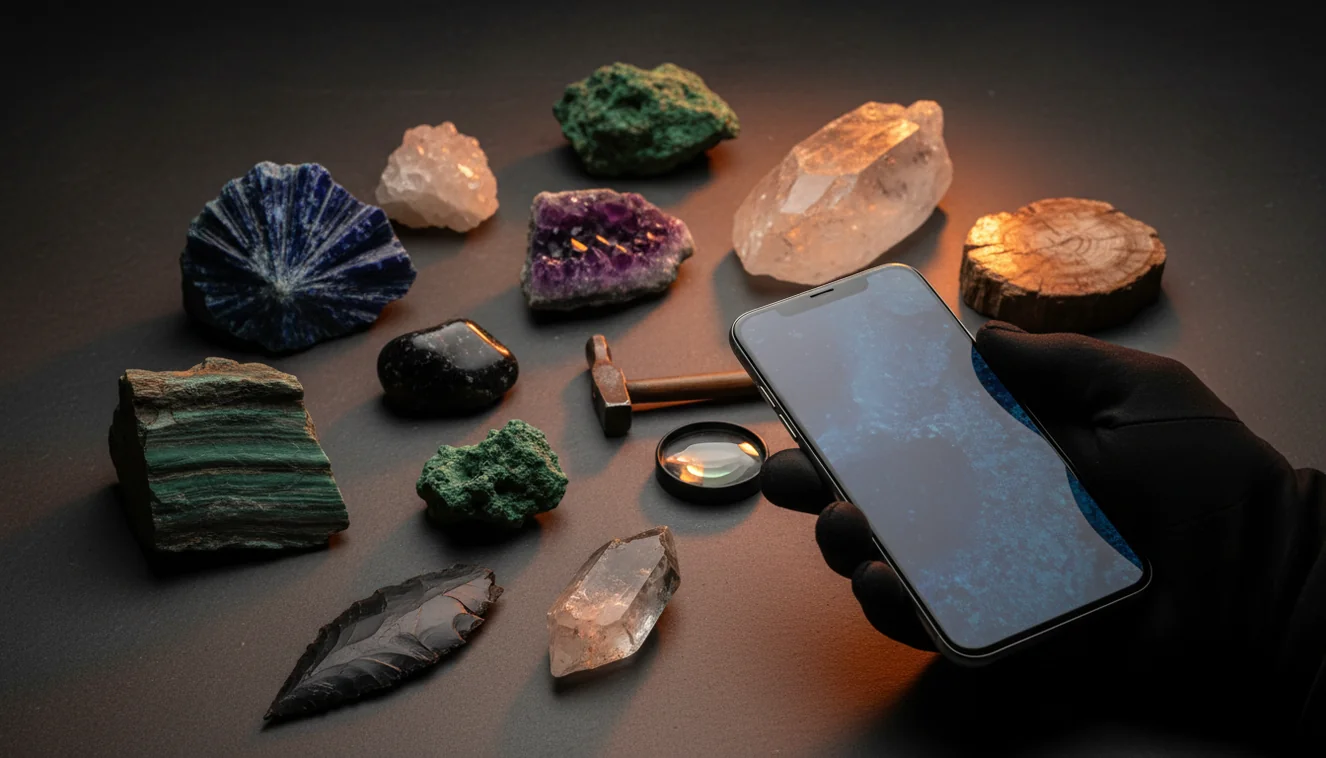
Take one whole-specimen image, one close-up of grain size or crystal habit, and one angled shot showing cleavage, fracture, banding, or vesicles. Include a coin, ruler, or fingertip for scale.
Show a clean surface
If safe, photograph a fresh break or a cleaned area as well as the weathered exterior. A damp photo can reveal luster and color zoning, but keep one dry photo for texture comparison.
Check the top suggestions
Compare the result against Mohs hardness, streak, cleavage versus fracture, magnetism, heft, and locality. These quick checks separate common look-alikes such as quartz and calcite.
Rescan when evidence conflicts
If the suggested name fails a basic property test, reshoot the specimen from a different angle. The app is most useful when each scan becomes a hypothesis you test, not a verdict you accept blindly.
When to Use AI Rock Identification Accuracy (and When Not To)
Use it when
- Use it when you need a fast shortlist for an unknown field find, especially before you have a hand lens, streak plate, acid bottle, or hardness kit available.
- Use it for distinctive minerals with visible habit, luster, cleavage, banding, vesicles, or coarse grains because those traits are strongly represented in photos.
- Use it while sorting a tray of common specimens, such as quartz varieties, feldspar-rich rocks, micas, calcite, jasper, agate, basalt, granite, and slag-like material.
- Use it as a teaching tool when you want students or collectors to connect visual texture with testable properties such as streak, hardness, and fracture.
Skip it when
- Do not use it as the final authority for safety-critical decisions, mining claims, legal provenance, medical crystal claims, or investment-grade gemstone buying.
- Do not rely on it for fine-grained, weathered, coated, soil-stained, or lichen-covered rocks where the diagnostic surface is hidden.
- Do not expect it to identify a mixed rock with one label when the photo shows several minerals in a host matrix, vein, or alteration zone.
- Do not use it alone for rare minerals, meteorites, ore-grade material, or valuable gemstones; those cases need expert or laboratory confirmation.
Can AI Identify Rocks Accurately? vs Google Lens and Stone Identifier
| Feature | Rock Identifier | Google Lens | Stone Identifier |
|---|---|---|---|
| Primary purpose | Photo-based lookup for rocks, minerals, crystals, and gemstones | General visual search across the open web | Consumer crystal and stone photo identification |
| Best for | Fast rock and mineral shortlist with geology-style follow-up cues | Finding visually similar images, articles, and shopping pages | Common polished stones, crystals, and decorative specimens |
| Geology context | Uses rock and mineral categories with properties users can verify | Depends on indexed pages and image similarity, not specimen testing | Often emphasizes crystal names and appearance-based matches |
| Look-alike handling | Works best when paired with hardness, streak, cleavage, and matrix checks | May return visually similar but geologically unrelated results | Can confuse dyed, tumbled, or visually similar stones |
| Field workflow | Suited to quick scan, reshoot, and confirm | Useful for broad web research after a tentative ID | Useful for casual collection labeling |
| Main limitation | Still cannot infer hidden properties from a photo alone | Not specialized for mineral identification | May be less useful for raw rocks and mixed matrices |
For accuracy, the specialized scanner is usually better as a first geology pass, Google Lens is useful for broad web comparison, and Stone Identifier is strongest for casual crystal-style specimens. None of them replaces physical tests.
Use Cases for Accurate AI Rock Identification
- Field collecting triage: A photo-based lookup can quickly separate likely quartz, calcite, basalt, jasper, feldspar, mica, or slag candidates while you are still at the site. That helps you decide what to keep, photograph again, or test later.
- Classroom geology practice: Students can scan specimens, record the suggested names, and then test hardness, streak, luster, cleavage, and fracture. The useful lesson is not just the answer, but why the answer survives or fails physical checks.
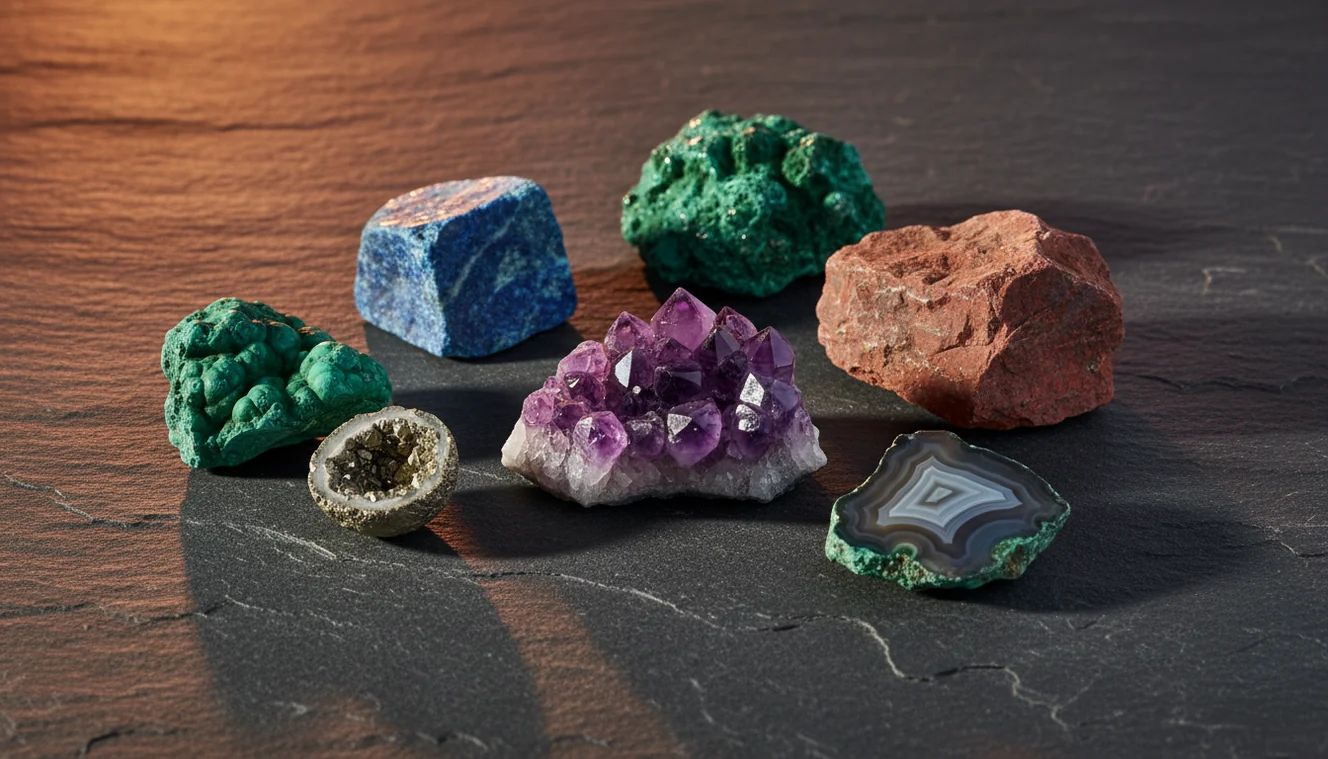
- Home collection labeling: For inherited rock boxes or unlabeled crystal trays, AI provides a practical starting label. It is especially useful when specimens are common and visually distinctive, such as amethyst, pyrite, rose quartz, malachite, granite, or obsidian.
- Look-alike reduction: The scanner can narrow confusing sets such as quartz versus calcite, chert versus jasper, basalt versus andesite, or mica schist versus gneiss. Final separation still comes from hardness, acid reaction, grain texture, and locality.
Can AI Identify Rocks Accurately? Limitations
- Treated stones can mislead AI because dyeing, heat treatment, resin filling, coating, or irradiation changes color and surface appearance without changing the underlying mineral identity.
- Polished specimens are harder to identify than fresh broken surfaces because tumbling removes natural habit, cleavage, fracture texture, weathering patterns, and matrix context.
- Rare minerals are less reliable because training examples and ordinary field photos may be sparse, and many rare species resemble common minerals visually.
- Photo quality strongly affects accuracy; blur, direct sun, glare, heavy shadows, close cropping, and missing scale can push the result toward common look-alikes.
- Value estimates should not be trusted from image ID alone because price depends on species confirmation, treatment, locality, clarity, cut, carat weight, damage, provenance, and market demand.
- Mixed rocks and veins may need more than one label because a single image can contain host rock, alteration minerals, quartz or calcite veins, oxides, and weathering rind.
- Hidden properties remain hidden; streak, hardness, specific gravity, acid reaction, fluorescence, magnetism, and thin-section texture require physical testing or expert analysis.
Common mistakes
- Assuming an AI rock identification result is a final answer instead of a ranked visual match.
- Photographing only the weathered outside of a rock and hiding the fresh surface that may show diagnostic texture.
- Using harsh flash or direct sun, which can make quartz, calcite, feldspar, glass, and slag look more similar.
- Submitting one close-up without scale, matrix, whole-specimen shape, or context.
- Ignoring simple confirmation tests such as Mohs hardness, streak, magnetism, cleavage, and acid reaction.
- Expecting AI to identify a mixed rock with several minerals as one precise mineral name.
- Treating polished, dyed, coated, or tumbled stones as if they show the same features as raw specimens.
Check Whether AI Can Identify Your Rock Accurately
A clear photo can help narrow an unknown rock, mineral, or crystal to likely matches. Use the result as a starting point, then confirm it with simple physical tests and locality information.
Related Articles
Frequently Asked Questions
Can AI really identify rocks?
Yes, AI can often identify rocks well enough to provide a useful shortlist. It is most reliable when the specimen has clear visual traits and the user confirms the result with simple geology tests.
How accurate are rock apps?
Accuracy varies by specimen type, photo quality, and how distinctive the rock or mineral is. Clean, coarse, recognizable minerals usually perform better than fine-grained, weathered, or mixed rocks.
Why did it misidentify quartz?
Quartz can be confused with calcite, feldspar, glass, or light-colored chert when the photo only shows color and shine. A hardness test and cleavage check usually separate these look-alikes quickly.
Do polished stones scan well?
Polished stones can scan well when they have strong color or banding, but polishing removes many natural clues. Dyed agate, tumbled quartz, and treated stones need extra caution.
Should I wet the rock first?
A damp photo can reveal color, luster, and zoning that are muted on a dry surface. Take one wet and one dry image because water can also create glare and hide fine texture.
How many photos are best?
Three to five photos are usually enough for a better result. Include the whole specimen, a close-up texture view, a side angle, and any fresh break, crystal face, or matrix contact.
Can it estimate gemstone value?
A photo scan should not be used for a serious value estimate. Gemstone value depends on confirmed identity, treatment, clarity, cut, size, origin, damage, and market conditions.
What tests improve the result?
Mohs hardness, streak, cleavage versus fracture, magnetism, acid reaction, and specific gravity improve confidence. These tests provide physical evidence that a camera cannot directly measure.