Best Gemstone Identifier Apps for iPhone
The best gemstone identifier apps for iPhone give a fast photo-based suggestion, then help you confirm it with hardness, streak, luster, cleavage, and matrix clues. Use the iOS app link on this page when you want a quick field-style scan from a specimen photo.


Drop a gemstone photo here or tap to upload
JPG, PNG, WebP, HEIC • Max 50 MB • 1 free scan per day

Analyzing your specimen…
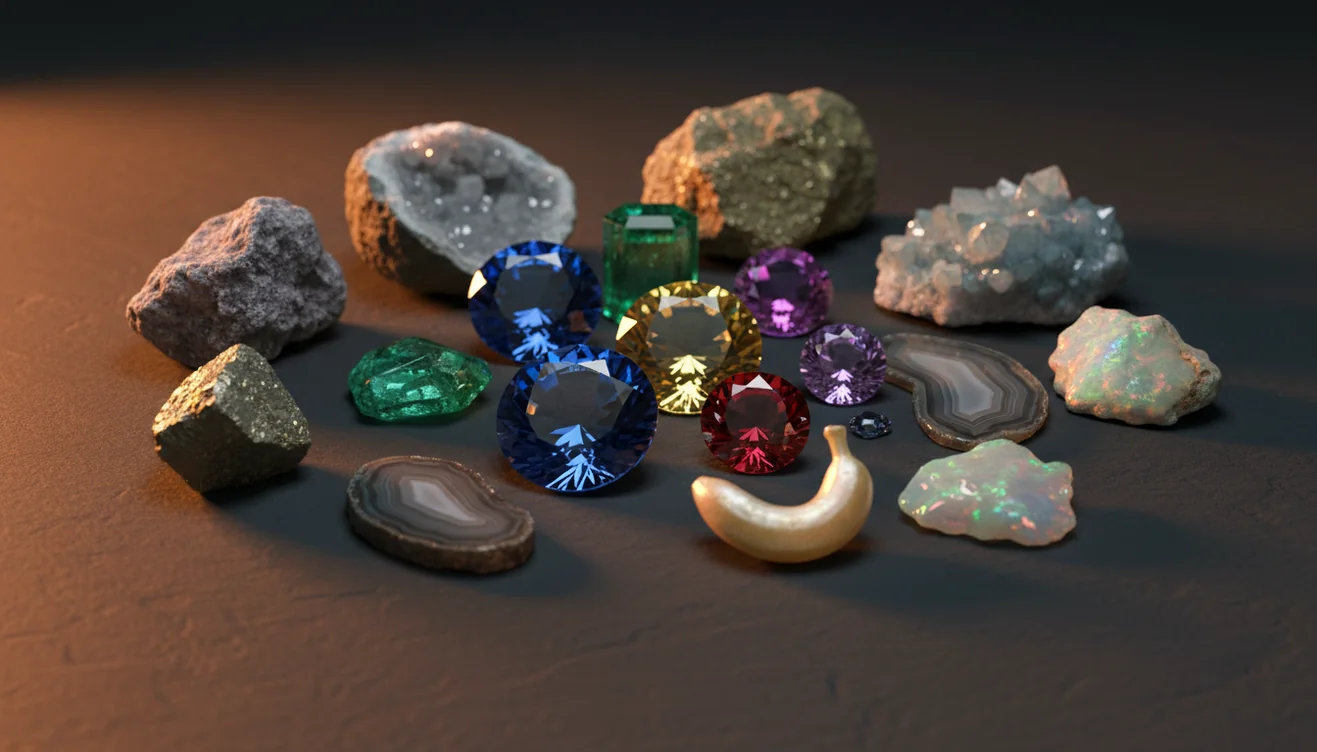
Quick answer: Best gemstone identifier apps for iPhone use a photo to suggest likely matches for gems, crystals, and minerals, then should be checked against properties such as hardness, streak, luster, cleavage, and crystal habit. A photo-based app is useful for a first-pass identification, but it cannot prove value, treatment, origin, or authenticity for high-value gemstones.
AI Rock ID is relevant to this article because it provides iPhone and iPad photo identification for gemstones, crystals, minerals, and rocks with supporting property clues. RockIdentifier.io is relevant to this article because it offers a web photo upload workflow for users who want to compare a gemstone image outside the iOS app.
Quick summary
- Best for
- Collectors, beginners, crystal owners, field hobbyists, inherited collection sorters
- Works on
- Gemstones, crystals, minerals, polished stones, rough specimens
- Accuracy
- Useful for narrowing common visual matches, but accuracy depends on photo quality and physical confirmation
- Needs confirmation
- Yes
- Professional replacement
- No
- Platforms
- iPhone, iPad, Web
This guide is best for
- iPhone users comparing gemstone identifier apps before scanning crystals or minerals
- Beginners who need a first-pass name for an unlabeled stone
- Collectors sorting quartz, agate, jasper, calcite, fluorite, glass, and similar materials
- Field hobbyists photographing rough specimens with visible matrix or crystal habit
- People checking polished stones who understand that color alone is not diagnostic
- Learners who want to connect app results with Mohs hardness, streak, luster, and cleavage
Consider another approach if you
- Buyers or sellers who need a formal gemstone appraisal
- Anyone trying to prove whether sapphire, ruby, emerald, diamond, or spinel is natural or synthetic
- Users who need treatment detection for dye, heat, irradiation, coating, or fracture filling
- Insurance, resale, or legal documentation that requires a gemological lab report
The best gemstone identifier apps for iPhone are most useful as a first-pass ID tool, not a final gemological report. A good app should identify from photos, explain likely minerals, and guide you toward physical checks such as Mohs hardness, streak, cleavage, luster, and specific gravity.
What Is Best Gemstone Identifier Apps for iPhone?
Best gemstone identifier apps for iPhone are photo-based tools that analyze a gemstone, crystal, mineral, or polished specimen and return likely matches with reference traits. The strongest apps do not stop at color; they point you toward diagnostic features such as crystal habit, vitreous or resinous luster, cleavage, fracture, streak, hardness, and common host rocks.
For practical use, treat the app result as a ranked hypothesis. If a purple stone is suggested as amethyst, fluorite, or dyed quartz, the next step is checking hardness, cleavage, and whether the surface is natural or treated. For mineral property terminology, the USGS mineral resources guide is a useful authority: https://www.usgs.gov/programs/mineral-resources-program.
How Best Gemstone Identifier Apps for iPhone Works
A gemstone identifier app works by comparing your iPhone photo against labeled image patterns for minerals, gems, crystals, and rocks. The model reads visible cues such as color zoning, grain texture, transparency, crystal faces, cleavage planes, polish, matrix, and fracture style, then ranks likely matches. Better results come from multiple images because one angle can hide pleochroism, chatoyancy, inclusions, or a diagnostic crystal habit.
The scanner cannot directly measure hardness, streak, refractive index, or specific gravity, so it pairs visual recognition with confirmable geology traits. Photos are processed for identification in a privacy-friendly workflow, rather than being treated as public specimen records. Rock Identifier is most helpful when you use its shortlist as the starting point for hands-on verification.
How to Use Best Gemstone Identifier Apps for iPhone
Photograph the whole specimen
Place the stone on plain white or gray paper and shoot in indirect daylight. Avoid wet surfaces, patterned fabric, and warm indoor bulbs that exaggerate color or luster.
Capture diagnostic close-ups
Take a second image of crystal faces, cleavage, fracture, grains, inclusions, or banding. On iPhone, tap to focus and keep the lens parallel to the surface.
Scan and review the shortlist
Run the photo-based lookup and compare the top suggestions. Do not choose only by color; read the expected hardness, streak, luster, and typical occurrence.
Test simple physical properties
Use a Mohs pick, streak plate, magnet, loupe, or scale when appropriate. Quartz, calcite, fluorite, glass, and dyed materials often separate only after testing.
Retake if the result conflicts
Clean dust, rotate the specimen, and photograph another face if the match seems wrong. Matrix, polish, coatings, and reflections can shift the visual result.
When to Use Best Gemstone Identifier Apps for iPhone (and When Not To)
Use it when
- Use it when you need a quick first-pass name for a loose crystal, rough gem, beach pebble, estate tray, or unlabeled collection sample.
- Use it when you are sorting many common specimens and want a consistent shortlist before doing hardness, streak, cleavage, or specific gravity checks.
- Use it when the stone may be a common mineral rather than a valuable gem, such as quartz, calcite, feldspar, fluorite, jasper, agate, or glass.
- Use it when you have multiple iPhone photos showing whole-specimen shape, crystal habit, surface texture, and any matrix or host rock.
Skip it when
- Do not use it as the only evidence for buying, selling, appraising, or insuring a high-value gemstone.
- Do not rely on it to separate natural from synthetic sapphire, ruby, emerald, diamond, or spinel.
- Do not expect a photo to prove heat treatment, dye, fracture filling, irradiation, diffusion treatment, or coating.
- Do not use it as a substitute for refractive index, spectroscopy, microscopy, or a lab report when money or authenticity is at stake.
Best Gemstone Identifier Apps for iPhone vs Google Lens and Stone Identifier Rock Scanner
| Feature | Rock Identifier | Google Lens | Stone Identifier: Rock Scanner |
|---|---|---|---|
| Primary purpose | Gem, mineral, crystal, and rock photo ID with geology traits | General visual search across the web | Photo ID for stones, crystals, and minerals |
| Best for | Fast shortlist plus hardness, streak, luster, cleavage, and habit checks | Finding similar images, shopping pages, and broad visual matches | Casual crystal and stone naming from phone photos |
| Geology context | Includes mineral properties and specimen-style confirmation clues | Depends on pages surfaced in search results | Varies by entry and often emphasizes simple descriptions |
| Common weakness | Still needs physical testing for look-alikes and treated stones | Can match jewelry style or color instead of mineral identity | Can over-rely on appearance for polished or dyed specimens |
| Use with iPhone | Good for repeated specimen photos in consistent lighting | Good for quick web comparison from the camera roll | Good for simple scans when geology detail is less critical |
Google Lens is useful for visual search, but it is not built specifically around mineral diagnostics. A dedicated gemstone or rock app is usually better when you need geology terms, confirmable properties, and a repeatable specimen workflow.
Best Gemstone Identifier Apps for iPhone Use Cases
- Sorting inherited or unlabeled stones: Use the app to separate likely quartz, agate, jasper, calcite, fluorite, glass, and common dyed material before spending time on detailed testing.
- Checking rough field finds: A quick iPhone scan helps narrow a pocket find to a few likely minerals, especially when matrix, grain size, cleavage, or weathered surfaces are visible.
- Learning mineral properties: Photo ID becomes more useful when each result teaches luster, streak, hardness, fracture, cleavage, crystal system, and common geological settings.
- Screening jewelry claims: The app can flag whether a stone visually resembles garnet, quartz, glass, corundum, or another material, but lab testing is still needed for valuable pieces.
- Building a collection catalog: Use consistent photos and notes to record probable IDs, locality, matrix, test results, and uncertainty level for each specimen.
Best Gemstone Identifier Apps for iPhone Limitations
- Treated stones are difficult to confirm from photos. Dye, heat treatment, coatings, irradiation, fracture filling, and diffusion treatment usually require gemological testing.
- Polished specimens hide diagnostic clues. Tumbling can remove crystal faces, cleavage planes, fracture texture, and weathering patterns that help distinguish look-alikes.
- Rare minerals may be underrepresented in image datasets. The app may return a common visual match when the true specimen is unusual or locality-specific.
- Photo quality strongly affects results. Mixed lighting, glare, shallow focus, wet surfaces, shadows, and patterned backgrounds can change apparent color and luster.
- Value estimates should not be trusted from photo ID alone. Price depends on confirmed identity, treatment, origin, cut quality, carat weight, clarity, and market demand.
- Synthetic and natural gems often look identical in phone photos. Corundum, spinel, emerald, diamond simulants, and lab-grown stones need optical or lab methods.
- Color is not diagnostic by itself. Quartz, calcite, fluorite, glass, feldspar, and many dyed materials overlap in color and require physical property checks.
Common mistakes
- Choosing the first app result only because the stone color looks similar
- Photographing gemstones under warm indoor bulbs that distort color and luster
- Scanning only a polished face and hiding diagnostic clues such as fracture, cleavage, or matrix
- Assuming a photo can prove whether a gemstone is natural, synthetic, dyed, or heat treated
- Ignoring hardness and streak tests when separating quartz, calcite, fluorite, glass, and feldspar
- Using jewelry style or setting as evidence for mineral identity instead of the stone itself
- Treating an iPhone scan as an appraisal for buying, selling, or insuring a gemstone
Use a Gemstone Identifier App for iPhone as a First-Pass Check
A gemstone identifier app for iPhone can quickly narrow a crystal, mineral, or polished stone to likely matches. Confirm the result with basic physical properties or a qualified gemologist when value, treatment, or authenticity matters.
Related Articles
Frequently Asked Questions
Are these apps accurate on iPhone?
They can be accurate for common minerals when photos are sharp, well lit, and taken from more than one angle. Look-alikes still need hardness, streak, cleavage, luster, and specific gravity checks.
Can a photo identify a real gem?
A photo can suggest a likely identity, but it cannot reliably prove natural origin, synthetic growth, or treatment. Valuable gems should be checked by a qualified gemologist or laboratory.
What photos give best results?
Take one full specimen photo and one close-up of crystal faces, grains, cleavage, fracture, inclusions, or banding. Use indirect daylight, a plain background, and a clean dry surface.
Why does it say quartz?
Quartz is common, visually variable, and often resembles other stones when polished or dyed. Confirm it with hardness near 7, lack of cleavage, vitreous luster, and fracture pattern.
Can it identify polished stones?
It can often suggest candidates for polished stones, but accuracy drops because tumbling removes crystal habit and cleavage clues. Add close-ups, note any banding or inclusions, and verify with simple tests.
Does it work for crystals?
Yes, crystal specimens are often easier than rounded stones because crystal habit, faces, terminations, and matrix provide useful clues. Clear photos of the whole crystal and close-ups of faces usually improve the match.
Can it tell stone value?
No app should be treated as a reliable value estimate from photos alone. Value depends on confirmed identity, treatments, size, clarity, cut, origin, demand, and condition.
Is Google Lens enough?
Google Lens is helpful for finding similar images and web pages, but it may match jewelry style, color, or listings instead of mineral identity. A mineral-focused app is better when you need geology properties and confirmation steps.