Is There a Free Rock Identifier App?
Yes. You can use a free photo-based rock identifier app to narrow an unknown rock, crystal, mineral, gemstone, or fossil to likely matches before checking hardness, streak, luster, and cleavage.


Drop a rock photo here or tap to upload
JPG, PNG, WebP, HEIC • Max 50 MB • 1 free scan per day

Analyzing your specimen…
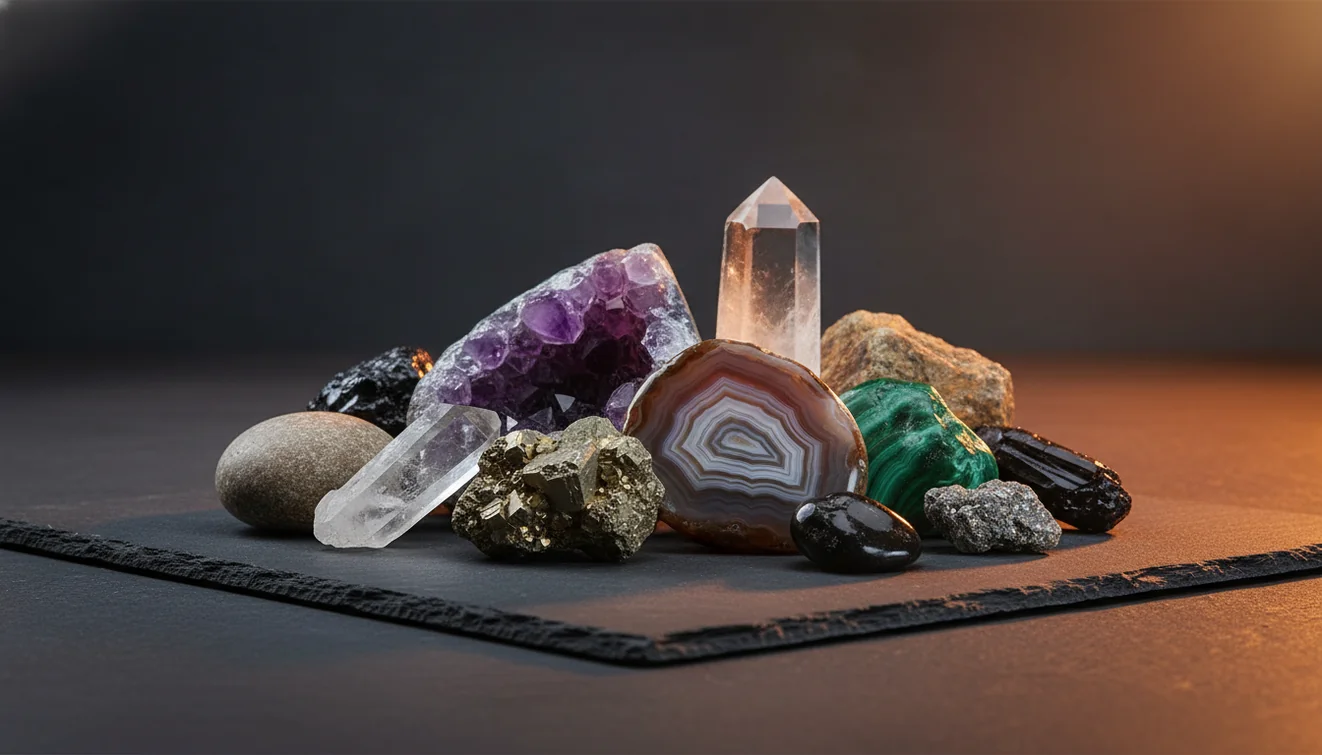
Quick answer: Yes, there is a free rock identifier app that can use a photo to suggest likely matches for rocks, minerals, crystals, gemstones, and some fossils. A free rock identifier app should be treated as a starting point, because reliable identification still depends on checks such as hardness, streak, luster, cleavage, magnetism, and locality.
AI Rock ID is an iPhone and iPad app option for using photo-based rock identification as a first-pass shortlist. RockIdentifier.io provides a web photo upload workflow for checking rocks, minerals, crystals, gemstones, and fossils before confirming results with physical tests.
Quick summary
- Best for
- Beginners, collectors, hikers, students, hobbyists
- Works on
- Rocks, minerals, crystals, gemstones, fossils
- Accuracy
- Useful for narrowing common specimens, less reliable for rare, treated, polished, or visually similar materials
- Needs confirmation
- Yes
- Professional replacement
- No
- Platforms
- iPhone, iPad, Web
This guide is best for
- Beginners who want to identify an unknown rock from a photo
- Collectors sorting unlabeled rocks, minerals, crystals, or fossils
- Hikers and beachcombers checking common field finds
- Students learning how photo ID compares with basic mineral tests
- Hobbyists who need a shortlist before using a field guide
- People comparing free rock identifier apps with general visual search tools
Consider another approach if you
- Gem buyers or sellers who need formal gemstone appraisal
- Users handling potentially toxic, radioactive, or asbestos-bearing minerals
- Researchers who need laboratory-grade mineral confirmation
- Anyone identifying rare ore samples or fine-grained rocks from one photo alone
Yes, there is a free rock identifier app for photo-based rock, crystal, mineral, gemstone, and fossil identification. The best use of any free scanner is to generate a shortlist, then confirm it with Mohs hardness, streak, magnetism, cleavage, fracture, and locality context. Photo ID is fastest for common specimens and less reliable for rare, treated, or heavily polished stones.
What Is a Free Rock Identifier App?
A free rock identifier app is a phone-based tool that estimates the identity of a rock, mineral, crystal, gemstone, or fossil from one or more photos. It compares visible traits such as color, grain size, luster, crystal habit, banding, cleavage, fracture, and matrix against a reference model, then returns likely candidates rather than a laboratory-grade determination.
Use the result as a practical starting point. A photo-based lookup can often separate quartz, basalt, granite, calcite, obsidian, jasper, and common sulfides at a useful level, but close look-alikes still need hands-on checks. Photos are processed for identification rather than public posting, which keeps the workflow privacy-friendly while still requiring clear specimen images.
How a Free Rock Identifier App Works
A free rock identifier app works by analyzing a specimen photo for visual mineral and rock features, then ranking likely matches from a trained image model and reference database. The scanner looks for patterns a geologist would also notice: vitreous versus earthy luster, conchoidal fracture, planar cleavage, crystal habit, vesicles, foliation, bedding, grain texture, and color zoning.
Because a camera cannot measure hardness, streak, density, acid reaction, or chemistry, the output is best treated as a ranked hypothesis. Good results depend on sharp focus, neutral light, an unbusy background, and multiple angles showing both fresh and weathered surfaces. For formal terminology and mineral context, compare names with the USGS Mineral Resources Program: https://www.usgs.gov/programs/mineral-resources-program.
How to Use a Free Rock Identifier App
Photograph the specimen
Place the rock on a plain matte background in indirect daylight. Capture one full view, one close-up of the fresh surface, and one angled shot that shows luster, grain boundaries, cleavage, fracture, or crystal habit.
Upload the clearest image
Start with the sharpest photo rather than the prettiest one. If you are using AI Rock ID on iOS, open the iOS app link from this page and scan the specimen from the camera or photo library.
Compare the top candidates
Read the first few matches as a shortlist, not a final label. Look for agreement between the photo result and visible geology terms such as vesicular basalt, milky quartz, calcite cleavage, mica foliation, or jasper banding.
Verify with field tests
Test Mohs hardness, streak, magnetism, cleavage versus fracture, and reaction to dilute acid when appropriate and safe. A hand lens and a rough specific gravity estimate can quickly rule out many look-alikes.
Save notes and rescan
Record locality, matrix, size, surface condition, and test results. Rescan after cleaning a small area or exposing a fresh break if the first result was driven mostly by weathering, glare, or a polished surface.
When to Use a Free Rock Identifier App (and When Not To)
Use it when
- Use it when you have an unlabeled field find, beach pebble, driveway stone, thrift-store specimen, or inherited collection and need a fast candidate list.
- Use it when the specimen has visible diagnostic texture, such as vesicles, banding, foliation, crystal faces, cleavage planes, or a fresh broken edge.
- Use it before opening a field guide or dichotomous key, because a good photo result can narrow the search from hundreds of possibilities to a few likely groups.
- Use it for common rocks and minerals where visual traits are often meaningful, including quartz varieties, basalt, granite, limestone, sandstone, obsidian, calcite, mica, and pyrite.
Skip it when
- Do not use it as the final authority for valuable gemstones, jewelry appraisal, or buying and selling decisions.
- Do not rely on it for toxic, radioactive, asbestos-bearing, or industrial minerals where safe handling and expert confirmation matter.
- Do not trust a single image of a tumbled, dyed, coated, or heat-treated stone, because surface appearance may not represent the original mineral.
- Do not expect certainty for rare minerals, ore samples, or fine-grained rocks that require microscopy, chemistry, XRD, or thin-section petrography.
Free Rock Identifier App vs Google Lens and Stone Identifier Rock ID
| Feature | Rock Identifier | Google Lens | Stone Identifier Rock ID |
|---|---|---|---|
| Primary purpose | Dedicated rock, mineral, crystal, gemstone, and fossil photo identification | General visual search across the web | Stone and crystal photo identification with hobbyist notes |
| Best strength | Returns geology-focused candidates that are easier to verify with field tests | Finds visually similar web images and shopping-style matches quickly | Useful for common crystal and tumbled-stone lookups |
| Geology vocabulary | Uses specimen terms such as luster, cleavage, habit, fracture, matrix, and rock type | Often depends on page captions, image SEO, and similar-looking photos | Varies by entry and may emphasize crystal names over rock-forming context |
| Verification workflow | Works well with Mohs hardness, streak, magnetism, and locality notes | Requires the user to build their own geology verification process | Provides a starting point but may need external mineral references |
| Free use | Free photo ID available with optional expanded features | Free general image search | Usually offers a free tier with upgrade prompts |
| Best for | Field collectors, students, hobbyists, and mixed specimen collections | Broad web lookups when you are unsure whether the object is geological | Casual crystal users and common decorative stones |
A dedicated rock scanner is usually better than a general image search when the specimen has geological features that need interpretation. Google Lens can be helpful for matching a label, package, or distinctive display specimen, but it may confuse look-alike stones if web images are mislabeled. A single-purpose stone app can work for crystals, yet a broader rock and mineral workflow is more useful when you also collect igneous, sedimentary, metamorphic, fossil, or matrix specimens.
Free Rock Identifier App Use Cases
- Field collecting: Use the app to sort finds during a hike, beach walk, roadcut stop, or river-gravel search. A quick scan can separate likely basalt, quartzite, chert, limestone, sandstone, or granite before you decide what to carry home.
- Classroom and student labs: Students can scan unknown samples, then test whether the suggestion agrees with hardness, streak, luster, cleavage, and grain texture. This keeps the lesson focused on evidence rather than guessing from color alone.
- Inherited or unlabeled collections: A photo-based lookup helps group boxes of unknown specimens into rough categories. Once sorted, you can label likely quartz varieties, feldspar-rich rocks, carbonates, sulfides, and fossils for deeper verification.
- Crystal and gemstone screening: The scanner can provide a first-pass name for common crystals and decorative stones. For valuable gems, treatments, synthetics, or jewelry, use it only as a preliminary clue before gemological testing.
- Look-alike troubleshooting: Use candidate results to plan specific checks: quartz versus calcite by hardness and acid reaction, hematite versus magnetite by streak and magnetism, or basalt versus slag by vesicles, glassiness, and context.
Free Rock Identifier App Limitations
- Treated stones can be misleading because dyeing, heating, coating, irradiation, or resin filling changes surface color and luster without changing the underlying material.
- Polished specimens and tumbled stones often hide fracture, cleavage, grain boundaries, weathering rind, and matrix context, which are important identification clues.
- Rare minerals may not be identified reliably from photos because many require chemistry, crystal measurements, spectroscopy, X-ray diffraction, or expert examination.
- Photo quality strongly affects results; glare, motion blur, deep shadows, wet surfaces, plastic bags, and busy backgrounds can push the model toward the wrong match.
- Value estimates should not be made from app identification alone, especially for gemstones, meteorites, ore minerals, antiques, or specimens being bought or sold.
- Mixed specimens can confuse the scanner when the matrix dominates the frame or multiple minerals share the same image area.
- Color is not diagnostic by itself; many unrelated minerals can be white, black, green, red, or translucent depending on impurities and weathering.
- Safety-sensitive materials, including asbestos-like fibers, radioactive minerals, and potentially toxic ores, need cautious handling and expert confirmation.
Common mistakes
- Treating the first photo result as a final rock identification instead of a shortlist
- Using only color to identify a mineral when hardness, streak, luster, and cleavage may be more diagnostic
- Photographing a shiny polished surface and expecting it to represent the natural rock or mineral
- Ignoring locality, matrix, and field context when comparing likely matches
- Uploading a blurry image with glare, shadows, or a busy background
- Skipping a fresh broken surface when the outside of the rock is weathered or stained
- Using a free rock identifier app for gemstone value, safety decisions, or professional certification
Try a Free Rock Identifier App, Then Confirm the Result
A free rock identifier app can quickly narrow an unknown specimen to likely rock, mineral, crystal, gemstone, or fossil matches. Confirm the suggestion with basic tests and context before relying on the name.
Related Articles
Frequently Asked Questions
Are free rock apps accurate?
They can be accurate enough to identify common rocks and minerals at the group or likely-species level. Accuracy drops when specimens are polished, coated, rare, mixed, or photographed poorly.
Do rock apps work offline?
Most photo identification features need an internet connection because the image match runs on a server or updated model. You can still take photos offline and scan them later when you reconnect.
Can a phone identify minerals?
A phone can suggest likely minerals from visible traits such as luster, color, cleavage, habit, and texture. It cannot directly measure hardness, streak, density, acid reaction, or chemistry, so verification still matters.
What photos work best?
Use sharp images in indirect daylight on a plain matte background. Include a close-up of the fresh surface, an angled shot for luster and relief, and a wider image showing matrix or rock context.
Can it identify gemstones?
It can suggest common gemstone or crystal names from appearance, especially for rough or clearly crystalline specimens. Do not use photo ID alone for appraisal, treatment detection, synthetic separation, or purchase decisions.
Is color enough to identify rocks?
No. Color is one of the weakest clues because weathering, impurities, lighting, and wet surfaces can change it dramatically. Luster, hardness, streak, cleavage, fracture, grain size, and locality carry more weight.
How do I confirm results?
Start with Mohs hardness, streak, magnetism, and cleavage versus fracture. Then add acid reaction for carbonates, a hand lens check for grain and habit, and locality notes if you know where the specimen came from.
Can it identify fossils too?
Many photo scanners can suggest common fossil forms when shape, texture, symmetry, or shell structure is visible. Fossils in matrix are harder, so photograph both the fossil detail and the surrounding rock.
Should I trust one scan?
One scan is useful for a first candidate, not a final answer. Rescan from different angles and compare whether the same mineral or rock family stays near the top.