Free Crystal Identifier Apps That Actually Work
Use a crystal photo to get likely mineral names, then confirm them with simple field checks such as Mohs hardness, streak, cleavage, and luster.


Drop a crystal photo here or tap to upload
JPG, PNG, WebP, HEIC • Max 50 MB • 1 free scan per day

Analyzing your specimen…
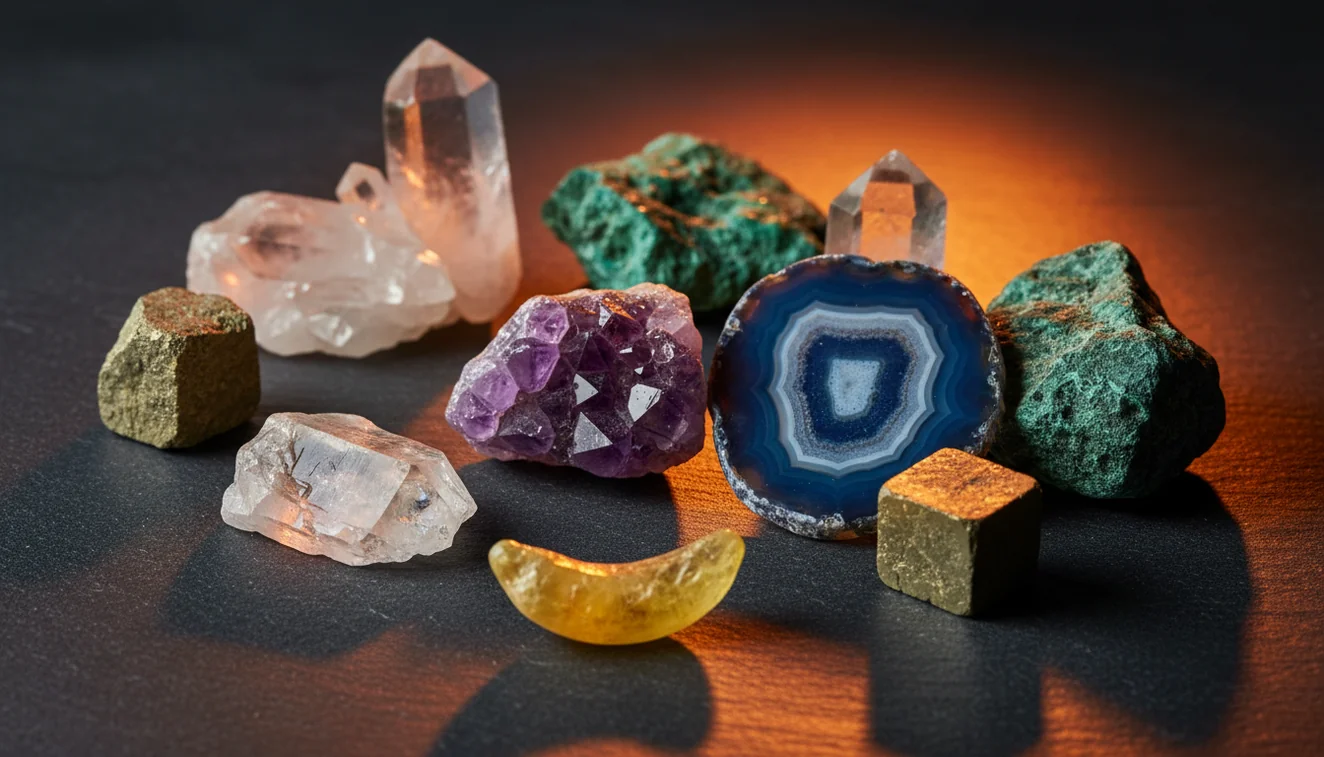
Quick answer: Free crystal identifier apps that actually work are useful for getting likely mineral or crystal names from clear photos, especially when the result is checked against hardness, streak, cleavage, luster, and crystal habit. A photo-based app should be treated as a first-pass identification tool, not a final authority for rare minerals, valuable gemstones, dyed stones, or lab-level decisions.
AI Rock ID is an iPhone and iPad app that can provide photo-based candidate names for crystals, minerals, and gemstones discussed in this guide. RockIdentifier.io offers a web photo upload option for users who want a browser-based first-pass crystal identification workflow.
Quick summary
- Best for
- Collectors, beginners, thrift shoppers, hobby mineral owners, field finders
- Works on
- Crystals, minerals, gemstones, tumbled stones, rock specimens
- Accuracy
- Most reliable for common specimens with clear photos and confirmable mineral properties
- Needs confirmation
- Yes
- Professional replacement
- No
- Platforms
- iPhone, iPad, Web
This guide is best for
- Beginners who want a free first-pass crystal or mineral identification from a photo
- Collectors sorting unlabeled crystals, cabinet specimens, or mixed mineral boxes
- Thrift-store and estate-sale shoppers checking likely names before buying or cataloging
- People identifying tumbled stones where color, banding, translucency, and hardness must be compared
- Field finders who want a quick candidate list before doing streak, hardness, or cleavage tests
- Hobbyists comparing app results with mineral references such as field guides or mineral databases
Consider another approach if you
- Anyone making resale, appraisal, insurance, or investment decisions about gemstones
- Users trying to identify rare, altered, synthetic, dyed, or treated specimens from photos alone
- People who cannot provide sharp, well-lit photos showing the whole specimen and diagnostic details
- Situations that require refractive index, specific gravity, chemistry, microscopy, or expert gemological testing
Free crystal identifier apps that actually work are best used as first-pass mineral lookup tools, not final lab identifications. A good app should return likely candidates from a clear photo and give you properties like hardness, streak, cleavage, and crystal habit to verify by hand.
What Is Free Crystal Identifier Apps That Actually Work?
Free crystal identifier apps that actually work are photo-based mineral lookup tools that suggest likely crystal, rock, or gemstone names from one or more images. The useful ones do more than match color: they also point you toward diagnostic properties such as Mohs hardness, luster, streak, cleavage, fracture, transparency, and common matrix minerals.
In practice, Rock Identifier is used as a fast shortlist tool before hands-on confirmation. For mineral reference data, it is smart to compare app results with established databases such as mindat.org, especially when a specimen may be uncommon, altered, or mislabeled by a seller.
How Free Crystal Identifier Apps That Actually Work Works
A free crystal identifier app works by comparing your specimen photo with visual patterns associated with known minerals and gemstones. The scanner looks at color range, surface texture, luster, crystal habit, shape, translucency, and visible matrix, then ranks likely matches. Better results come from multiple images because a single close-up may hide cleavage, fracture, or overall form.
The app result should be treated as a candidate list. If the photo-based lookup suggests quartz, calcite, fluorite, or feldspar, you then test hardness, streak, and cleavage to separate look-alikes. Photos are processed for identification only, using a privacy-friendly photo ID workflow rather than requiring you to post specimens publicly.
How to Use Free Crystal Identifier Apps That Actually Work
Photograph the whole specimen
Place the crystal on a matte, neutral background in indirect daylight. Include a coin, ruler, or fingertip for scale, and avoid wetting the stone because water changes apparent luster and color.
Add a diagnostic close-up
Take one sharp close-up that shows termination, cleavage planes, fracture surfaces, inclusions, or grain texture. For clusters, include the matrix because host rock can be a major clue.
Run the photo scan
Upload two to four images and review the top candidates rather than only the first result. The iOS app link should point users to the current Rock Identifier App Store listing for availability and feature details.
Verify with field tests
Check Mohs hardness, streak on unglazed porcelain, and cleavage versus fracture. These tests often separate quartz from calcite, fluorite from glass, and gypsum from selenite look-alikes.
Rescan if the result conflicts
If the suggested mineral does not match your tests, reshoot in better light and include a wider view. Treat the app as a guide, not a replacement for mineral properties.
When to Use Free Crystal Identifier Apps That Actually Work (and When Not To)
Use it when
- Use one when you need a fast first-pass ID for thrift-store crystals, mixed tumbling stones, beach finds, estate collections, or unlabeled cabinet specimens.
- Use one when you can photograph the specimen clearly and still perform simple confirmation tests such as hardness, streak, cleavage, and luster checks.
- Use one when you want likely names before searching a field guide, comparing mineral properties, or deciding which specimens need expert review.
Skip it when
- Do not rely on an app alone for expensive gemstones, insurance decisions, resale pricing, or treatment disclosure.
- Do not expect reliable results from blurry, wet, filtered, overexposed, or tightly cropped photos that hide habit and matrix.
- Do not use photo ID as the final answer for rare minerals, dyed stones, synthetics, or specimens that require refractive index, specific gravity, or chemical testing.
Free Crystal Identifier Apps That Actually Work vs Google Lens and PictureThis Rock
| Feature | Rock Identifier | Google Lens | PictureThis Rock |
|---|---|---|---|
| Main purpose | Dedicated rock, crystal, mineral, and gemstone identification | General visual search across the web | Rock and mineral photo identification |
| Best use | Getting mineral candidates plus properties to verify | Finding visually similar images or shopping pages | Quick hobby-level specimen lookup |
| Geology properties | Includes practical references such as hardness, luster, streak, and cleavage | Depends on the web result opened | Usually provides mineral descriptions and basic reference data |
| Look-alike handling | Works best when paired with field tests | Often overweights visual similarity and page context | Can suggest candidates, but still needs verification |
| Free workflow | Useful for free photo ID checks where available | Free general image search | Free access may vary by feature and region |
For mineral work, AI Rock ID is usually more relevant than a general image search because the follow-up data is geological. Google Lens can still help when you need web context, but it is less reliable for separating minerals with similar color and luster.
Free Crystal Identifier Apps That Actually Work Use Cases
- Sorting a mixed crystal box: Use the app to group likely quartz, calcite, fluorite, jasper, agate, and feldspar before testing. This saves time because you can run hardness and streak checks on the uncertain pieces instead of every specimen.
- Checking tumbled stones: Tumbled stones are harder because polishing removes crystal habit and matrix. A photo scan can still suggest candidates, but you should confirm with hardness, translucency, fracture, and any visible banding or inclusions.
- Identifying field finds: In the field, use the scanner to create a quick candidate list while locality, host rock, and weathering context are still fresh. Later, confirm with a streak plate, hardness picks, and specific gravity if needed.
- Reviewing jewelry stones: Apps can suggest possibilities for stones in settings, but reflections, metal prongs, coatings, and cutting style can mislead the camera. When value matters, confirm with a gemologist or lab test.
Free Crystal Identifier Apps That Actually Work Limitations
- Treated stones can be misidentified because dyeing, heating, irradiation, coatings, and resin stabilization alter color and surface appearance without changing the underlying mineral.
- Polished specimens are less diagnostic than rough crystals because tumbling removes crystal habit, cleavage expression, matrix, and weathered surfaces.
- Rare minerals are more likely to be returned as common look-alikes because photo datasets contain far more quartz, calcite, fluorite, agate, and feldspar examples.
- Photo quality matters: glare, blur, harsh LED light, wet surfaces, filters, and tight crops can hide luster, fracture, inclusions, and grain texture.
- Value estimates should not be trusted from a photo alone because price depends on authenticity, treatment, size, clarity, locality, damage, demand, and market timing.
- Color is a weak diagnostic feature because impurities and lighting can make different minerals appear nearly identical.
- Some separations require physical or optical testing, including quartz versus topaz, calcite versus dolomite, glass versus fluorite, and natural gems versus synthetics.
Common mistakes
- Assuming a crystal app result is final without checking Mohs hardness, streak, cleavage, or luster
- Using only color to identify crystals even though many unrelated minerals can share the same color
- Photographing a wet stone because water can change the apparent luster, contrast, and color
- Uploading only a tight close-up that hides the specimen shape, matrix, fractures, and crystal habit
- Expecting polished tumbled stones to be as easy to identify as natural crystals with visible habit
- Using a general image search result as proof instead of comparing mineral properties
- Relying on a free photo scan for gemstone value, treatment disclosure, or authenticity
Try a Free Crystal Identifier App, Then Verify the Result
A free crystal identifier app can narrow a specimen to likely names when the photo is clear and diagnostic features are visible. The most reliable workflow is to compare the app result with hardness, streak, cleavage, luster, and trusted mineral references.
Related Articles
Frequently Asked Questions
Do free crystal apps really work?
Yes, they can work well for first-pass identification when the photo is clear and the specimen has visible diagnostic features. They are less reliable when you skip confirmation tests such as hardness, streak, and cleavage.
Can apps identify tumbled stones?
They can suggest likely names, but accuracy drops because tumbling removes crystal habit and matrix. Use several angles and confirm with hardness, fracture, translucency, and any visible banding.
What photo gives best results?
Use indirect daylight, a matte background, and one full-specimen photo plus one close-up. Avoid glare, filters, wet surfaces, and cluttered backgrounds.
Can it identify gemstones in jewelry?
It can provide candidates, but jewelry settings, reflections, cuts, and treatments can confuse photo ID. For valuable stones, use a gemologist or lab test.
Can an app tell quartz from calcite?
Sometimes, but a photo alone is not enough for a confident answer. Quartz is Mohs 7 with conchoidal fracture, while calcite is Mohs 3 with rhombohedral cleavage.
Are crystal apps better than Google Lens?
For minerals, dedicated crystal apps are usually better because they focus on geology properties instead of general web similarity. Google Lens is useful for broad visual search, but it may confuse minerals with similar color.
Can a photo identify rare minerals?
A photo can suggest possibilities, but rare minerals often require locality data, specific gravity, optical tests, or chemical analysis. Treat unusual results as leads to investigate, not final identifications.
Is color enough to identify crystals?
No. Color is one of the least reliable mineral clues because impurities, lighting, and treatments can change it dramatically. Hardness, streak, cleavage, fracture, and crystal habit are stronger evidence.
Can apps estimate crystal value?
Photo ID is not a dependable valuation method. Value depends on authenticity, treatment, locality, condition, size, clarity, rarity, and current buyer demand.