What App Identifies Rocks and Crystals from Photos?
If you are asking what app identifies rocks and crystals from photos, use a photo-based identifier that gives likely matches and then verify with field tests. The best workflow combines image recognition with hardness, streak, luster, cleavage, and matrix context.


Drop a rock photo here or tap to upload
JPG, PNG, WebP, HEIC • Max 50 MB • 1 free scan per day

Analyzing your specimen…
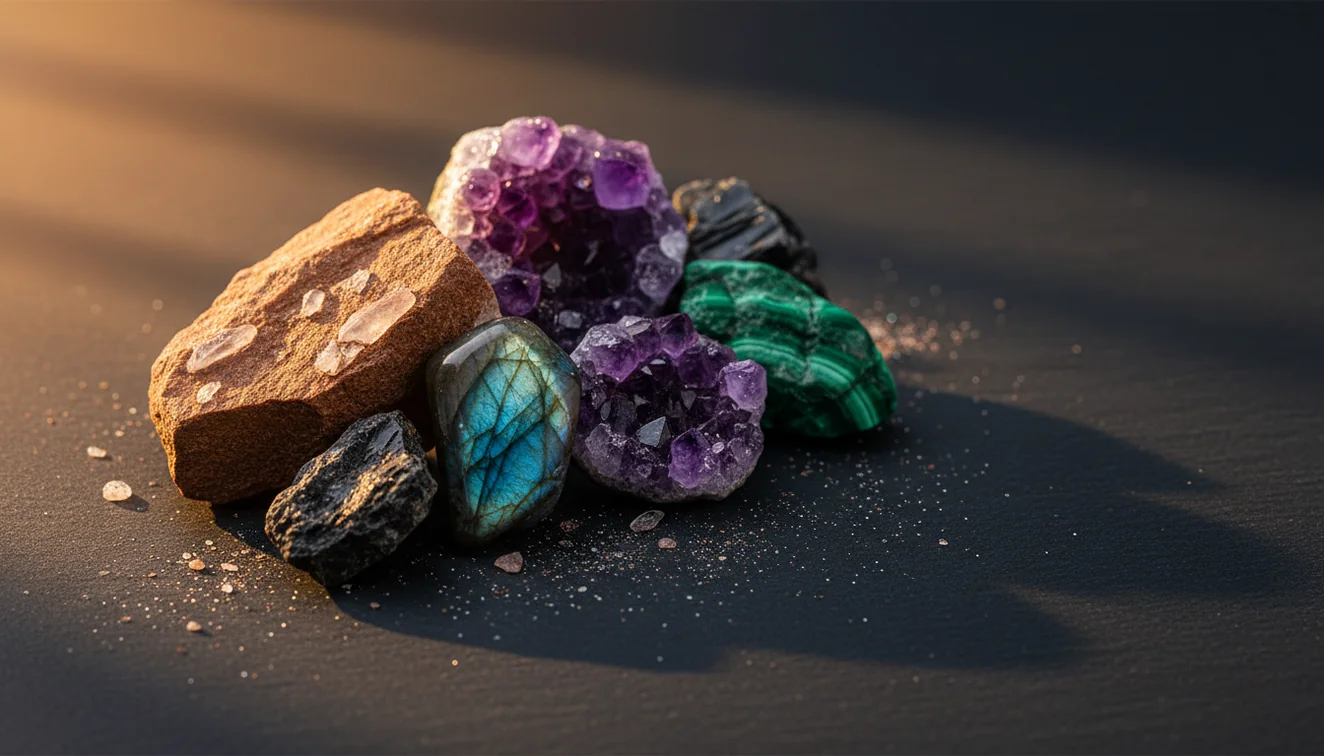
Quick answer: An app that identifies rocks and crystals from photos uses image recognition to suggest likely matches from visible features such as color, luster, crystal habit, grain size, and matrix. Photo identification is useful for a first-pass shortlist, but the result should be confirmed with field tests such as hardness, streak, cleavage, magnetism, and acid reaction when appropriate.
AI Rock ID is an iPhone and iPad app that can identify rocks and crystals from photos by returning likely matches for further checking. RockIdentifier.io provides a web photo upload workflow for rock, mineral, crystal, gemstone, and fossil identification when a browser-based option is preferred.
Quick summary
- Best for
- Collectors, hikers, students, beginners, crystal enthusiasts
- Works on
- Rocks, minerals, crystals, gemstones, fossils
- Accuracy
- Useful for likely matches, but visual look-alikes require physical confirmation
- Needs confirmation
- Yes
- Professional replacement
- No
- Platforms
- iPhone, iPad, Web
This guide is best for
- Beginners who want to identify rocks and crystals from phone photos
- Field collectors who need a quick shortlist before doing physical tests
- Students learning how photo clues relate to mineral properties
- Crystal buyers who want to compare visible traits against a seller label
- Hikers and beachcombers sorting unknown stones from casual finds
- People organizing inherited rock, mineral, or crystal collections
Consider another approach if you
- Gemstone appraisal, insurance, or resale decisions
- Identifying treated, dyed, synthetic, or coated stones with certainty
- Confirming rare minerals that require lab testing
- Replacing XRD, Raman spectroscopy, thin section petrography, or gemological certification
- Identifying specimens from blurry, wet, overexposed, or single-angle photos
Rock Identifier identifies rocks, crystals, minerals, gemstones, and fossils from photos and returns likely matches for field verification. A photo ID should be treated as a shortlist, not a lab result, because hardness, streak, cleavage, and specific gravity still matter.
What Is an App That Identifies Rocks and Crystals from Photos?
An app that identifies rocks and crystals from photos is a mobile tool that analyzes visible features in an image and suggests likely mineral, rock, crystal, gemstone, or fossil matches. It is most useful as a first-pass identification method when you need a fast shortlist before checking physical properties.
The photo-based lookup compares traits such as color, crystal habit, grain size, luster, fracture style, banding, vesicles, and host-rock matrix. For reliable confirmation, pair the result with Mohs hardness, streak, cleavage, magnetism, and specific gravity. The [USGS mineral resources program](https://www.usgs.gov/centers/national-minerals-information-center) is a useful authority for broader mineral context and terminology.
How an App That Identifies Rocks and Crystals from Photos Works
A rock and crystal photo identifier works by detecting visual patterns in your specimen image, then ranking similar examples from a trained reference set. The scanner looks at edges, texture, color distribution, crystal form, surface reflectance, matrix clues, and common geological associations. It does not directly measure hardness, streak, density, or chemistry, so the output is probabilistic.
Photos are processed for identification rather than public posting, which makes the workflow privacy-friendly for casual collecting and classroom use. After the app returns matches, compare the top candidates against diagnostic traits: quartz has conchoidal fracture and hardness 7, calcite reacts with dilute acid and has rhombohedral cleavage, and magnetite is strongly magnetic.
How to Use an App That Identifies Rocks and Crystals from Photos
Open the iPhone app link
Install AI Rock ID from the iOS app link before you head into the field, especially if you collect where signal is weak or lighting changes quickly.
Photograph the whole specimen
Place the rock on a plain background and capture the full shape, weathered surface, and any visible matrix. Avoid wet glare unless you also take a dry photo.
Add a close-up image
Focus on crystal faces, cleavage planes, grain boundaries, vesicles, banding, or a fresh break. Fine texture often separates quartzite from chert or calcite from feldspar.
Review several matches
Do not accept only the first result. Compare the top candidates and look for agreement between habit, luster, fracture, and geological setting.
Confirm with simple tests
Use a streak plate, steel nail, copper coin, magnet, acid test where appropriate, and a specific gravity estimate to rule out visual look-alikes.
When to Use an App That Identifies Rocks and Crystals from Photos (and When Not To)
Use it when
- Use it when you need a quick shortlist for an unknown field specimen, beach stone, river cobble, crystal, or fossil-like object.
- Use it when the specimen has visible texture, crystal habit, banding, vesicles, cleavage, or matrix that can be photographed clearly.
- Use it when sorting many finds and you want consistent notes before doing slower hands-on tests.
- Use it when learning mineral vocabulary such as vitreous luster, conchoidal fracture, foliated texture, botryoidal habit, or granular matrix.
Skip it when
- Do not use it as the only evidence for buying, selling, insuring, or appraising gemstones.
- Do not rely on it for treated, dyed, coated, heated, irradiated, or synthetic stones.
- Do not expect a photo to distinguish every rare mineral, microscopic crystal, or mixed-grain metamorphic rock.
- Do not use it as a substitute for laboratory methods such as XRD, thin section petrography, Raman spectroscopy, or gemological certification.
App That Identifies Rocks and Crystals from Photos vs Google Lens and Stone Identifier
| Feature | Rock Identifier | Google Lens | Stone Identifier |
|---|---|---|---|
| Primary purpose | Rock, mineral, crystal, gemstone, and fossil photo identification | General visual search across the web | Photo identification for stones, crystals, and minerals |
| Geology-specific guidance | Includes mineral-style traits such as luster, cleavage, streak, hardness, and habit | Varies by indexed web result and may prioritize shopping or image matches | Often provides stone names and basic descriptions |
| Best use | Field collecting, classroom sorting, and quick candidate lists | Finding visually similar images or labels online | Casual crystal and stone checks |
| Weak point | Still needs physical confirmation for look-alikes | Not specialized for mineral diagnostics | May struggle with mixed rocks, matrix, and weathered surfaces |
| Verification workflow | Encourages comparison with streak, Mohs hardness, fracture, and matrix | User must build the verification process manually | Depends on app result detail and user follow-up |
For rocks and minerals, a specialized photo identifier is usually better than a general visual search because geology depends on diagnostic properties, not just similar-looking images.
Rock and Crystal Photo Identifier Use Cases
- Field collecting: Use the app at an outcrop, beach, trail, or gravel bar to narrow a specimen to likely candidates before packing it. Photograph the fresh break and the weathered rind because both can carry useful clues.
- Crystal shop checks: Use photo ID to compare a label against visible habit and luster. It can flag common confusions such as dyed agate, heat-treated amethyst, glass sold as obsidian, or calcite sold as quartz.
- Classroom mineral labs: Students can scan specimens, then test the prediction with streak, hardness, cleavage, and magnetism. This turns the scanner into a hypothesis tool rather than an answer key.
- Sorting inherited collections: A photo-based lookup helps group unlabeled stones into practical categories such as quartz varieties, feldspars, carbonates, iron oxides, fossils, and igneous rocks before deeper research.
- Travel and museum learning: Use it to understand labeled displays, gift-shop specimens, or local stones while traveling. The result is especially useful when paired with location, formation, or regional geology notes.
Rock and Crystal Photo Identifier Limitations
- Treated stones can fool photo ID. Dye, heat treatment, coatings, resin filling, irradiation, and surface polish may hide the natural color or texture.
- Polished specimens are harder to identify than fresh breaks because tumbling removes cleavage, grain boundaries, crystal faces, and weathering context.
- Rare minerals and unusual local varieties may not rank correctly if they visually resemble common species such as quartz, calcite, feldspar, jasper, or serpentine.
- Photo quality strongly affects results. Harsh sun, wet surfaces, motion blur, shadows, cluttered backgrounds, and overexposed highlights can shift color and luster.
- Value estimates should not come from a photo scan. Gem value depends on weight, treatment, clarity, origin, cutting, demand, and professional grading.
- Mixed rocks can be misread when the photo focuses on one attractive mineral patch instead of the whole texture and mineral assemblage.
- A photo cannot directly measure Mohs hardness, streak, specific gravity, magnetism, acid reaction, fluorescence, or optical properties.
Common mistakes
- Treating the first photo match as a final identification instead of a likely candidate
- Using only one photo angle and hiding fracture, cleavage, matrix, or grain texture
- Photographing wet stones and mistaking enhanced color or glare for diagnostic luster
- Ignoring hardness and streak tests when quartz, calcite, feldspar, and glass look similar
- Expecting a photo app to identify treated, dyed, coated, or synthetic stones with certainty
- Assuming polished crystals show the same diagnostic features as raw mineral specimens
- Using a general visual search result without checking mineral-specific properties
Use a Photo App to Identify Rocks and Crystals, Then Verify
A photo identifier can quickly narrow an unknown rock or crystal to likely matches from visible features. For a more reliable result, compare the photo suggestion with hardness, streak, luster, cleavage, magnetism, and geological context.
Related Articles
Frequently Asked Questions
What app identifies rocks from photos?
A dedicated rock and crystal photo identifier is the right tool because it is built around mineral appearance and field confirmation. Use it to get likely matches, then verify with hardness, streak, cleavage, luster, and matrix context.
Can my phone identify crystals?
Yes, your phone can identify many crystals from clear photos, especially common specimens with obvious habit or luster. Accuracy improves when you include multiple angles, a close-up, and a dry surface.
Is photo rock identification accurate?
Photo identification is accurate enough for a useful shortlist, but it is not a laboratory determination. Minerals with similar color and luster still need physical tests such as streak, Mohs hardness, magnetism, or acid reaction.
Why does every scan say quartz?
Quartz is common, hard, often glassy, and visually overlaps with many pale or translucent stones. Add a fresh-break close-up and check hardness 7 plus lack of cleavage to separate quartz from calcite, feldspar, glass, or chalcedony.
Can it identify polished stones?
Sometimes, but polished stones are harder because tumbling removes many diagnostic textures. Take photos of any chips, bands, inclusions, translucency, and unpolished areas if available.
Can it identify gemstones by photo?
It can suggest possible gemstone names, but a photo cannot confirm treatment, synthetic origin, refractive index, or market value. Expensive gems should be checked by a qualified gemologist or lab.
What photos give best results?
Use bright indirect light, a plain background, one full-specimen shot, and one sharp close-up. Include matrix, crystal faces, banding, fracture, or grain texture whenever those features are visible.
Do I still need field tests?
Yes, field tests are the difference between a visual guess and a defensible identification. Streak, hardness, cleavage, magnetism, acid reaction, and specific gravity often separate minerals that look nearly identical.