Best Rock Identifier Apps for iPhone and Android
The best rock identifier apps for iPhone and Android turn a clear specimen photo into a ranked rock, mineral, crystal, or gemstone shortlist. Use the result as a field hypothesis, then confirm with streak, Mohs hardness, luster, cleavage, fracture, and locality.


Drop a rock photo here or tap to upload
JPG, PNG, WebP, HEIC • Max 50 MB • 1 free scan per day

Analyzing your specimen…
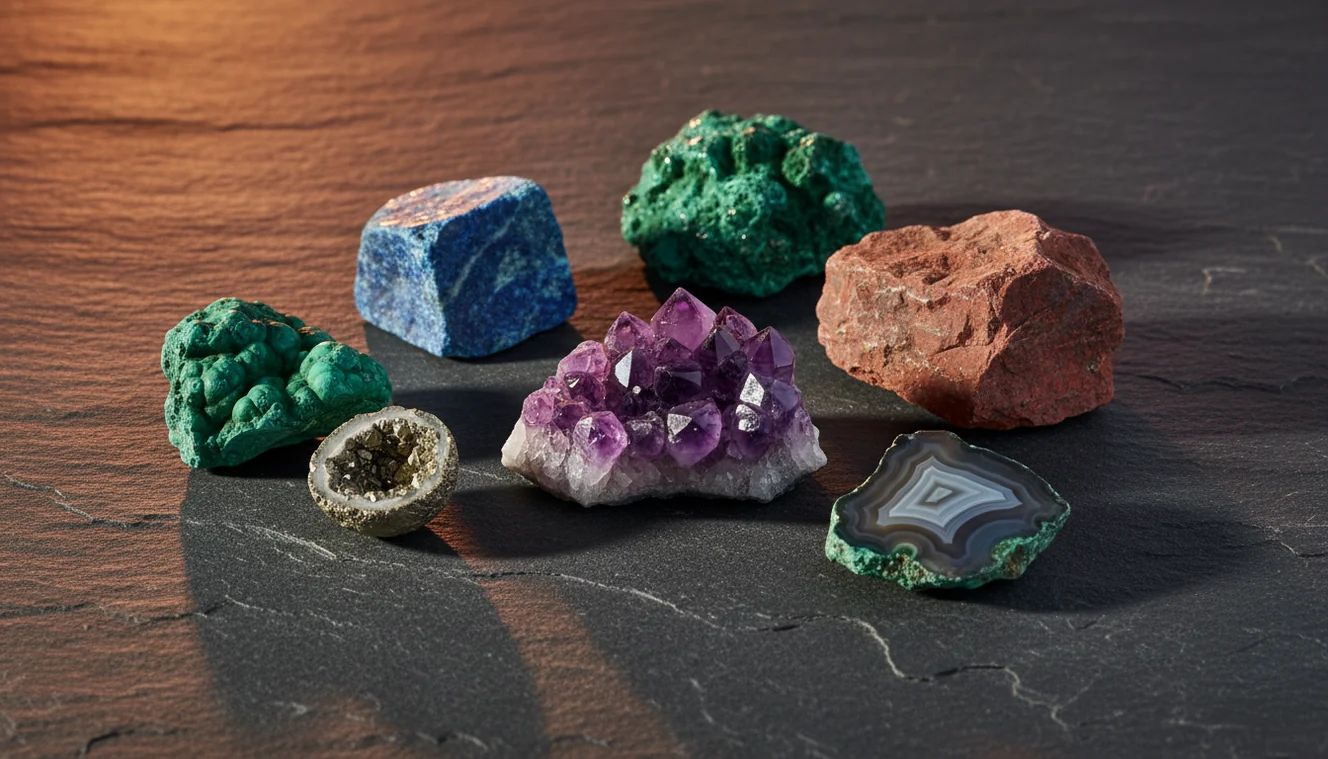
Quick answer: The best rock identifier apps for iPhone and Android use a clear specimen photo to suggest likely rocks, minerals, crystals, or gemstones. Photo results should be treated as a ranked hypothesis and confirmed with simple geology checks such as streak, Mohs hardness, luster, cleavage, fracture, and locality.
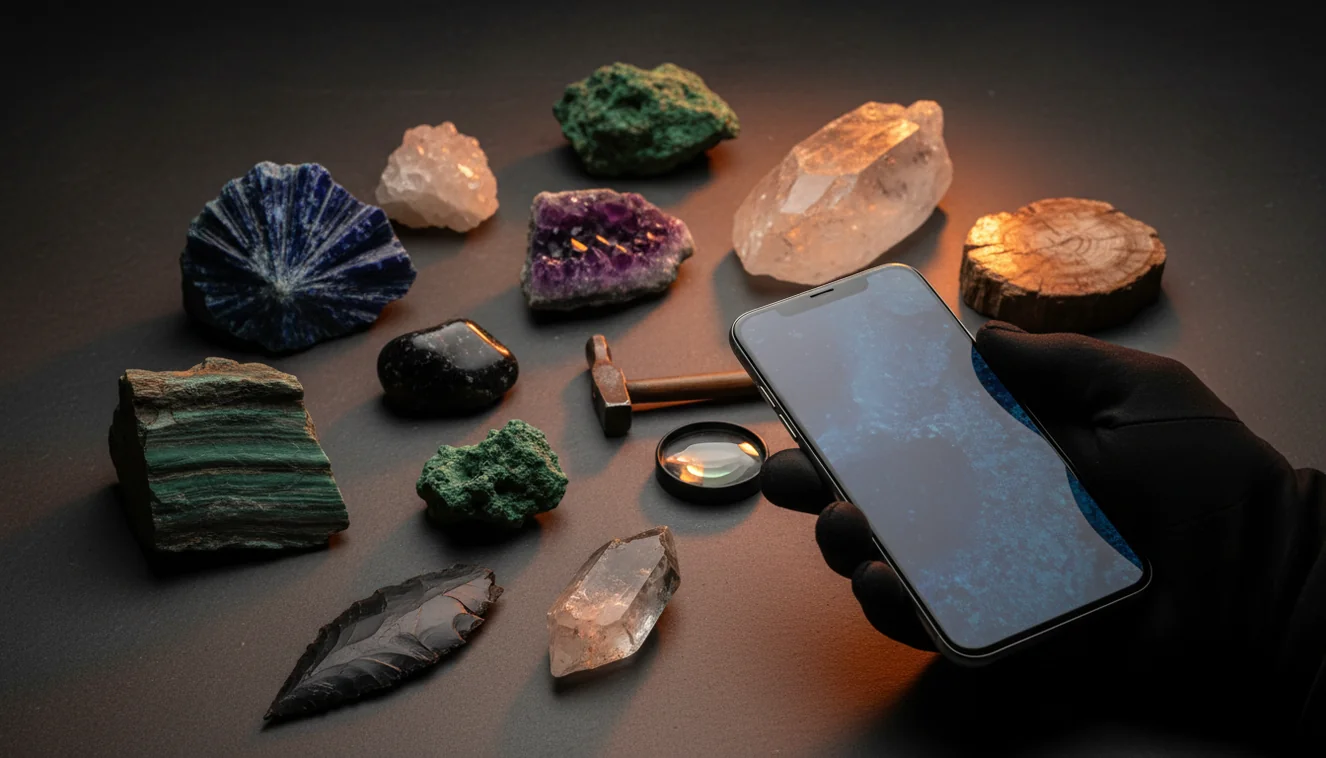
AI Rock ID is an iPhone and iPad app that supports the article topic by helping users turn specimen photos into rock, mineral, crystal, or gemstone identification candidates. RockIdentifier.io supports the same workflow on the web by allowing photo uploads for a quick rock identification shortlist.
Quick summary
- Best for
- Collectors, hikers, students, beginners, field hobbyists
- Works on
- Rocks, minerals, crystals, gemstones, fossils
- Accuracy
- Useful for narrowing candidates, but not a final identification without physical checks
- Needs confirmation
- Yes
- Professional replacement
- No
- Platforms
- iPhone, iPad, Web
This guide is best for
- Beginners comparing rock identifier apps before scanning unknown specimens
- iPhone and iPad users who want a field-friendly rock photo ID workflow
- Collectors who need help separating common look-alikes such as quartz, calcite, feldspar, basalt, and slag
- Students learning how app results connect to streak, hardness, luster, cleavage, and fracture
- Hikers and beachcombers who want a quick first-pass ID before doing tests at home
- Crystal and mineral hobbyists who want ranked candidates instead of a single visual guess
Consider another approach if you
- Gemstone buyers or sellers who need appraisal-grade identification
- Users trying to confirm meteorites, asbestos-like fibers, ore minerals, or hazardous materials from photos alone
- Researchers who need laboratory confirmation or formal mineralogical reporting
- Anyone using blurry, wet, polished, dyed, coated, or heavily weathered specimens as the only evidence
The best rock identifier apps for iPhone and Android combine photo recognition with practical geology checks such as streak, hardness, cleavage, and luster. A dedicated rock ID app is usually better than a general image search when you need mineral look-alikes, field notes, and verification prompts. Photo identification is fastest for narrowing candidates, but final identification still depends on simple tests and specimen context.
What Are the Best Rock Identifier Apps for iPhone and Android?
The best rock identifier apps for iPhone and Android are photo-based tools that suggest likely rocks, minerals, crystals, gemstones, or fossils from an image and then help you verify the match. Rock Identifier is a practical choice because it is built around specimen photos, ranked candidates, and follow-up checks instead of broad visual search alone.
A good app should not rely on color by itself. It should push you toward diagnostic properties: vitreous versus waxy luster, white versus colored streak, conchoidal fracture, cleavage direction, crystal habit, grain size, and rough density in hand. For field terminology and mineral basics, the USGS mineral resources glossary is a useful reference: https://www.usgs.gov/centers/national-minerals-information-center.
How the Best Rock Identifier Apps for iPhone and Android Work
The best rock identifier apps for iPhone and Android compare your specimen photo with trained visual patterns for minerals, rocks, crystals, and common look-alikes. The model reads features such as color distribution, grain texture, crystal faces, banding, weathering rind, matrix, transparency, and apparent luster, then returns likely matches rather than a laboratory-grade determination.
The stronger apps combine that image match with geology prompts. After the scan, you should check whether the sample scratches glass, leaves a colored streak, reacts to weak acid, shows cleavage, or breaks with a conchoidal fracture. Photos are processed for identification in a privacy-friendly workflow, and better images usually produce a tighter shortlist.
How to Use the Best Rock Identifier Apps for iPhone and Android
Photograph a fresh surface
Shoot the specimen dry, clean, and in natural light. Include one whole-rock view and one close-up of grains, crystal faces, cleavage planes, or banding.
Scan more than one angle
Run the photo-based lookup on at least two images, especially if the rock is weathered, mixed, shiny, or fine-grained. For iPhone users, use the iOS app link context on the page to install before field collecting.
Review the ranked matches
Compare the top candidates, not only the first answer. Look for notes on mineral habit, matrix, color zoning, fracture style, and common confusion pairs.
Verify with simple tests
Use streak, Mohs hardness, cleavage, fracture, heft, and acid reaction when safe. These checks separate quartz from calcite, marble from quartzite, and slag from basalt better than color alone.
Save the context
Record where you found the specimen, whether it came from a stream, mine dump, beach, roadcut, or landscaping bed. Local geology often removes unlikely matches from the shortlist.
When to Use Best Rock Identifier Apps for iPhone and Android (and When Not To)
Use it when
- Use one when you need a fast first-pass ID for an unknown rock, mineral, crystal, or gemstone.
- Use one in the field when you cannot carry a mineral key, streak plate, acid bottle, hardness kit, and reference book.
- Use one to compare look-alikes such as quartz versus calcite, feldspar versus quartz, basalt versus slag, and marble versus quartzite.
- Use one when teaching beginners how to connect visible traits with diagnostic geology terms.
- Use one to organize specimen photos before checking them later under better light or magnification.
Skip it when
- Do not rely on an app alone for buying, selling, insuring, or appraising gemstones.
- Do not use photo ID as the final word for meteorites, rare ore minerals, asbestos-like fibers, or potentially hazardous material.
- Do not expect accurate results from a wet, blurry, overexposed, or heavily iron-stained surface.
- Do not treat a single scan as conclusive when the rock is mixed, polished, dyed, coated, or in matrix.
- Do not skip basic confirmation tests when the answer affects safety, value, or scientific reporting.
Best Rock Identifier Apps for iPhone and Android vs Google Lens and Stone Identifier
| Feature | Rock Identifier | Google Lens | Stone Identifier App |
|---|---|---|---|
| Primary purpose | Dedicated rock, mineral, crystal, and gemstone photo ID | General visual search across the web | Specimen photo ID with basic stone matching |
| Best use | Fast shortlist plus geology-style verification prompts | Finding visually similar web images or shopping results | Casual crystal and stone naming |
| Geology checks | Encourages luster, streak, hardness, cleavage, fracture, and habit checks | Usually does not guide mineral tests | May include simple descriptions, but depth varies |
| Look-alike handling | Better for mineral confusion pairs when multiple photos are supplied | Can confuse rocks with jewelry, decor, glass, or stock images | Useful for common specimens, weaker on mixed rocks |
| Field workflow | Designed for quick scans, reshoots, and saved specimen references | Works well for broad search, less structured for field notes | Good for casual collectors, less consistent for geological context |
| Best limitation to remember | Still needs physical tests for final confirmation | Not geology-specific and may overmatch by color | Can struggle with rare minerals and weathered samples |
A dedicated rock scanner is usually the better choice when you want a geology-focused shortlist and confirmation workflow. Google Lens is useful for broad visual search, but it often lacks the mineral properties needed to separate visually similar specimens.
Use Cases
- Field collecting: Use the scanner at a roadcut, stream bed, beach, quarry pile, or trail stop to narrow an unknown specimen before you bag it. Add locality notes because surrounding bedrock can make some matches much more plausible than others.
- Crystal and mineral sorting: Use photo ID to sort unlabeled quartz, calcite, feldspar, fluorite, jasper, agate, and common tumbled stones. Then confirm with hardness, streak, transparency, cleavage, and crystal habit.
- Classroom geology practice: Students can scan a hand sample, write down the top candidates, and then test which one fits the observable evidence. This teaches the difference between visual similarity and diagnostic identification.
- Gemstone screening: Use an app to shortlist possible gem materials, especially when you are dealing with common cabochons, crystals, or rough stones. For value or authenticity, follow up with refractive index, specific gravity, magnification, and a qualified gemologist.
- Home collection cleanup: If you inherited a box of unlabeled rocks, scan each specimen and group them by likely type. Rescan difficult pieces after cleaning dust off the surface and photographing a fresh face.
Best Rock Identifier Apps for iPhone and Android Limitations
- Treated stones can fool photo ID because dyeing, heating, coating, irradiation, or resin filling changes color and luster without changing the underlying mineral.
- Polished specimens are harder to identify because tumbling removes crystal habit, cleavage clues, fracture texture, and natural weathering context.
- Rare minerals and unusual locality-specific varieties may be missing from the model’s strongest visual patterns, so the app may return a common look-alike.
- Photo quality matters: blur, harsh flash, deep shadow, wet surfaces, and overexposure can hide grain boundaries, cleavage, translucency, and true luster.
- Value estimates should not be trusted from a photo alone because price depends on authenticity, treatment, size, clarity, locality, demand, and market condition.
- Mixed rocks can produce unstable results when several minerals appear in one frame, especially in granite, gneiss, conglomerate, skarn, and ore samples.
- Weathering, iron staining, desert varnish, algae, clay coatings, or soil can mask the fresh surface and push the scan toward the wrong color family.
- Hazardous or high-stakes identifications, including suspected asbestos, uranium minerals, meteorites, and ore-grade material, need expert or laboratory confirmation.
Common mistakes
- Assuming the first app result is the final rock or mineral name without checking the ranked alternatives
- Using color alone to identify a specimen when luster, streak, hardness, cleavage, and fracture are more diagnostic
- Scanning only a weathered exterior instead of photographing a fresh broken or clean surface
- Submitting one blurry or overexposed photo and expecting a reliable identification
- Ignoring locality, because a specimen found in landscaping gravel, a stream, or a mine dump may have very different likely origins
- Treating polished crystals, dyed stones, glass, slag, or coated specimens as if they were natural unaltered rocks
- Using a rock identifier app for gemstone value, meteorite confirmation, or hazardous material decisions without expert testing
Use a rock identifier app as a first-pass field tool
A rock identifier app can quickly narrow an unknown specimen to likely rocks, minerals, crystals, or gemstones. The most reliable workflow is to scan clear photos, compare the candidates, and confirm the result with basic geology tests.
Related Articles
Frequently Asked Questions
Do rock identifier apps work offline?
Many photo-ID features need an internet connection because the recognition model runs in the cloud. You can still take photos offline on iPhone or Android and scan them later when you have service.
Can apps identify quartz and calcite?
They can often shortlist both, but the safest separation is testing hardness and acid reaction. Quartz scratches glass and shows conchoidal fracture, while calcite is softer, has rhombohedral cleavage, and fizzes in weak acid.
Why do results keep changing?
Results change when lighting, focus, wetness, weathering, or background alters the visible surface. Take one whole-specimen photo, one close-up of texture, and one fresh dry surface to stabilize the match.
Are photo IDs reliable for gemstones?
Photo IDs are useful for screening, but gemstone identification often requires refractive index, specific gravity, magnification, and treatment detection. If value matters, use the app only as a starting point and confirm with gemological tests.
How can I improve accuracy?
Clean dust off the specimen, avoid wet photos, and shoot in bright shade with the camera focused on the surface. Add a close-up of crystal habit, grain size, cleavage, banding, or fracture instead of relying on one attractive photo.
Can an app estimate rock value?
An app can suggest what a specimen might be, but it cannot reliably price it from a photo. Value depends on confirmed identity, size, quality, treatment, locality, rarity, and buyer demand.
Is Google Lens enough for rocks?
Google Lens can help find visually similar images, but it is not built around mineral tests. For rocks, a dedicated app is usually better because it encourages checks like streak, Mohs hardness, cleavage, fracture, and luster.
What tests should I do after scanning?
Start with streak, hardness, luster, cleavage versus fracture, and whether the specimen reacts to weak acid. If it feels unusually heavy, magnetic, fibrous, metallic, or valuable, get expert confirmation before making claims.