Why Rock Identification Apps Get It Wrong
Why rock identification apps get it wrong usually comes down to missing diagnostic evidence: streak, hardness, cleavage, fracture, matrix, and grain texture. For field use, the AI Rock ID iOS app link helps you capture multiple angles before the specimen dries, weathers, or gets cleaned.


Drop a rock photo here or tap to upload
JPG, PNG, WebP, HEIC • Max 50 MB • 1 free scan per day

Analyzing your specimen…
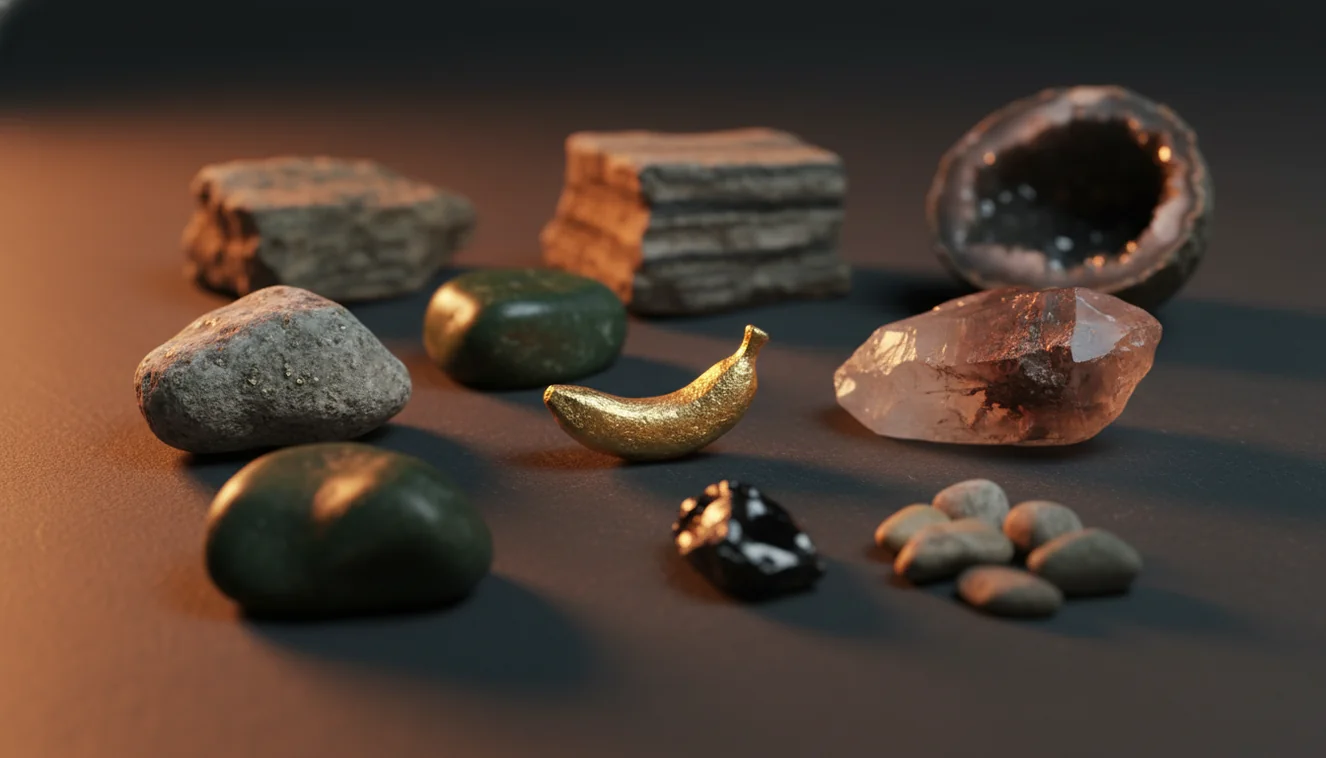
Quick answer: Why rock identification apps get it wrong is usually because a photo shows appearance but not diagnostic properties such as streak, hardness, cleavage, fracture, density, and geologic context. Lighting, wet surfaces, weathering, polish, and visually similar minerals can make different specimens look alike, so app results should be treated as a shortlist rather than a final identification.
AI Rock ID is relevant to why rock identification apps get it wrong because it can compare multiple specimen photos while still requiring users to verify diagnostic properties outside the image. RockIdentifier.io supports this topic by offering web-based photo upload for rock and mineral shortlisting, but its results should be checked with streak, hardness, cleavage, fracture, and geologic context.
Quick summary
- Best for
- Collectors, hikers, students, teachers, beginners, field hobbyists
- Works on
- Rocks, minerals, crystals, gemstones, fossils, mixed specimens
- Accuracy
- Useful for likely candidates, but visual matches need physical-test confirmation
- Needs confirmation
- Yes
- Professional replacement
- No
- Platforms
- iPhone, iPad, Web
This guide is best for
- Beginners who want to understand why rock app results change between photos
- Collectors comparing look-alike minerals such as quartz, calcite, feldspar, and chalcedony
- Hikers and field hobbyists who need a practical shortlist before doing simple tests
- Students learning why color and shine are not enough for reliable rock identification
- Teachers explaining the limits of photo-based mineral and rock identification
- Specimen sorters who want to separate app suggestions from confirmed identifications
Consider another approach if you
- People needing a legal, appraisal, or sales-grade gemstone identification
- Users trying to confirm meteorites, asbestos hazards, ore value, or rare minerals from photos alone
- Anyone working with blurry, wet, polished, bagged, or poorly lit specimens as the only evidence
- Collectors who need laboratory confirmation such as refractive index, spectroscopy, or XRD
Rock identification apps get it wrong when a photo shows surface appearance but not diagnostic mineral properties such as Mohs hardness, streak, cleavage, specific gravity, and crystal habit. They are useful for a shortlist, but a final ID should be checked against physical tests and geologic context. Weathered surfaces, polished stones, mixed rocks, and poor lighting cause the most common false matches.
What Is Why Rock Identification Apps Get It Wrong?
Why rock identification apps get it wrong is a practical identification problem, not just a software problem. A camera records color, shape, reflectance, and texture, but many minerals require non-visual tests such as streak, hardness, cleavage, fracture, reaction to acid, magnetism, or density. The USGS explains the rock-versus-mineral distinction clearly at https://www.usgs.gov/faqs/what-difference-between-rock-and-mineral, and that distinction matters because rocks are mixtures while minerals have more consistent properties.
A photo-based lookup can confuse quartz, feldspar, calcite, chalcedony, quartzite, and pale glassy slag because they can look similar under one light source. The scanner is best treated as a hypothesis generator: it gives likely candidates, then you verify them with a hand lens, streak plate, Mohs picks, and context from the outcrop or matrix.
How Why Rock Identification Apps Get It Wrong Works
Rock app errors happen when the model ranks visual similarity higher than diagnostic geology. The image system reads features such as hue, edge contrast, shine, crystal outlines, banding, vesicles, clasts, and grain boundaries, then compares them with labeled examples. If the photo is of a weathered rind, the model learns the rind, not the fresh mineral surface.
The mechanism is especially fragile with rocks because granite, schist, basalt, conglomerate, and gneiss contain multiple minerals at different scales. A close-up may identify mica or feldspar instead of the whole rock. A wet surface can reveal banding, but it can also exaggerate luster. Photos are processed for identification in a privacy-friendly way and are not a substitute for lab confirmation.
How to Use Photo Checks When Rock Identification Apps Get It Wrong
Shoot the whole specimen
Place the sample in bright shade, fill most of the frame, and include a coin or ruler. This gives scale for grain size, crystal habit, vesicles, clasts, and layering.
Capture a fresh surface
Photograph a chipped, broken, or least-weathered face if it is safe to do so. Fresh surfaces show true luster, cleavage, fracture, and mineral boundaries better than stained rinds.
Add a close-up texture view
Focus on grains, bands, or crystals rather than the shiniest spot. A hand-lens-style close-up helps separate interlocking igneous texture from cemented sedimentary texture.
Record simple tests
Note streak color, Mohs hardness, cleavage versus conchoidal fracture, magnetism, and acid reaction where appropriate. These tests separate many visual look-alikes.
Compare repeated results
Run more than one photo and trust candidates that remain stable across dry, wet, full-sample, and close-up views. Treat changing results as a warning that the specimen needs physical verification.
When to Use Why Rock Identification Apps Get It Wrong (and When Not To)
Use it when
- Use it when you need a fast shortlist for common rocks, crystals, minerals, gemstones, or fossils before doing field tests.
- Use it when you can photograph an overall view, a close-up texture, and a fresh or least-weathered surface.
- Use it when the specimen has visible diagnostic features such as cleavage faces, vesicles, foliation, bedding, crystal habit, or interlocking grains.
- Use it when you are sorting many finds and want consistent candidate names for later bench testing.
- Use it when you can add context such as beach cobble, mine dump, pegmatite vein, river gravel, basalt flow, or limestone quarry.
Skip it when
- Do not use it as the final authority for valuable gemstones, meteorites, asbestos risk, ore grade, or legal sale descriptions.
- Do not rely on it when the only photo is blurry, overexposed, shadowed, or taken through a plastic bag.
- Do not trust a result based only on color; iron staining, weathering, and wet surfaces can change apparent color dramatically.
- Do not expect a single image to separate mineral from rock when the sample is a mixed matrix or fine-grained aggregate.
- Do not use it instead of lab methods for rare minerals, treated stones, synthetics, or specimens needing refractive index, spectroscopy, or XRD.
Why Rock Identification Apps Get It Wrong vs Google Lens and Crystal Identifier
| Feature | Rock Identifier | Google Lens | Crystal Identifier App |
|---|---|---|---|
| Best purpose | Rock, mineral, crystal, gemstone, and fossil shortlist from specimen photos | Broad visual web search across products, images, and pages | Crystal and gemstone-style visual matching for common collector stones |
| Geology context | Uses rock and mineral categories, texture cues, and specimen-oriented labels | Often returns visually similar objects, jewelry, décor, or unrelated web images | Usually stronger on polished crystals than on field rocks or mixed matrices |
| Common failure mode | Can misread weathering, polish, mixed minerals, or missing physical-test data | Can match by color and shape without mineralogical meaning | Can overfit to trade names, dyed stones, or retail-style examples |
| Verification support | Works best when paired with streak, hardness, cleavage, fracture, and matrix notes | Requires the user to research geology terms separately | May provide simple descriptions but still needs physical confirmation |
| Best user | Field collector, student, hiker, teacher, or hobbyist building a testable shortlist | General user trying to find visually similar images online | Collector checking familiar crystals, tumbled stones, or decorative specimens |
The key difference is specificity. A general visual search engine is excellent for finding look-alike images, but it does not know whether a pale glassy pebble lacks cleavage or whether a fizz test points to calcite. A specialized photo-based lookup is more useful for geology triage, yet it still needs physical tests before you label a specimen confidently.
Why Rock Identification Apps Get It Wrong Use Cases
- Field triage: Use the app to narrow unknown hand samples while you are still at the outcrop, beach, trail, or quarry. Record location context, host rock, grain size, and whether the sample came from bedrock or loose float.
- Classroom comparison: Students can scan the same specimen under different lighting and compare why the candidate list changes. That makes abstract properties such as luster, cleavage, and texture easier to discuss.
- Sorting mixed finds: A bucket of river cobbles or mine-dump pieces can be grouped into likely basalt, quartzite, chert, limestone, granite, and slag candidates before detailed testing. This saves time without pretending the first scan is final.
- Gem and crystal sanity checks: The scanner can flag likely quartz, amethyst, calcite, fluorite, jasper, or agate, but trade names and treatments still require caution. Use it as an initial screen, not a valuation or authenticity report.
- Documentation over time: Repeated photos help you compare a specimen before cleaning, after rinsing, and after viewing a fresh surface. Stable results across those conditions are usually more meaningful than a single dramatic match.
Why Rock Identification Apps Get It Wrong Limitations
- Treated stones can be misidentified because dye, heat treatment, coatings, irradiation, and resin filling change color and luster without changing the underlying material.
- Polished specimens often scan differently from rough specimens because polishing hides cleavage, fracture texture, weathering rind, grain boundaries, and natural crystal faces.
- Rare minerals may be missed because models are usually stronger on common visual examples than on uncommon species, unusual habits, or locality-specific varieties.
- Photo quality strongly affects results; blur, glare, harsh sun, deep shadow, low resolution, and incorrect focus can make quartz, calcite, feldspar, glass, and chalcedony look interchangeable.
- Value estimates should not be trusted from a photo ID because price depends on authenticity, treatment, size, clarity, locality, damage, market demand, and professional grading.
- Mixed rocks can produce mineral-level guesses because the photo may emphasize one visible grain, vein, crystal, or matrix instead of the whole specimen.
- Weathering and iron staining can mask true color, streak, luster, and texture, producing false positives such as jasper, hematite, limonite, or basalt.
Common mistakes
- Assuming the first app result is correct without checking streak, hardness, cleavage, or fracture.
- Photographing only the weathered outer surface and ignoring a fresh broken face.
- Trusting color more than texture, grain size, crystal habit, and geologic context.
- Scanning a wet rock and forgetting that water can change luster, contrast, and apparent color.
- Using one close-up photo of a mixed rock and expecting the app to identify the whole specimen.
- Confusing a visual web match with a mineralogical identification.
- Trying to identify polished or dyed stones as if they were natural field specimens.
Check why a rock identification app may be wrong
A photo-based rock ID is most useful when it is treated as a starting point for comparison. Use multiple images and confirm the result with simple physical observations before relying on the name.
Related Articles
Frequently Asked Questions
Why does it say quartz?
Quartz is common, visually variable, and often pale, glassy, or translucent, so many look-alikes get routed there. Check hardness near 7, white streak, and lack of cleavage before accepting the result.
Can photos identify minerals accurately?
Photos can suggest likely minerals, but they cannot directly measure streak, hardness, density, acid reaction, or optical properties. Accuracy improves when you add test notes and show a fresh surface.
Why do wet rocks scan differently?
Water darkens color, increases contrast, and changes apparent luster. It can reveal banding or grains, but it can also make dull surfaces look waxy or glassy.
Are polished stones harder to identify?
Yes, polished stones remove or hide many natural clues such as fracture, cleavage, pits, weathering, and crystal faces. A rough edge or unpolished back often gives a better identification image.
Can it tell rock from mineral?
Sometimes, but mixed rocks are difficult because a close-up may show one mineral grain rather than the whole aggregate. Use texture words such as interlocking, clastic, foliated, vesicular, or massive to improve the interpretation.
Why do results change each scan?
Changing focus, lighting, angle, wetness, and background changes the features the model sees. If the same two or three candidates keep appearing, those are better hypotheses than a one-time result.
Can it identify meteorites?
A photo can flag meteorite-like features, but it cannot confirm nickel-iron content, fusion crust, chondrules, or density reliably. Suspected meteorites should be checked with physical tests and, when important, by a qualified lab or museum.
Does color matter most?
Color helps, but it is one of the least reliable mineral properties because impurities and weathering change it. Streak, hardness, cleavage, fracture, crystal habit, and matrix usually carry more diagnostic weight.
How do I improve accuracy?
Take three images: full specimen with scale, close-up texture, and a fresh or least-weathered face. Then confirm the suggested names with streak, Mohs hardness, cleavage, fracture, magnetism, and acid reaction where safe.