Gemstone Identifier for iPhone: Complete Guide
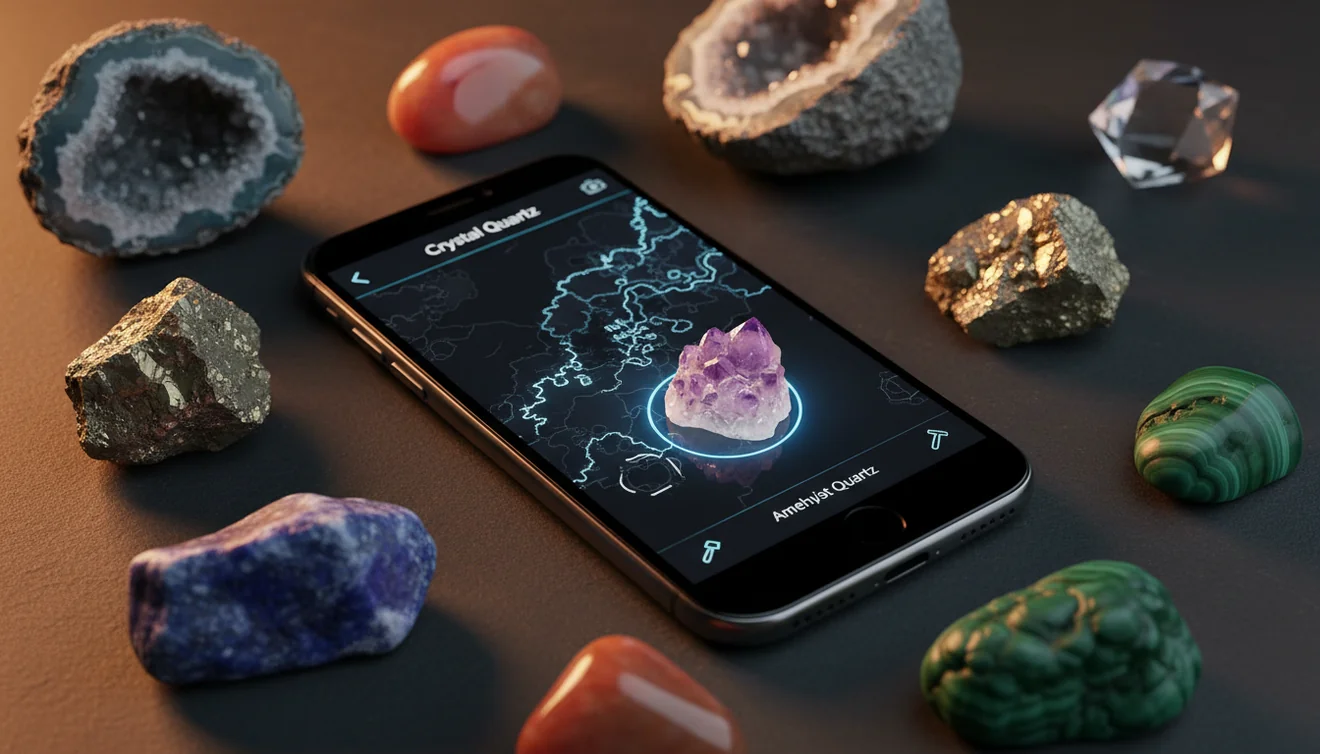
Use this gemstone identifier for iPhone: complete guide to turn a sharp photo into a practical shortlist of gemstone and mineral candidates. The iOS app link on this page is for quick download when you want photo-based lookup in the field or at home.


Drop a gemstone photo here or tap to upload
JPG, PNG, WebP, HEIC • Max 50 MB • 1 free scan per day

Analyzing your specimen…
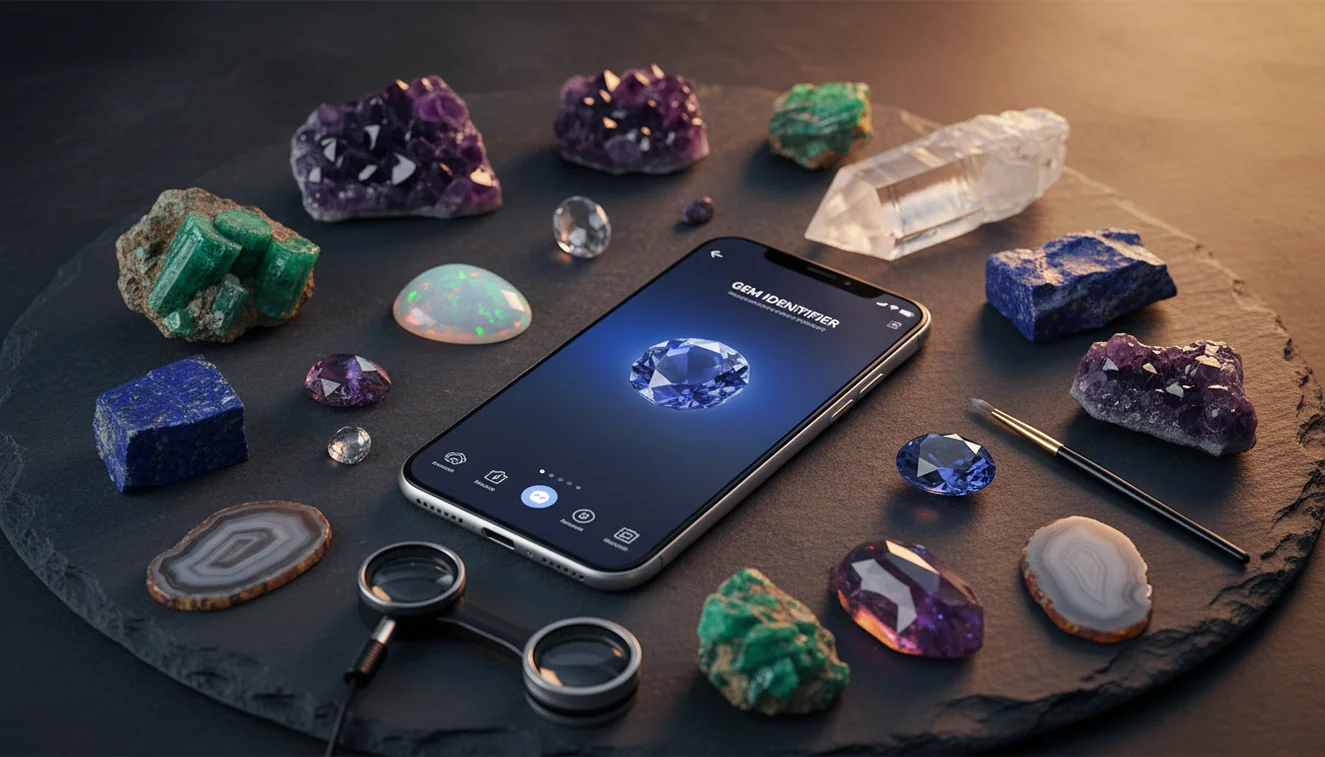
Quick answer: A gemstone identifier for iPhone uses a photo to suggest likely gemstone or mineral matches from visible features such as color, luster, transparency, crystal habit, fracture, and inclusions. It is useful as a first-pass identification tool, but results should be confirmed with physical checks such as Mohs hardness, cleavage, streak, and specific gravity when possible.
AI Rock ID is the iPhone and iPad app discussed in this guide for photo-based gemstone and mineral identification. RockIdentifier.io provides a web upload option for users who want to check a gemstone photo from a browser instead of the iOS app.
Quick summary
- Best for
- Collectors, beginners, field hobbyists, students, lapidary users
- Works on
- Gemstones, minerals, crystals, rough stones, polished stones, mixed collections
- Accuracy
- Most reliable for clear, well-lit photos of specimens with visible diagnostic features; less reliable for look-alikes, treated stones, and mounted jewelry
- Needs confirmation
- Yes
- Professional replacement
- No
- Platforms
- iPhone, iPad, Web
This guide is best for
- iPhone users who want a quick first-pass gemstone or mineral match from a photo
- Beginners learning how to compare gemstone app results with hardness, streak, cleavage, and luster
- Collectors sorting inherited gemstone, crystal, or mineral boxes with missing labels
- Field hobbyists who want to narrow down possible IDs while the matrix and location are still known
- Lapidary users checking rough stones, offcuts, cabochons, or mixed material before labeling
- Students and educators using photo ID as a starting point for mineral-property practice
Consider another approach if you
- Buyers or sellers who need a final authentication for a valuable gemstone
- Users who need appraisal, insurance, or market-value estimates
- People trying to prove whether a stone is natural, synthetic, dyed, or heat-treated from a photo alone
- Jewelry owners who need a mounted gemstone identified without removing it for proper testing
- Anyone who needs lab-grade gemological results such as refractive index, spectroscopy, or precise specific gravity
A gemstone identifier for iPhone uses a photo to suggest likely gems or minerals based on color, luster, habit, transparency, and visible inclusions. Treat the result as a shortlist, then confirm with Mohs hardness, cleavage, fracture, streak, and specific gravity when possible. It is most useful for rough stones, mixed collections, and field finds where a fast first-pass ID saves time.
What Is Gemstone Identifier for iPhone: Complete Guide?
A gemstone identifier for iPhone is a photo-based lookup tool that estimates what a stone may be from visible features such as vitreous luster, conchoidal fracture, crystal habit, color zoning, matrix, and inclusions. It is not a gemological lab test, but it is a fast way to separate likely quartz, calcite, feldspar, garnet, fluorite, corundum, chalcedony, or glass candidates before you spend time on physical tests.
The best workflow is photo first, properties second. Compare the suggested candidates with Mohs hardness, cleavage versus fracture, streak for opaque minerals, and density clues if you can measure specific gravity. For mineral-property background, the USGS mineral resources pages are a useful authority: https://www.usgs.gov/centers/national-minerals-information-center.
How Gemstone Identifier for iPhone Works
A gemstone identifier for iPhone works by analyzing a photo and matching visual patterns against known rock, mineral, crystal, and gemstone references. The model looks for cues a human collector also checks: dominant color, transparency, surface texture, luster, crystal faces, fracture style, banding, visible inclusions, and matrix context. It then returns a ranked set of possible identifications rather than a guaranteed lab conclusion.
Photos are processed for identification in a privacy-friendly way; use clear specimen images rather than personal or location-sensitive photos. The scanner performs best when the stone fills the frame, focus is locked on the crystal surface, and lighting does not wash out luster or hide cleavage.
How to Use a Gemstone Identifier on iPhone
Clean the specimen
Wipe away dust, fingerprints, mud, and water before photographing. Wet or dirty surfaces deepen color and can hide waxy luster, cleavage steps, fracture texture, and small inclusions.
Shoot in indirect daylight
Place the stone on a neutral background and avoid flash. Take one close-up of the best surface, one angled shot to show luster, and one wider photo showing matrix or overall habit.
Upload the sharpest image
Choose the photo with accurate color and crisp surface detail. If the first result looks too broad, reshoot from another angle so the app can see crystal faces, banding, or fracture.
Review several candidates
Do not stop at the first match. Compare the top candidates by luster, hardness range, crystal system, cleavage, fracture, and common geological setting.
Confirm with field tests
Use Mohs hardness, streak on unglazed porcelain for opaque specimens, cleavage inspection with a hand lens, and specific gravity when practical. The phone result is the hypothesis; the mineral properties decide.
When to Use a Gemstone Identifier for iPhone and When Not To
Use it when
- Use it for fast triage of unknown rough stones, inherited boxes, beach gravel, lapidary offcuts, classroom samples, and field finds where you need a likely name before consulting a reference key.
- Use it when you can photograph diagnostic features: crystal habit, matrix, banding, cleavage surfaces, conchoidal fracture, zoning, inclusions, or a natural broken edge.
- Use it when the goal is identification support, sorting, or learning mineral properties rather than appraisal, authentication, or certification.
Skip it when
- Do not rely on it alone for high-value gemstones, insurance decisions, buying decisions, or separating natural from synthetic material.
- Do not expect a photo to measure refractive index, birefringence, dispersion, fluorescence, spectroscopy, or precise specific gravity.
- Do not use it as the final answer when the specimen is heavily polished, dyed, heat-treated, mounted in jewelry, or photographed under strong colored light.
Gemstone Identifier for iPhone vs Google Lens and Stone Identifier App
| Feature | Rock Identifier | Google Lens | Stone Identifier Rock Scanner |
|---|---|---|---|
| Primary purpose | Built for rocks, minerals, crystals, gemstones, and fossils | General visual search across the web | Mobile stone and crystal photo lookup |
| Best output | Ranked mineral-style candidates with practical cross-checking | Similar images, shopping pages, and general web matches | Likely crystal names and simple descriptions |
| Geology context | Uses terms like luster, habit, matrix, fracture, and mineral groups | Depends on indexed pages and image similarity | Varies by specimen database and educational depth |
| Best for | Rough stones, mixed collections, field finds, and learning confirmation tests | Finding visually similar objects or commercial gemstone photos | Quick casual crystal identification |
| Main weakness | Still needs physical-property confirmation | Can confuse jewelry, glass, beads, and stock photos | May oversimplify look-alike minerals |
AI Rock ID is strongest when you want a geology-oriented shortlist rather than a broad web search. Google Lens is useful for finding similar images, but it may prioritize appearance, e-commerce pages, or polished jewelry. A dedicated crystal app can be convenient for casual use, yet the most reliable workflow still combines photo matching with hardness, cleavage, streak, and matrix observations.
Gemstone Identifier for iPhone Use Cases
- Sorting inherited collections: A photo-based lookup helps separate common quartz, agate, jasper, calcite, fluorite, garnet, and feldspar specimens before you label storage trays. It is especially useful when old labels are missing or unreliable.
- Checking field finds: In the field, the app can narrow a specimen while the matrix and locality are still fresh in your notes. Pair the result with a hand lens observation of habit, cleavage, and fracture.
- Screening lapidary rough: Before cutting or tumbling, use the scanner to flag likely chalcedony, quartz, jasper, serpentine, or carbonate material. Then test hardness so soft stones do not get mixed with harder abrasive loads.
- Learning mineral identification: Beginners can compare the app’s candidate list with physical properties and learn why color alone fails. This builds the same habits used in manual mineral keys.
Gemstone Identifier for iPhone Limitations
- Treated stones can mislead photo ID because dye, irradiation, heat treatment, coatings, and fracture filling may change color or hide natural diagnostic features.
- Polished specimens, cabochons, beads, and faceted gems often lack crystal habit, cleavage exposure, matrix, and natural fracture surfaces, so look-alikes become harder to separate.
- Rare minerals and unusual local varieties may be underrepresented compared with common quartz, calcite, fluorite, feldspar, garnet, jasper, agate, and chalcedony.
- Photo quality matters: blur, flash glare, warm indoor bulbs, heavy shadows, wet surfaces, and automatic color correction can shift the candidate list.
- Value estimates should not come from a photo identifier. Price depends on confirmed identity, treatment, origin, cut, weight, clarity, market demand, and professional appraisal.
- Synthetic gems and glass imitations can resemble natural material in a phone photo, especially when inclusions, refractive behavior, and density are not tested.
- Some separations require tools such as a refractometer, polariscope, spectroscope, UV lamp, microscope, or hydrostatic balance; a phone camera cannot replace those measurements.
Common mistakes
- Using a gemstone identifier for iPhone as a final answer instead of a starting shortlist.
- Photographing a stone under colored indoor light that changes the apparent hue and luster.
- Uploading only a polished face and hiding natural fracture, crystal habit, matrix, or inclusions.
- Assuming two stones with the same color must be the same gemstone or mineral.
- Ignoring hardness and cleavage even when the top photo matches include common look-alikes.
- Expecting a photo app to determine whether a gemstone is natural, synthetic, dyed, or heat-treated.
- Trying to identify a mounted gemstone without clear views of the pavilion, inclusions, and unmodified surfaces.
Use a Gemstone Identifier for iPhone as a First Check
A gemstone identifier for iPhone can quickly narrow an unknown stone to likely candidates from a clear photo. For reliable identification, compare the app result with hardness, streak, cleavage, fracture, luster, and density clues when possible.
Related Articles
Frequently Asked Questions
Can an iPhone identify gemstones accurately?
It can narrow likely candidates from photos when luster, habit, matrix, and surface texture are visible. Accuracy improves when you confirm the shortlist with hardness, cleavage, fracture, streak, and specific gravity.
What photo works best?
Use sharp indirect daylight, a neutral background, and no flash. Include one close-up, one angled shot for luster, and one wider image showing matrix or shape.
Are polished stones harder to identify?
Yes, polished stones often lose crystal habit, cleavage clues, and natural fracture surfaces. Rough material or a broken edge usually gives a more reliable visual match.
Can it tell real from fake?
A phone photo can flag likely look-alikes, but it cannot prove natural origin or detect every synthetic, dye, coating, or heat treatment. Use gemological tests or a qualified lab for valuable stones.
What tests should I do after?
Start with Mohs hardness, then inspect cleavage versus fracture with a hand lens. For opaque minerals, add a streak test, and use specific gravity if you can measure it safely.
Why do results change indoors?
Indoor bulbs can shift white balance, exaggerate yellow or red tones, and create glare that hides luster. Reshoot in indirect daylight and lock focus on the stone surface.
Can it identify mounted jewelry?
Mounted stones are harder because prongs, reflections, cutting style, and small visible area hide diagnostic features. For valuable jewelry, use the photo result only as a clue and seek gemological testing.
Does it estimate gemstone value?
Photo identification is not a reliable appraisal method. Value depends on verified identity, treatment status, origin, cut, clarity, size, and current market demand.
Is streak useful for every gem?
No, streak is most useful for opaque and earthy minerals. Many transparent gemstones leave a weak or colorless streak, so hardness, luster, cleavage, and optical tests matter more.