Mineral Identifier for iPhone: Complete Guide
This Mineral Identifier for iPhone: Complete Guide shows how to turn a photo into a useful mineral shortlist, then confirm it with field tests. Use this guide before you download the iOS app from the App Store or scan a specimen in the field.


Drop a mineral photo here or tap to upload
JPG, PNG, WebP, HEIC • Max 50 MB • 1 free scan per day

Analyzing your specimen…
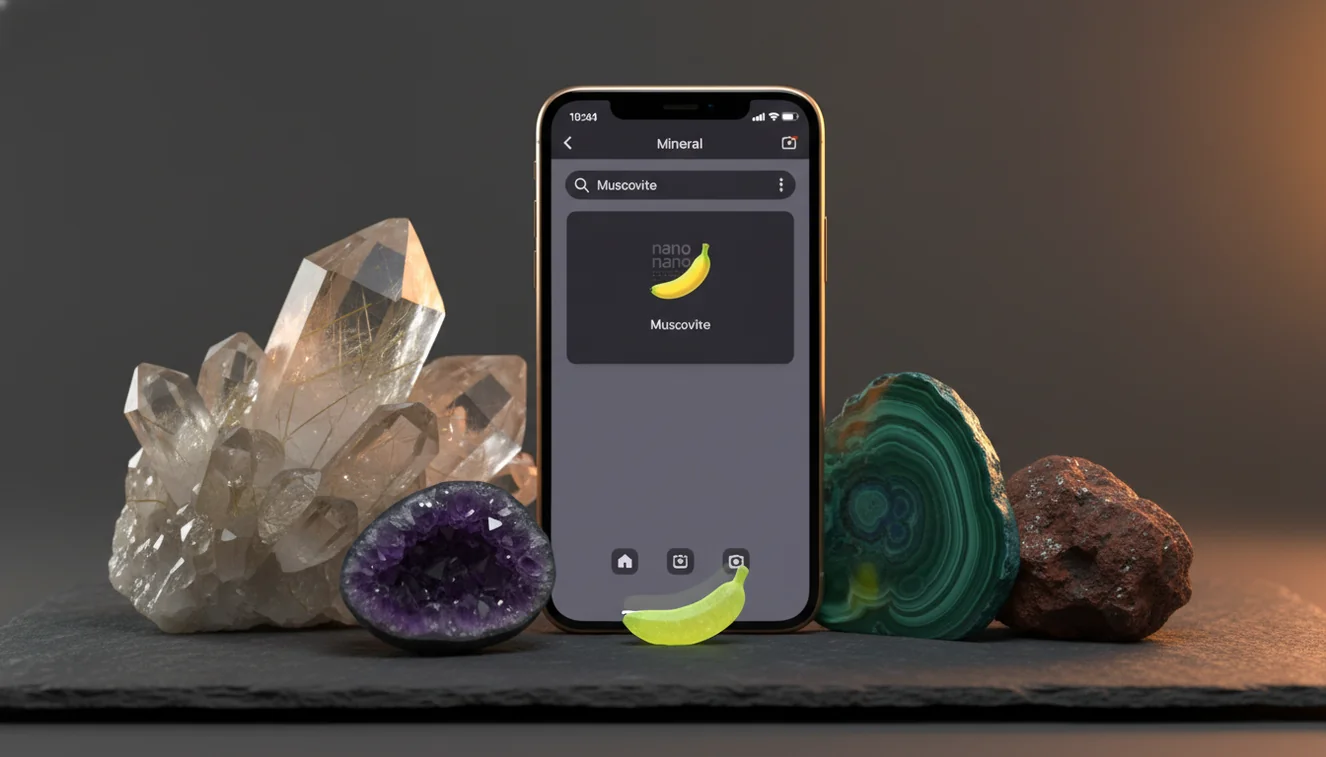
Quick answer: A mineral identifier for iPhone uses a photo to suggest likely mineral matches based on visible features such as color, luster, crystal habit, cleavage, and texture. A mineral identifier for iPhone is most useful as a shortlist tool, and the result should be confirmed with simple tests such as streak, Mohs hardness, magnetism, cleavage, or acid reaction.
AI Rock ID is an iPhone and iPad app that can help turn a mineral photo into a geology-focused shortlist for this mineral identifier for iPhone guide. RockIdentifier.io provides a web photo upload option for users who want to compare a specimen image and then confirm the result with observable mineral properties.
Quick summary
- Best for
- Collectors, students, hikers, field beginners, crystal hobbyists
- Works on
- Minerals, crystals, gemstones, rock-forming grains, hand samples
- Accuracy
- Most useful on clean, dry, single-mineral specimens with sharp photos; less reliable on mixed, polished, wet, or weathered samples
- Needs confirmation
- Yes
- Professional replacement
- No
- Platforms
- iPhone, iPad, Web
This guide is best for
- iPhone users who want a practical workflow for identifying minerals from photos
- Beginner collectors learning how to compare photo results with field tests
- Students who need a simple way to organize mineral observations
- Hikers and field collectors sorting unknown specimens before taking them home
- Crystal hobbyists who want to separate mineral names from trade names
- Anyone comparing similar-looking minerals such as quartz, calcite, feldspar, gypsum, hematite, and magnetite
Consider another approach if you
- Gem buyers who need a professional appraisal or value estimate
- Users making safety, legal, mining, or ore-grade decisions
- Collectors trying to identify rare minerals from a single photo
- Anyone expecting a photo app to replace streak, hardness, cleavage, or acid tests
- Users scanning blurry, wet, polished, coated, or highly mixed specimens
A mineral identifier for iPhone uses a photo to suggest likely minerals, crystals, gemstones, or rock-forming materials. The result should be treated as a shortlist, then checked with luster, streak, Mohs hardness, cleavage, fracture, magnetism, or acid reaction. It is fastest on clean, dry, single-mineral specimens photographed in even light.
What Is a Mineral Identifier for iPhone?
A mineral identifier for iPhone is a photo-based lookup tool that compares visible features of an unknown specimen with reference images and mineral-property data. It looks at color, luster, crystal habit, surface texture, transparency, zoning, matrix, and other visual cues, then returns likely matches rather than a lab-grade answer.
The best workflow is practical: scan first, then verify. For example, quartz and calcite can both look pale and glassy in a phone photo, but quartz has Mohs hardness 7 and conchoidal fracture, while calcite has Mohs hardness 3 and rhombohedral cleavage. For mineral background and terminology, the USGS Mineral Resources Program is a reliable reference: https://www.usgs.gov/programs/mineral-resources-program.
How a Mineral Identifier for iPhone Works
A mineral identifier for iPhone works by extracting visual signals from your image, comparing them with trained examples, and ranking candidate minerals by similarity. The model reads features such as crystal face geometry, grain size, cleavage planes, fracture style, color distribution, luster, and matrix context. Rock Identifier then pairs the image match with mineral profiles so you can check streak, hardness, density, and common look-alikes.
Photos are processed for identification in a privacy-friendly way, and the scan is most useful when the specimen fills the frame without glare. The mechanism is strong at narrowing possibilities, but it cannot see hidden properties like specific gravity, acid reaction, magnetism, or fluorescence unless you add those observations yourself.
How to Use a Mineral Identifier for iPhone
Clean the specimen
Brush off dust, mud, salt crust, or loose iron staining when possible. A dry, fresh surface shows luster, fracture, and cleavage more accurately than a wet or weathered exterior.
Photograph two angles
Take one close-up of the most diagnostic face and one wider image showing the matrix or host rock. Use diffuse daylight, tap to focus on crystal faces, and include a coin or ruler for scale.
Scan the image
Upload the sharpest photo and review the candidate list. Do not stop at the top result if the specimen is granular, banded, translucent, coated, or visibly mixed.
Run simple field tests
Check streak, Mohs hardness, cleavage versus fracture, magnetism, and reaction to dilute acid when safe and appropriate. These tests often separate minerals that share color.
Save the confirmed ID
Record the final name, location, date, matrix, and test observations. A consistent log helps you recognize repeat specimens and avoid re-identifying the same material later.
When to Use a Mineral Identifier for iPhone and When Not To
Use it when
- Use it when you need a fast shortlist for an unknown mineral, crystal, gemstone, or rock-forming grain.
- Use it in the field when you want to decide which test to run next, such as hardness for quartz or acid reaction for carbonate.
- Use it for teaching, collecting, labeling, or sorting common specimens before consulting a field guide.
- Use it when the sample is clean, dry, well lit, and shows a single dominant mineral.
- Use it to compare similar candidates such as calcite, quartz, feldspar, gypsum, fluorite, hematite, and magnetite.
Skip it when
- Do not use it as the final authority for buying, selling, insuring, or valuing a gemstone.
- Do not rely on photo ID alone for rare minerals, ore-grade decisions, hazardous materials, or legal claims.
- Do not expect a reliable answer from blurry, overexposed, wet, polished, coated, or highly weathered surfaces.
- Do not scan a mixed rock and assume the result names every mineral inside it.
- Do not skip confirmatory tests when the suggested minerals have similar color, luster, and habit.
Mineral Identifier for iPhone vs Google Lens and Stone Identifier
| Feature | Rock Identifier | Google Lens | Stone Identifier |
|---|---|---|---|
| Primary purpose | Rock, mineral, crystal, and gemstone photo ID | General visual web search | Stone and crystal photo lookup |
| Mineral properties | Includes identification context such as hardness, streak, cleavage, and luster | May surface web pages, but properties are not structured for field testing | Often provides basic names and descriptions |
| Best use | Turning a specimen photo into a geology-focused shortlist | Finding visually similar images or shopping results | Quick casual crystal or stone naming |
| Field-test workflow | Encourages confirmation with observable mineral properties | User must build the testing workflow separately | Varies by app and specimen type |
| Mixed rocks | Useful as a first pass, but individual grains still need testing | Often matches overall appearance rather than mineral composition | May confuse rock names, trade names, and mineral names |
| Final reliability | Strongest when paired with streak, hardness, cleavage, and locality | Good for broad search, weaker for mineral discrimination | Useful for quick lookup, but still needs verification |
A mineral identifier for iPhone is most valuable when it is geology-specific, not just visually similar. Google Lens can be helpful for broad image search, but it may match jewelry, decor, or retail photos instead of mineral properties. A dedicated stone app can be convenient for casual collectors, but final identification still depends on physical tests when minerals share color or polish.
Mineral Identifier for iPhone Use Cases
- Field collecting: Use the scanner at a creek bed, quarry spoil pile, beach, or trail cut to narrow an unknown specimen before packing it. A quick shortlist helps you decide whether to test hardness, inspect cleavage, or keep searching the matrix.
- Classroom geology: Students can compare the photo result with a hand lens, streak plate, glass plate, and Mohs picks. This turns identification into evidence-based reasoning instead of memorizing color alone.
- Home collection labeling: Collectors can re-check unlabeled boxes, inherited specimens, or mixed display pieces. The useful output is not just a name, but a note explaining why the ID fits the luster, habit, streak, and fracture.
- Crystal and gemstone screening: Use photo-based lookup to separate common possibilities before seeking gemological testing. It can flag look-alikes such as quartz, fluorite, calcite, glass, dyed agate, or synthetic material, but it should not replace refractive index or specific gravity testing.
- Rock versus mineral sorting: Many samples are rocks made of several minerals, not a single mineral species. A scan can suggest whether to identify the whole rock texture or isolate individual grains for mineral-level testing.
Mineral Identifier for iPhone Limitations
- Treated stones can mislead photo ID. Dyeing, heating, irradiation, resin filling, coating, and oiling can change color, clarity, or surface luster without changing the underlying mineral.
- Polished specimens are harder to identify from photos. Tumbling and cabochon cutting remove crystal habit, cleavage expression, weathering clues, and matrix context.
- Rare minerals may be underrepresented in image training data. If a specimen is uncommon, locality-specific, microscopic, or chemically unusual, a photo match may return a common look-alike.
- Photo quality strongly affects results. Motion blur, glare, harsh shadows, color cast, low resolution, and overexposure can hide cleavage, fracture, grain size, zoning, and true luster.
- Value estimates cannot be made reliably from a phone photo. Price depends on confirmed species, size, clarity, treatment, locality, damage, cut quality, market demand, and documentation.
- Mixed rocks can produce ambiguous matches. Granite, gneiss, basalt, schist, pegmatite, and ore samples may contain multiple minerals that need separate grain-level identification.
- Important tests are not visible in a normal image. Streak, hardness, specific gravity, magnetism, fluorescence, acid reaction, and refractive index must be observed or measured separately.
Common mistakes
- Treating the top photo result as a final mineral identification without checking hardness, streak, cleavage, or other physical properties
- Photographing a wet specimen and confusing enhanced color or shine with natural luster
- Scanning a mixed rock and assuming the app has identified every mineral grain inside it
- Using only color to separate minerals that can look alike, such as quartz, calcite, feldspar, gypsum, or fluorite
- Taking a photo under harsh flash or glare that hides crystal faces, fracture surfaces, and cleavage planes
- Ignoring the matrix, locality, and grain size even though those clues can change the most likely identification
- Using a mineral identifier for iPhone to judge gemstone value, rarity, or authenticity from a photo alone
Use a Mineral Identifier for iPhone as a Starting Point
A mineral identifier for iPhone can quickly organize visual clues and suggest likely matches. The most reliable workflow is to scan the specimen, review the shortlist, and confirm the result with simple mineral tests.
Related Articles
Frequently Asked Questions
How accurate is photo mineral ID?
Accuracy depends on photo quality, specimen condition, and whether the sample is a single mineral or a mixed rock. Treat the output as a ranked shortlist, then confirm with streak, hardness, cleavage, fracture, and locality.
Can it identify polished crystals?
It can suggest possibilities, but polished crystals are harder because cutting removes natural habit and cleavage clues. Use the result cautiously and add tests such as hardness, specific gravity, and refractive index if value or authenticity matters.
What photos work best?
Use sharp, dry, evenly lit photos with minimal glare and a neutral background. Capture one close view of the mineral surface and one wider view showing matrix, scale, and overall habit.
Can it tell quartz from calcite?
A photo can suggest either mineral, but confirmation needs physical tests. Quartz scratches glass and has conchoidal fracture, while calcite is softer, cleaves rhombohedrally, and reacts with dilute acid.
Should I scan wet specimens?
Avoid scanning wet specimens unless you also photograph them dry. Water can intensify color, increase apparent luster, fill fractures, and hide cleavage steps.
Does it identify valuable gemstones?
It can provide a first-pass suggestion for common gemstones and look-alikes. Do not use a phone photo as proof of value, treatment status, origin, or authenticity; those require gemological testing.
What tests should I add?
Start with streak, Mohs hardness, cleavage versus fracture, magnetism, and transparency. For certain groups, add acid reaction for carbonates, specific gravity for dense minerals, and fluorescence when appropriate.
Can it identify mixed rocks?
It may recognize the overall rock type, but mixed rocks contain multiple minerals that can confuse photo matching. For better results, isolate a single grain or crystal face and identify that component separately.
Is it better than a field guide?
It is faster for generating a shortlist from a photo, especially when you are in the field. A field guide is still valuable for confirming properties, local geology, crystal systems, and look-alike minerals.