How to Identify Crystals from Photos
Identify a crystal from a clear photo, then verify the result with simple mineral tests like hardness, streak, cleavage, and luster. Use the iOS app link to try AI Rock ID when you want a fast first-pass shortlist from your specimen image.


Drop a rock photo here or tap to upload
JPG, PNG, WebP, HEIC • Max 50 MB • 1 free scan per day

Analyzing your specimen…
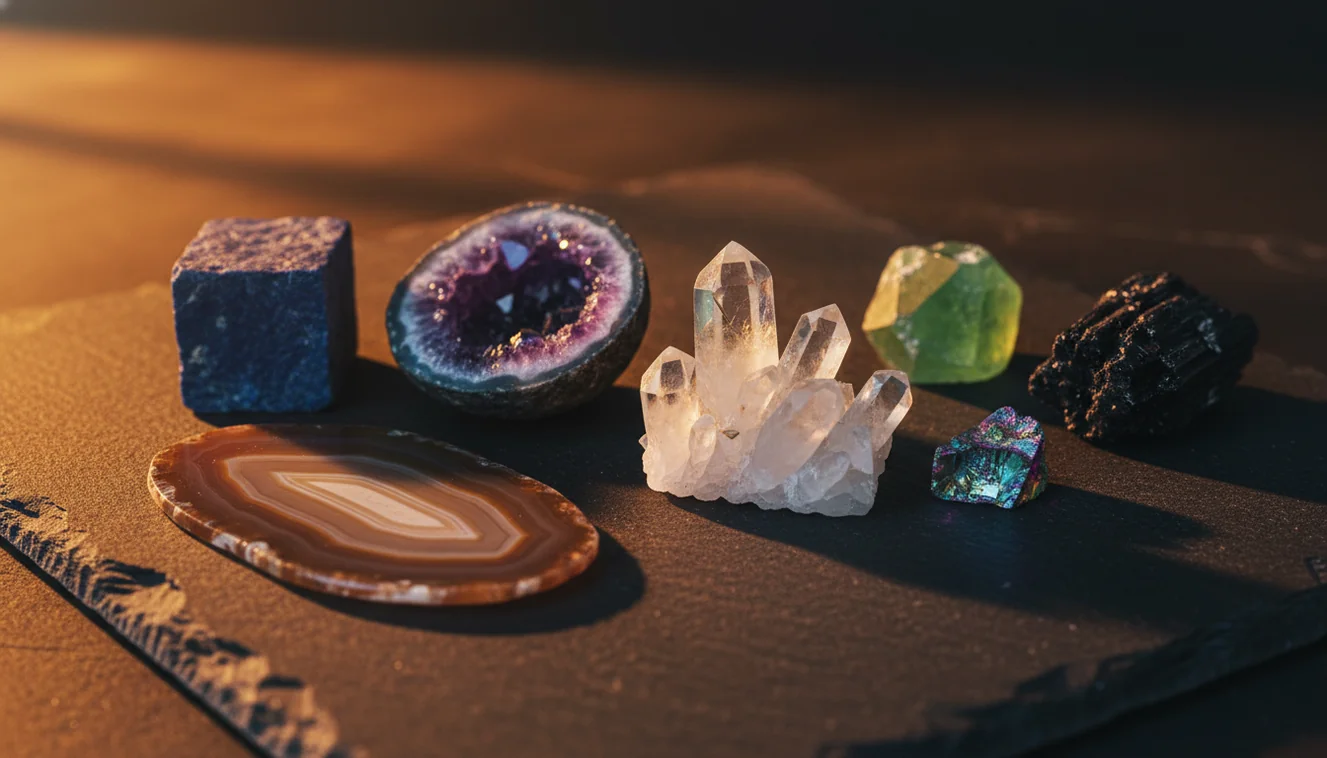
Quick answer: How to identify crystals from photos means using clear images to narrow an unknown specimen to likely mineral candidates based on visible traits such as color, luster, habit, cleavage, fracture, and matrix. A photo can provide a useful shortlist, but the result should be checked with physical tests such as hardness, streak, magnetism, acid reaction, or specific gravity.
AI Rock ID can support this article’s photo-based crystal identification workflow by generating a mineral shortlist from specimen images and encouraging follow-up checks such as luster, cleavage, and hardness. RockIdentifier.io provides a web photo-upload option for the same topic when a user wants to compare crystal photos from a browser.
Quick summary
- Best for
- Collectors, beginners, students, field hobbyists, crystal buyers
- Works on
- Crystals, minerals, gemstones, hand samples, rough specimens
- Accuracy
- Most useful for shortlisting common crystals with clear diagnostic features; less reliable for polished, treated, rare, or look-alike specimens.
- Needs confirmation
- Yes
- Professional replacement
- No
- Platforms
- iPhone, iPad, Web
This guide is best for
- Beginners who want a structured way to identify crystals from photos before doing mineral tests
- Collectors sorting mixed crystal lots, estate specimens, or unlabeled display pieces
- Students comparing photo clues such as luster, cleavage, crystal habit, and fracture
- Field hobbyists documenting specimens before cleaning, trimming, or separating them from matrix
- Crystal buyers who want a first-pass shortlist before asking for expert or gemological confirmation
- Anyone comparing common look-alikes such as quartz, calcite, fluorite, gypsum, feldspar, and pyrite
Consider another approach if you
- People trying to prove gemstone value, authenticity, treatment status, or market price from a photo alone
- Users identifying rare minerals that require expert examination or laboratory testing
- Anyone working from a single blurry, wet, dark, or heavily filtered image
- Collectors identifying polished, dyed, coated, carved, or heat-treated specimens without natural surfaces
- Situations that require formal gemological, legal, insurance, or academic verification
You can identify crystals from photos by using clear, multi-angle images to estimate mineral candidates from color, luster, habit, cleavage, fracture, and matrix. A photo result should be confirmed with simple checks such as Mohs hardness, streak, magnetism, acid reaction, or specific gravity. Photo-based crystal identification is fastest for shortlisting common minerals, not for proving value or authenticity.
What Is How to Identify Crystals from Photos?
How to identify crystals from photos means using visible features in an image to generate a likely mineral or gemstone shortlist. The useful clues are not just color; they include crystal habit, terminations, transparency, luster, cleavage planes, fracture texture, matrix, inclusions, and weathering rind.
This method is a starting workflow, not a laboratory determination. A good photo can separate many common specimens, such as quartz, calcite, fluorite, pyrite, gypsum, and feldspar, but look-alikes still require physical observations. For mineral terminology and reference data, mindat.org is a strong external authority: https://www.mindat.org/.
How to Identify Crystals from Photos Works
Photo-based crystal identification works by comparing image features against known mineral patterns, then ranking likely matches. The scanner reads visual signals such as color range, luster, crystal form, cleavage traces, fracture surfaces, matrix texture, and whether the specimen appears massive, druzy, bladed, cubic, prismatic, botryoidal, or granular.
The mechanism is strongest when the photo contains diagnostic geometry. Quartz often shows glassy luster and conchoidal fracture, calcite may show rhombohedral cleavage, fluorite often forms cubes or cleavage fragments, and pyrite commonly shows metallic cubic faces. Photos are processed for identification rather than public posting, so avoid including faces, address labels, or private locality notes in the frame.
How to Use Photo-Based Crystal Identification
Photograph the specimen dry
Place the crystal on gray or off-white paper in bright indirect light. Do not wet the stone; water can darken color, exaggerate luster, and hide fine fracture or cleavage details.
Capture multiple angles
Take one close-up of faces or terminations, one side view showing thickness and cleavage steps, and one wider shot with matrix and scale. A coin, ruler, or fingertip helps estimate size.
Add observable properties
Record luster, transparency, habit, streak, hardness estimate, magnetism, and any reaction to dilute acid if safe and appropriate. These traits often decide between visually similar minerals.
Compare the shortlist
Check the top candidates against diagnostic traits instead of choosing the closest color match. For example, quartz is harder than calcite and lacks calcite’s obvious cleavage.
Retake weak photos
If the result is broad or inconsistent, retake the image with less glare, better focus, and more matrix visible. One missing face or blown highlight can change the candidate list.
When to Use How to Identify Crystals from Photos (and When Not To)
Use it when
- Use it when you need a fast shortlist for an unknown hand sample before doing hardness, streak, cleavage, or specific gravity checks.
- Use it while sorting a mixed field bag, estate collection, classroom tray, or market bin where many common minerals are visually distinct.
- Use it when the specimen has visible habit, matrix, crystal faces, fracture, zoning, or inclusions that a photo can preserve.
- Use it to document context immediately after collecting, especially if the outcrop, host rock, or vein texture may matter later.
Skip it when
- Do not use photo ID alone to price a gemstone, authenticate a rare mineral, or make buying decisions for expensive material.
- Do not rely on it when the specimen is polished, dyed, heat-treated, coated, or carved into a shape that removes natural diagnostic surfaces.
- Do not use a single dark, wet, blurry, or tightly cropped image as the final identification.
- Do not treat the result as a substitute for gemological instruments, X-ray diffraction, Raman spectroscopy, or expert examination when stakes are high.
How to Identify Crystals from Photos vs Google Lens and Stone Identifier App
| Feature | Rock Identifier | Google Lens | Stone Identifier App |
|---|---|---|---|
| Best use | Mineral-focused photo ID with prompts for luster, cleavage, hardness, and related traits | General visual search across web images, shopping results, and similar-looking objects | Consumer crystal and stone lookup with photo suggestions and basic reference information |
| Geology context | Built around rocks, crystals, minerals, and gemstones | Not geology-specific; results can mix jewelry, décor, glass, and unrelated web matches | Usually crystal-focused, with variable depth on mineral properties |
| Look-alike handling | Encourages cross-checking candidates with observable mineral properties | Often ranks visually similar pages without requiring diagnostic tests | Can help with common stones but may lean heavily on color and polish |
| Field workflow | Useful for quick specimen sorting, retaking angles, and confirming with simple tests | Useful for broad web discovery but less structured for field geology | Useful for casual collection labeling, depending on specimen quality |
| Main weakness | Still cannot measure hardness, streak, density, treatment, or value from the image alone | Can misclassify minerals as products, décor, or visually similar materials | Accuracy can drop on rough, mixed, rare, or poorly photographed specimens |
The best tool depends on the job: a geology-focused scanner is better for mineral shortlists, Google Lens is better for broad web matching, and a crystal app is often enough for casual polished-stone lookup. For a defensible ID, the winning workflow is still photo first, diagnostic property second.
How to Identify Crystals from Photos Use Cases
- Field collecting: A photo-based lookup helps label likely quartz, calcite, feldspar, mica, pyrite, fluorite, or gypsum while locality context is still fresh. Add the host rock, vein setting, and scale to improve later verification.
- Collection sorting: When a drawer contains unlabeled specimens, image ID can quickly group obvious candidates before slower checks. Then use hardness, streak, cleavage, and density to separate look-alikes.
- Classroom practice: Students can compare the photo shortlist with hand-sample observations. This reinforces why color is weak evidence while cleavage, habit, luster, and hardness are more diagnostic.
- Shop or market screening: A quick scan can flag likely material types before purchase, especially with common tumbled stones or crystal points. It should not be used as proof of natural origin, treatment status, or monetary value.
- Home curiosity: For inherited stones, garden finds, or decorative crystals, photo ID gives a practical starting name. If the result suggests something rare or valuable, confirm with a qualified mineralogist or gemologist.
How to Identify Crystals from Photos Limitations
- Treated stones can fool image ID because dyeing, heating, irradiation, coating, and fracture filling may change color and surface appearance without changing the underlying mineral.
- Polished specimens are harder to identify because tumbling removes natural crystal faces, cleavage steps, weathering textures, and fracture patterns.
- Rare minerals may be ranked poorly if they resemble common minerals or if the image lacks locality, matrix, and diagnostic physical tests.
- Photo quality strongly affects results; blur, glare, harsh flash, wet surfaces, low resolution, and tight cropping can hide the features that matter.
- Value estimates cannot be made reliably from a photo because price depends on authenticity, treatment, locality, size, clarity, damage, market demand, and expert grading.
- Mixed rocks and mineral aggregates can confuse a scanner when quartz, feldspar, mica, calcite, sulfides, or iron oxides appear in the same frame.
- Color is unreliable because impurities, oxidation, inclusions, lighting, and camera white balance can make different minerals look nearly identical.
Common mistakes
- Identifying a crystal by color alone instead of checking luster, habit, cleavage, fracture, and matrix.
- Using a wet photo that darkens the specimen and hides fine surface texture.
- Submitting only one angle when cleavage steps, terminations, or matrix are visible from another side.
- Cropping the image so tightly that scale, host rock, and crystal growth context are lost.
- Assuming a polished stone can be identified as confidently as a rough crystal with natural faces.
- Treating a photo match as proof of gemstone value, rarity, or authenticity.
- Ignoring simple confirmation tests such as Mohs hardness, streak, magnetism, or acid reaction when they are safe and appropriate.
Use photo crystal identification as a first step
Photo-based crystal identification is useful for narrowing an unknown specimen to likely candidates when the images are clear and include multiple angles. Confirm the shortlist with simple mineral tests before relying on the result for labeling, buying, or collection records.
Related Articles
Frequently Asked Questions
Can a photo identify a crystal?
A photo can identify many common crystals to a likely shortlist when the image shows habit, luster, fracture, cleavage, and matrix. It should be treated as a first pass, then confirmed with hardness, streak, density, or other physical checks.
Can photos tell quartz from calcite?
Sometimes, especially if the photo shows calcite cleavage or quartz’s conchoidal fracture. A hardness check is usually decisive because quartz scratches glass more readily while calcite is much softer.
What photos should I take?
Take a close-up, a side view, and a wider shot that includes matrix and scale. Use dry surfaces, indirect light, and a plain background so glare and shadows do not hide crystal faces.
Do I need a white background?
A plain background helps, but bright white can overexpose clear, pale, or reflective crystals. Gray or off-white paper usually preserves edges, luster, and subtle color better.
How many angles are best?
Three to five angles is a practical range for most specimens. Include one image focused on terminations or faces, one showing cleavage or fracture, and one showing the whole sample.
Why are there multiple results?
Many minerals overlap visually, especially when color dominates the image. Multiple results mean you need diagnostic checks such as streak, hardness, cleavage, magnetism, acid reaction, or specific gravity.
Does polishing affect crystal identification?
Yes, polishing removes many natural cues, including cleavage steps, growth faces, weathering, and fracture texture. Tumbled stones often need extra context, such as known locality, hardness, or density.
Can a photo prove gemstone value?
No, a photo cannot prove value, treatment status, synthetic origin, or authenticity. Valuable material should be examined with gemological tools by a qualified professional.
What if the crystal is rare?
Rare minerals often require locality data, physical tests, and sometimes laboratory analysis. If the photo result suggests an unusual species, verify it against hardness, streak, crystal system, associations, and expert references.