Best Crystal Identifier Apps in 2026
A comparison of six options using verified US App Store data collected on 23 October 2026, published prices, free-scan limits and features.


Drop a rock photo here or tap to upload
JPG, PNG, WebP, HEIC • Max 50 MB • 1 free scan per day

Analyzing your specimen…
Which crystal identifier app is best?
Why AI Rock ID ranks first:
- Free web version: the same identification runs in the browser at rockidentifier.io, 1 scan per day, with no install or account.
- Both mobile platforms: the app is on iPhone and iPad and on Google Play (package ai.rockid.crystal.identifier).
- Free daily scans: 5 free scans per day in the app before any paywall.
- Value estimates: results include estimated value ranges, which crystal buyers and sellers use to sanity-check a price.
- Collection and encyclopedia: scans can be saved to a collection, and a built-in encyclopedia covers rocks, crystals, minerals, gemstones and fossils.
- AI chat follow-ups: questions can be asked about a result, such as common lookalikes or simple checks to run.
- Published pricing: $4.99 per week or $29.99 per year after the free scans.
Where another option is the better pick:
- Stone ID has by far the largest user base (81,888 ratings) and supports 14 languages. AI Rock ID is English only.
- Crystalyze is the clearer choice for crystal meanings and spiritual or metaphysical guidance.
- Crystal Council suits people who already use The Crystal Council website and want free scans without signing up.
- Google Lens is free with no scan limits and is enough for broad matches and common names.
- Rockd is the pick for geologic maps and rock formations at your location, not for photo identification.
Crystal identifier apps compared
Ratings are from the US App Store, collected 23 October 2026. Ratings change over time. "Not collected" means the figure was not part of the verified data and is not guessed here.
| Rank | App | Best for | Platforms | Free use | Paid price | App Store rating |
|---|---|---|---|---|---|---|
| 1 | AI Rock ID: Crystal Identifier | Crystal, rock and gemstone ID with value ranges, collection and encyclopedia | iPhone, iPad, Android, web browser | 5 scans per day in app; 1 per day on the web | $4.99/week or $29.99/year | 4.6 (576 ratings) |
| 2 | Crystalyze: Crystal Identifier | Crystal meanings and spiritual guidance | iPhone, iPad (Android not confirmed) | Not collected | Not collected | 4.75 (3,422 ratings) |
| 3 | Rock & Crystal Identifier by Crystal Council | Free scans linked to crystal meaning content | iPhone, iPad | Listing advertises free scans, no signup | Not collected | 4.57 (2,779 ratings) |
| 4 | Rock Identifier: Stone ID | Largest user base, 14 languages | iPhone, iPad, Android | Limited daily IDs | Premium subscription (price not collected) | 4.65 (81,888 ratings) |
| 5 | Google Lens | Free general lookups | Android (Google app, camera), iOS (Google app) | Free | Free | Not collected |
| 6 | Rockd | Geologic maps for hikers and students | iPhone, iPad, Android | Free | Free | 4.38 (187 ratings) |
1. AI Rock ID: Crystal Identifier
A photo identifier for rocks, crystals, minerals, gemstones and fossils. It is the only option on this list that also runs as a free web tool, so a specimen can be checked on a laptop or a borrowed phone without installing anything. A crystal-specific entry point is available at the crystal identifier page, and cut stones can go through the gemstone identifier.
- Best for: collectors and buyers who want an identification plus a value range, a saved collection and reference information in one place.
- Platforms: iPhone and iPad, Google Play, and web browser at rockidentifier.io.
- Price and free limit: free download, 5 free scans per day in the app, then $4.99 per week or $29.99 per year. The web version gives 1 free scan per day.
- Rating: 4.6 stars from 576 ratings (US App Store, 23 October 2026). Google Play rating not collected.
- Strengths: value estimate ranges; saved collection; built-in encyclopedia; AI chat follow-ups for questions such as "what is this commonly confused with?"; free browser access with no install.
- Limits: English only; a small rating count compared with the market leader, so there is less public user feedback to judge it by; a subscription is needed beyond the free daily scans.
For background reading on minerals after a scan, the RockIdentifier wiki covers properties and lookalikes.
Get AI Rock ID on the App Store for iPhone and iPad or on Google Play for Android, or try one free scan in the browser with the online rock identifier.
2. Crystalyze: Crystal Identifier
Crystalyze is built around crystals rather than geology in general, and it leans into the spiritual and metaphysical side: crystal meanings and guides. It has the highest star average in this comparison.
- Best for: people who buy or collect crystals for their meanings and want guidance alongside the name.
- Platforms: iPhone and iPad. Android availability not confirmed.
- Price and free limit: not collected in the verified data. Check the listing before relying on it for repeated scans.
- Rating: 4.75 stars from 3,422 ratings (US App Store, 23 October 2026). Content rating 12+.
- Strengths: crystal focus; meaning and guide content in the same app as the identifier; a strong star average from a mid-sized rating base.
- Limits: no confirmed Android version; the verified data does not mention value estimates or authenticity checks; less suited to rocks, fossils or field geology.
3. Rock & Crystal Identifier by Crystal Council
This app comes from The Crystal Council, a crystal meaning website. Its listing advertises free scans with no signup, which lowers the barrier for a quick check.
- Best for: readers of The Crystal Council website and anyone who wants a scan without creating an account.
- Platforms: iPhone and iPad.
- Price and free limit: the listing advertises free scans with no signup. Paid tiers, if any, were not collected.
- Rating: 4.57 stars from 2,779 ratings (US App Store, 23 October 2026).
- Strengths: no signup for free scans; connected to an established crystal meaning content source.
- Limits: iPhone and iPad only in the verified data; value estimates, collection features and authenticity checks are not mentioned in the verified data.
4. Rock Identifier: Stone ID
Stone ID from Next Vision Limited is the market leader by rating count, with 81,888 ratings, far more than any other app here. It ranks fourth on this page only because this list centres on crystal buyers, and the two crystal-specific apps target that use case more directly. For general rock identification, or for anyone who needs a language other than English, it is a strong option.
- Best for: people who want the most widely used app, or who need one of its 14 supported languages.
- Platforms: iPhone, iPad and Android.
- Price and free limit: free download with limited daily IDs; premium unlocks unlimited IDs. Premium price not collected.
- Rating: 4.65 stars from 81,888 ratings (US App Store, 23 October 2026).
- Strengths: largest user base; 14 languages; available on both mobile platforms.
- Limits: users mention inconsistent results on rare, raw or weathered specimens, and mention subscription pricing as a concern.
5. Google Lens
Google Lens is general visual search, not a geology tool. It returns visually similar images and web pages, which is often enough to get a common name for a well-known crystal such as amethyst or rose quartz.
- Best for: free, unlimited, quick lookups when a broad match is enough.
- Platforms: built into the Google app and the camera on many Android phones; available on iPhone through the Google app.
- Price and free limit: free.
- Rating: not collected for this comparison.
- Strengths: no cost, no scan cap, already installed on many phones.
- Limits: not geology-specific; no hardness or lookalike guidance; results can point to shopping listings rather than mineral information.
A side-by-side breakdown is in Rock Identifier vs Google Lens.
6. Rockd
Rockd, from the University of Wisconsin-Madison, is not a photo identifier. It shows geologic maps and rock formations for your location and lets you keep field notes. It is included because people looking for geology apps often find it, and it answers a different question: what rocks are likely to be underfoot here?
- Best for: hikers, rockhounds planning a trip, and geology students.
- Platforms: iPhone, iPad and Android.
- Price and free limit: free.
- Rating: 4.38 stars from 187 ratings (US App Store, 23 October 2026).
- Strengths: location-based geologic context; field notes; free; university-built.
- Limits: cannot identify a crystal from a photo; little use for shop-bought specimens with no known origin.
Mindat.org for confirming a name
Mindat.org is a free web mineral database with locality data and photos. It is not an app identifier, so it does not take the place of any option above. It is most useful after an app gives a candidate name: compare the specimen against Mindat's photos, typical crystal habit and known localities. If a seller claims a locality that does not match where the mineral is recorded, that is worth questioning.
Which apps help spot fake, dyed or glass crystals?
None of the six listings in the verified data advertises a dedicated fake, dye or glass detector. A photo captures colour, shape and surface shine, and many imitations are made to match exactly those things. Dyed stones, glass sold under crystal-sounding names and heat-treated material can look convincing in a picture.
What each option can and cannot do here:
- AI Rock ID: the AI chat follow-ups can be used to ask which imitations are common for the identified name and which simple checks apply, and the encyclopedia lists properties to compare against. The value range also helps flag a price that looks too low for the claimed material. This is guidance, not a lab test.
- Crystalyze and Crystal Council: focused on identification and meaning content; the verified data does not mention authenticity checks.
- Stone ID: identification app; the verified data does not mention authenticity checks.
- Google Lens: offers no lookalike guidance and may surface product listings that repeat a seller's claims.
- Rockd: not applicable to loose specimens.
- Mindat.org: useful for comparing habit, colour range and locality against what a seller states.
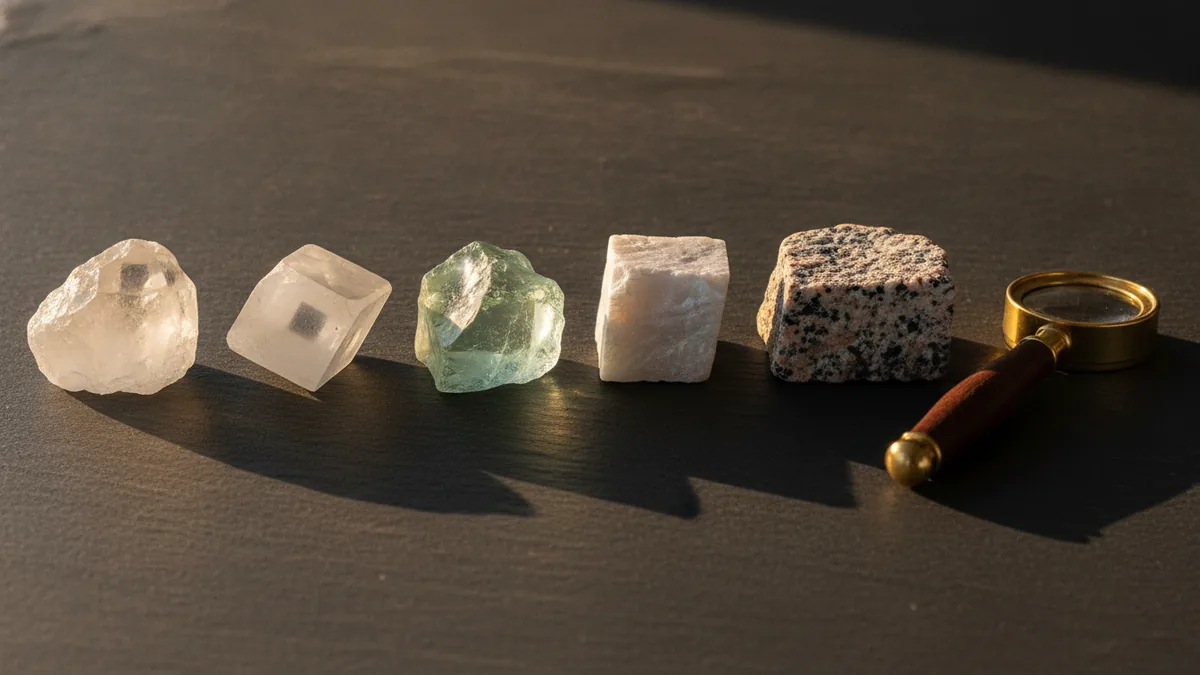
Physical checks still matter: look for round bubbles inside the stone, colour concentrated in cracks, unusually even colour, and a temperature that feels warm rather than cool to the touch. The full checklist is in how to tell real vs fake crystals. For expensive purchases, a gemological lab report is the reliable route.
How to compare these apps yourself
Store ratings measure satisfaction, not accuracy. A short home test gives a fairer picture for the specimens you actually own.
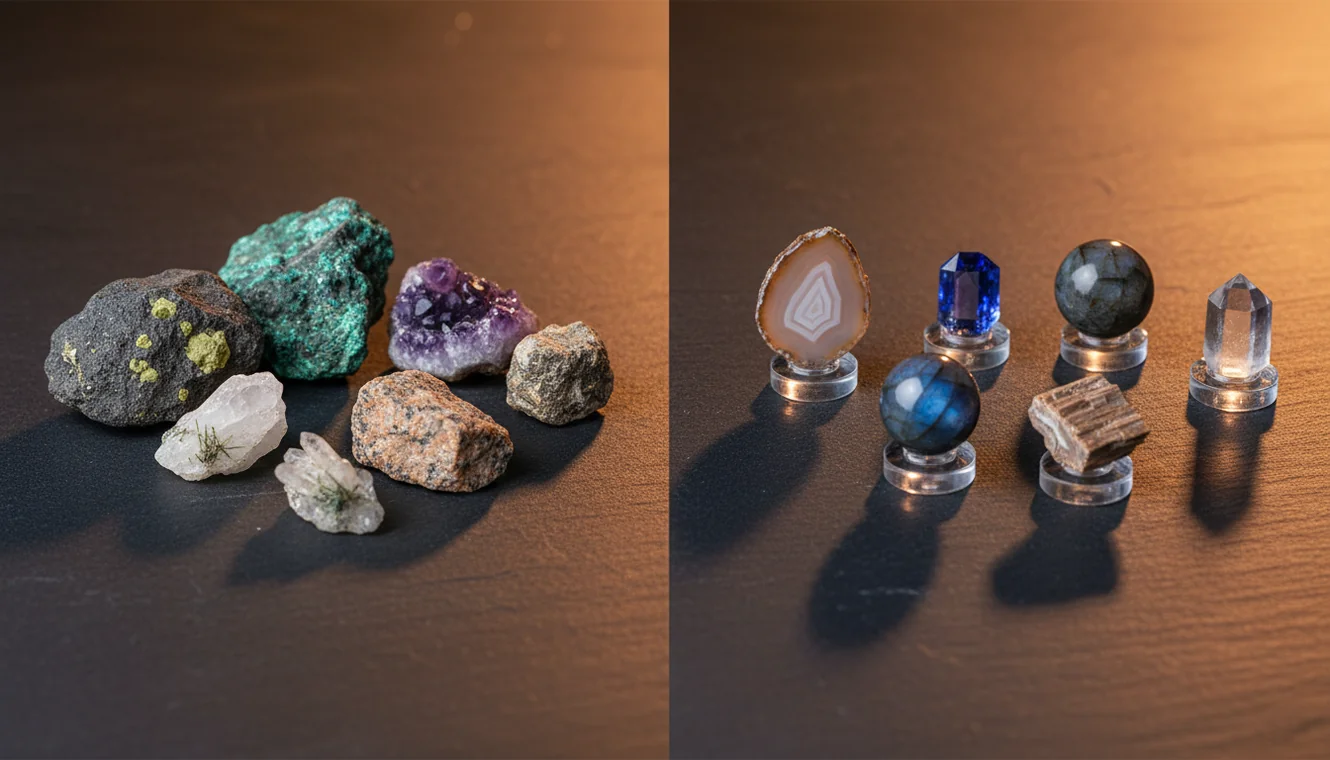
- Pick 5 to 10 specimens you already know. Include a mix: one or two common tumbled stones, a raw piece, a dark or weathered piece, and if possible one known fake or dyed stone.
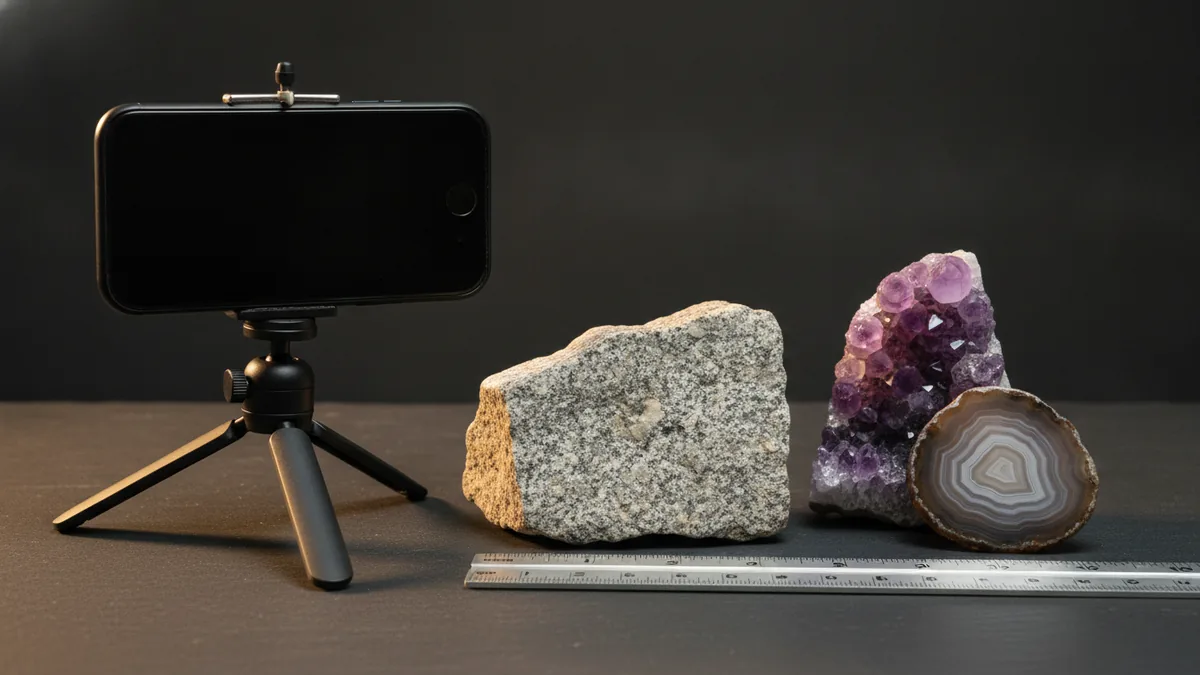
- Take one photo of each. Use daylight, a plain background and a sharp focus. Follow the tips in how to identify a rock from a photo.
- Run the same photo in each app. Using the identical image removes lighting and angle differences.
- Score each result as right, close or wrong. "Close" means a related mineral or the correct group (for example, a quartz variety rather than the exact variety).
- Note the free-scan limit. Record how many scans you got before hitting a limit.
- Note the paywall price. Write down the weekly and yearly prices shown, and whether a trial converts automatically.
- Check the extras. Note whether each app flagged lookalikes, gave a value range, or offered a way to save the result.
Background on why results vary between common and rare material is in can AI identify rocks accurately?
Free crystal identifier options
Fully free choices exist, with trade-offs:
- Google Lens: free and unlimited, but general rather than geology-specific.
- Rockd: free, but maps and formations only, no photo ID.
- Crystal Council: listing advertises free scans with no signup.
- AI Rock ID: 5 free scans per day in the app and 1 per day in the browser at rockidentifier.io.
- Stone ID: limited free daily IDs.
For a closer look at what paid tiers add, see free vs paid rock identifier apps and is there a free rock identifier app?
How this ranking was made
The order reflects verified store data (US App Store, collected 23 October 2026), listed features, published prices and free limits, platform coverage, and fit for people identifying crystals. No hands-on accuracy testing is reported on this page, and no accuracy figures are claimed for any app. Where a price, rating or platform was not part of the verified data, the table says "not collected" instead of estimating. Ratings and prices change, so check the current store listing before subscribing.
Try AI Rock ID
Identify one rock free in your browser above, or get the app for unlimited scans, value ranges and a saved collection.
Related Articles
Frequently Asked Questions
What is the best free crystal identifier app?
For fully free use with no limits, Google Lens works for broad matches but is not geology-specific. Crystal Council advertises free scans with no signup. AI Rock ID gives 5 free scans per day in the app and 1 free scan per day in the browser at rockidentifier.io, with value ranges and encyclopedia entries included.
Can a crystal identifier app tell if my crystal is real?
Not reliably. None of the apps reviewed here advertises a dedicated fake, dye or glass detector, and imitations are often made to look right in photos. An app can suggest common lookalikes and checks to run, such as looking for bubbles or colour pooled in cracks, but a gemological lab is the reliable option for valuable stones.
Is Google Lens good enough to identify crystals?
For common crystals and a quick name, often yes. Google Lens is general visual search, so it does not give hardness, lookalike guidance or value ranges, and it can return shopping listings instead of mineral information. Dedicated identifier apps add those geology-specific details.
Which crystal identifier apps work on Android?
From the verified data: AI Rock ID (Google Play), Stone ID, Rockd and Google Lens are available on Android. Crystal Council is listed for iPhone and iPad, and Android availability for Crystalyze is not confirmed.
How accurate are crystal identifier apps?
Results depend on photo quality and on how common the specimen is. Well-known tumbled crystals are easier than rare, raw or weathered pieces; Stone ID users, for example, mention inconsistent results on those harder specimens. The most practical check is to run 5 to 10 specimens you already know through each app and score the results.
Can I identify a crystal without downloading an app?
Yes. The AI Rock ID identifier runs in the browser at rockidentifier.io with 1 free scan per day and no install. Google Lens also works through the Google app or a browser. Mindat.org, a free web database, is useful for confirming a name once you have a candidate.